







Question: public boolean remove (Object o) { // Get the index of the object to be removed. int index = theData.indexOf(o); // If it is not
public boolean remove (Object o) {
// Get the index of the object to be removed.
int index = theData.indexOf(o);
// If it is not there, done.
if (index == -1)
return false;
// If it is the last item, just remove it.
if (index == theData.size() - 1) {
theData.remove(index);
return true;
}
// Copy the item at size-1 to index and then remove the item at size-1.
// If the item at index is better than its parent, swap it upward
// as in offer. Otherwise, swap it downward as in poll().
return true;
}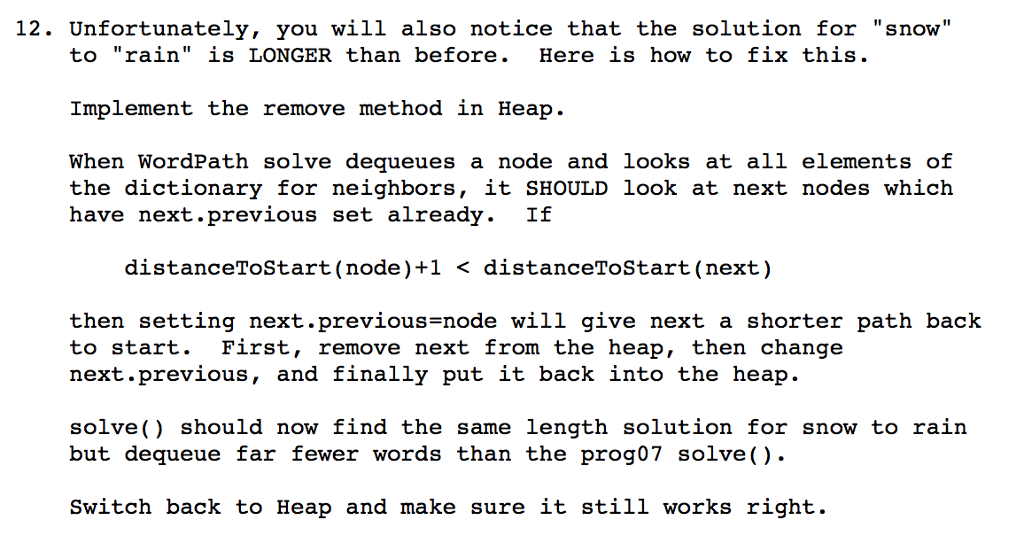
12 Unfortunately, you will also notice that the solution for "snow" to "rain" is LONGER than before. Here is how to fix this Implement the remove method in Heap When WordPath solve dequeues a node and looks at all elements of the dictionary for neighbors it SHOULD look at next nodes which have next previous set already. If distanceTostart (node)+1 distanceToStart (next to start. First, remove next from the heap, then change next previous and finally put it back into the heap solve should now find the same length solution for snow to rain but de queue far fewer words than the prog07 solve() Switch back to Heap and make sure it still works right. 12 Unfortunately, you will also notice that the solution for "snow" to "rain" is LONGER than before. Here is how to fix this Implement the remove method in Heap When WordPath solve dequeues a node and looks at all elements of the dictionary for neighbors it SHOULD look at next nodes which have next previous set already. If distanceTostart (node)+1 distanceToStart (next to start. First, remove next from the heap, then change next previous and finally put it back into the heap solve should now find the same length solution for snow to rain but de queue far fewer words than the prog07 solve() Switch back to Heap and make sure it still works right
Step by Step Solution
There are 3 Steps involved in it

Get step-by-step solutions from verified subject matter experts
 Study Help