







Question: Purpose : Design and code a Cobol program and to utilize edit patterns, condition names, and the SCREEN SECTION for output definitions. Problem: The report
Purpose : Design and code a Cobol program and to utilize edit patterns, condition names, and the SCREEN SECTION for output definitions. Problem: The report should display the customer's number, name, purchase date, purchase price, and satisfaction rating. Define condition names associated with the satisfaction field. Test the condition names in the program. Then display an appropriate message to correspond to a customer's satisfaction rating. Insert slashes in the purchase date. Use a floating dollar sign on the purchase price. Save this program as EX3-2R
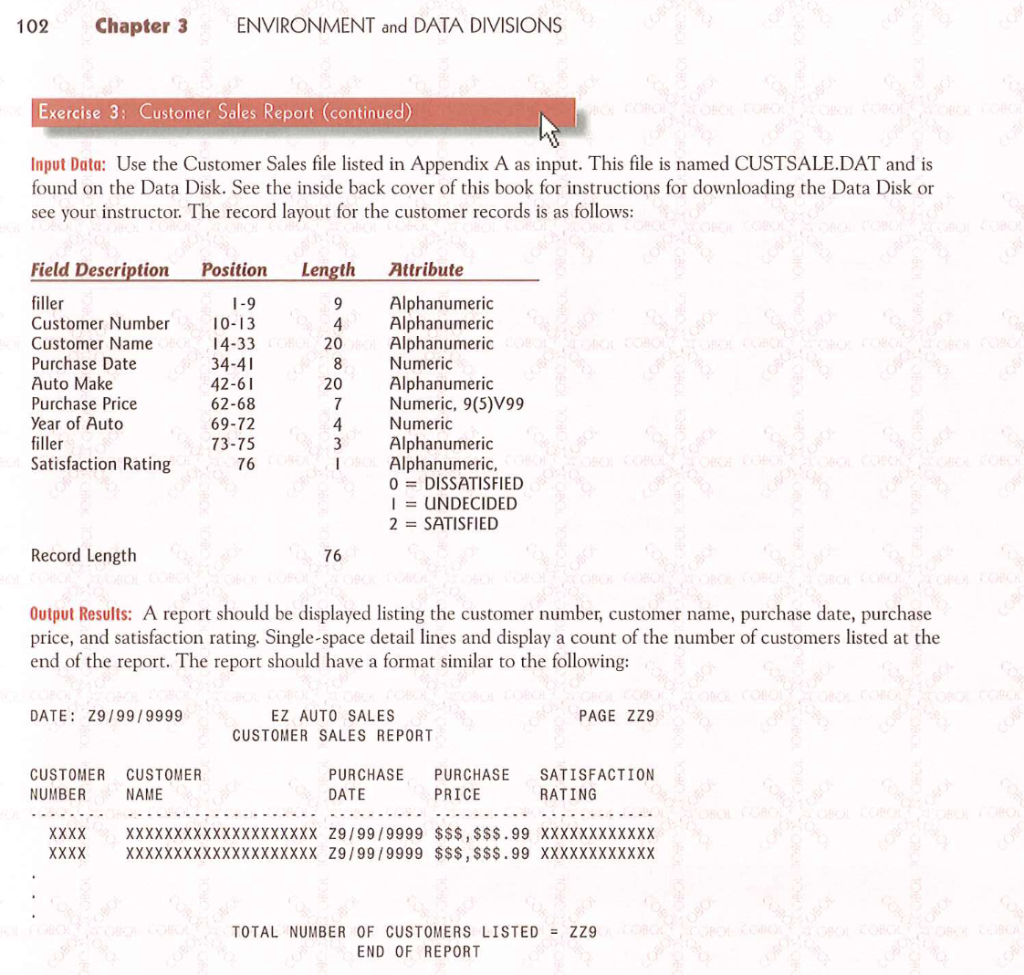
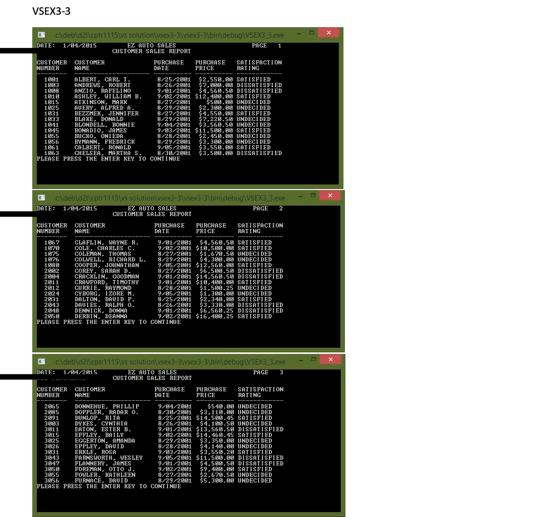
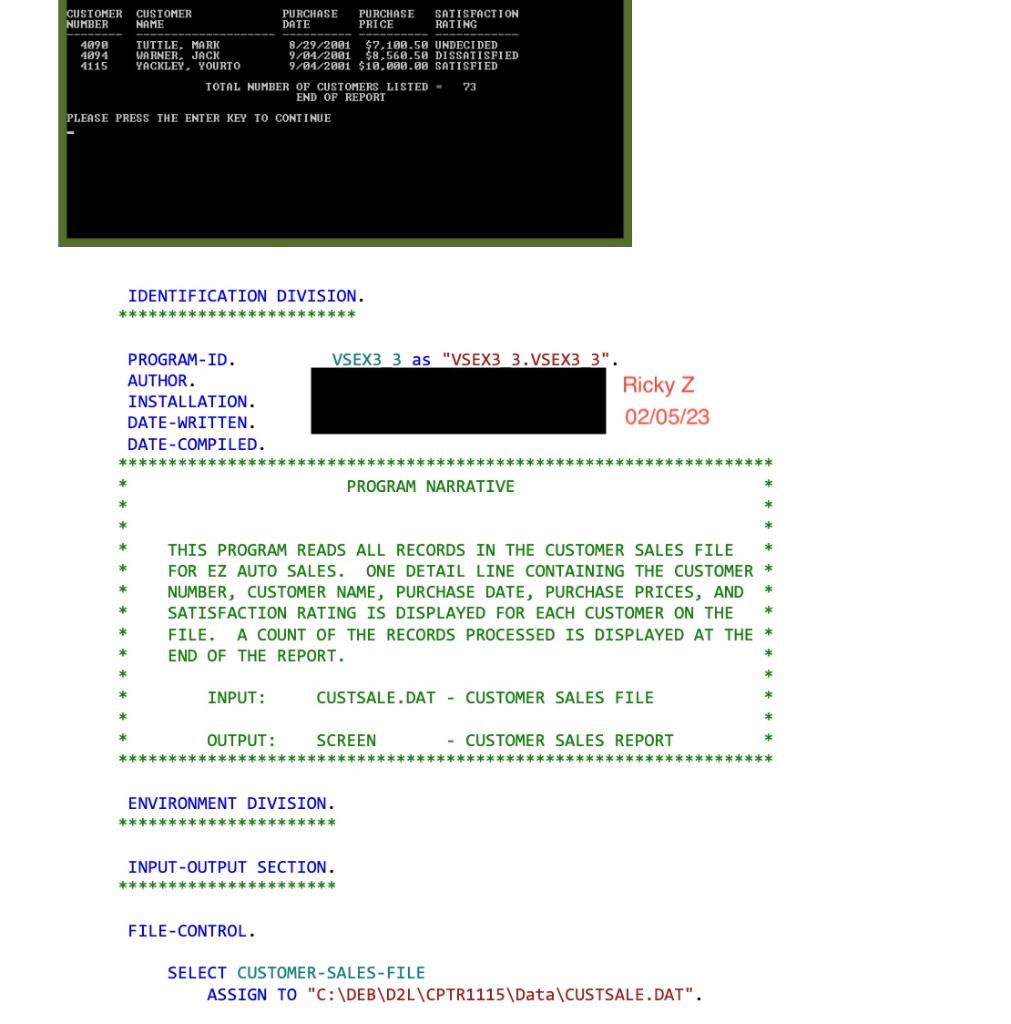 please include code and screen shots with name as Ricky Z
Thank you,
Input Data: Use the Customer Sales file listed in Appendix A as input. This file is named CUSTSALE.DAT and is found on the Data Disk. See the inside back cover of this book for instructions for downloading the Data Disk or see your instructor. The record layout for the customer records is as follows: Record Length 76 Output Results: A report should be displayed listing the customer number, customer name, purchase date, purchase price, and satisfaction rating. Single-space detail lines and display a count of the number of customers listed at the end of the report. The report should have a format similar to the following: DATE: Z9/99/9999 EZ AUTO SALES PAGE ZZ9 TOTAL NUMBER OF CUSTOMERS LISTED =ZZ9 END OF REPORT IDENTIFICATION DIVISION. DATE-COMPILED. PROGRAM NARRATIVE * this PROGRAM READS ALL RECORDS IN the CUStOMER SALES file * FOR EZ AUTO SALES. ONE DETAIL LINE CONTAINING THE CUSTOMER * * NUMBER, Customer NAME, PURCHASE DATE, PURCHASE PRICES, AND * * SATISFACTION RATING IS DISPLAYED FOR EACH CUSTOMER ON THE * * FILE. A COUNT OF THE RECORDS PROCESSED IS DISPLAYED AT THE * * END OF THE REPORT. * INPUT: CUSTSALE.DAT - CUSTOMER SALES FILE * OUTPUT : SCREEN - CUSTOMER SALES REPORT ENVIRONMENT DIVISION. INPUT-OUTPUT SECTION . FILE-CONTROL. SELECT CUSTOMER-SALES-FILE
Step by Step Solution
There are 3 Steps involved in it

Get step-by-step solutions from verified subject matter experts
 Study Help