







Question: Purpose: Write pseudocode to introduce noise into an image and then apply convolution to reconstruct the original image by reducing or eliminating the noise. Requirements:
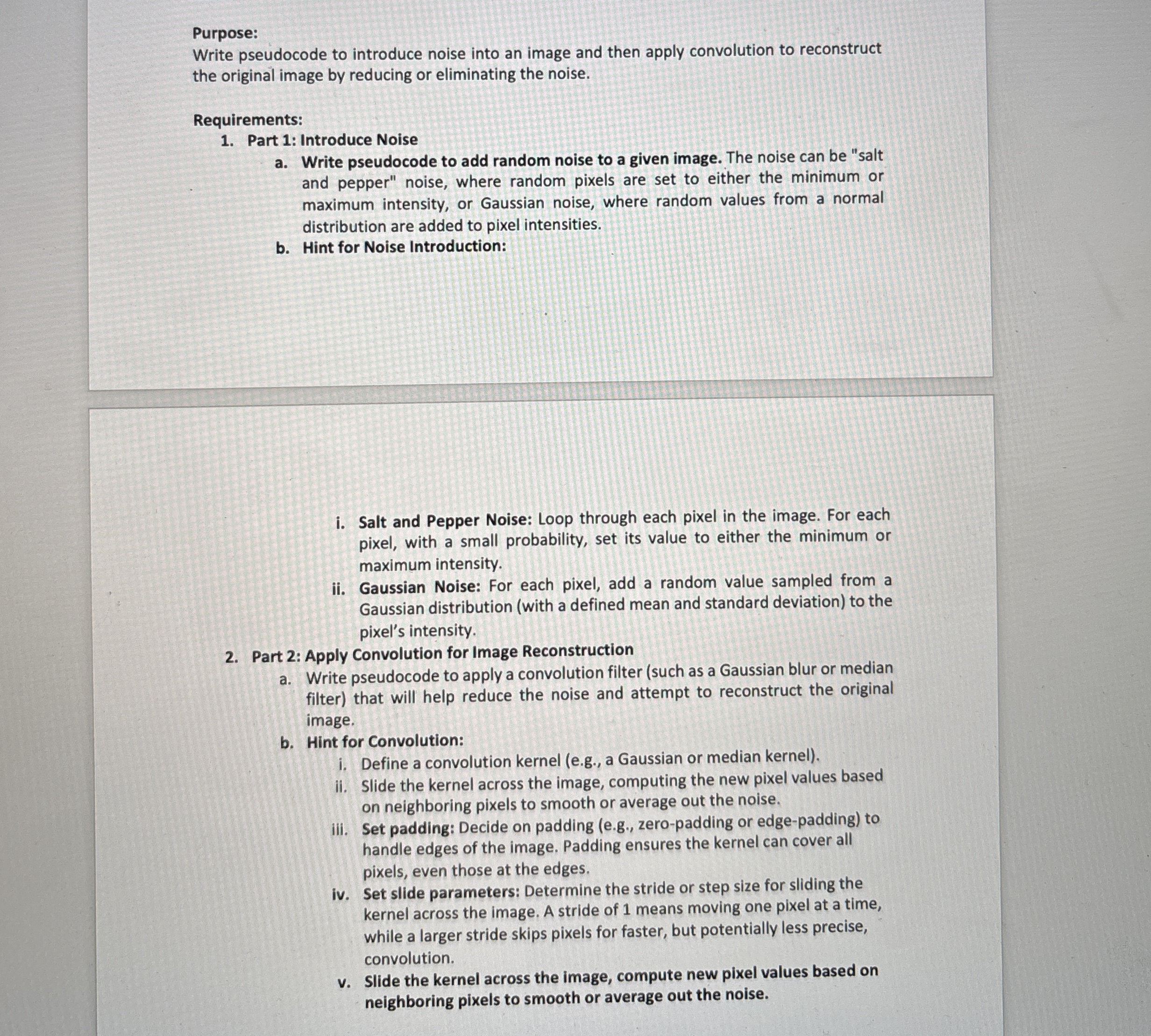
Purpose:
Write pseudocode to introduce noise into an image and then apply convolution to reconstruct the original image by reducing or eliminating the noise.
Requirements:
Part : Introduce Noise
a Write pseudocode to add random noise to a given image. The noise can be "salt and pepper" noise, where random pixels are set to either the minimum or maximum intensity, or Gaussian noise, where random values from a normal distribution are added to pixel intensities.
b Hint for Noise Introduction:
i Salt and Pepper Noise: Loop through each pixel in the image. For each pixel, with a small probability, set its value to either the minimum or maximum intensity.
ii Gaussian Noise: For each pixel, add a random value sampled from a Gaussian distribution with a defined mean and standard deviation to the pixel's intensity.
Part : Apply Convolution for Image Reconstruction
a Write pseudocode to apply a convolution filter such as a Gaussian blur or median filter that will help reduce the noise and attempt to reconstruct the original image.
b Hint for Convolution:
i Define a convolution kernel eg a Gaussian or median kernel
ii Slide the kernel across the image, computing the new pixel values based on neighboring pixels to smooth or average out the noise.
iii. Set padding: Decide on padding eg zeropadding or edgepadding to handle edges of the image. Padding ensures the kernel can cover all pixels, even those at the edges.
iv Set slide parameters: Determine the stride or step size for sliding the kernel across the image. A stride of means moving one pixel at a time, while a larger stride skips pixels for faster, but potentially less precise, convolution.
v Slide the kernel across the image, compute new pixel values based on neighboring pixels to smooth or average out the noise.
Step by Step Solution
There are 3 Steps involved in it
1 Expert Approved Answer
Step: 1 Unlock

Question Has Been Solved by an Expert!
Get step-by-step solutions from verified subject matter experts
Step: 2 Unlock
Step: 3 Unlock
 Study Help