







Question: Python 1. Create a New File named fileHandling.txt 2. Write two sentences in the file 3. Read the content of the file 4. Read the
Python 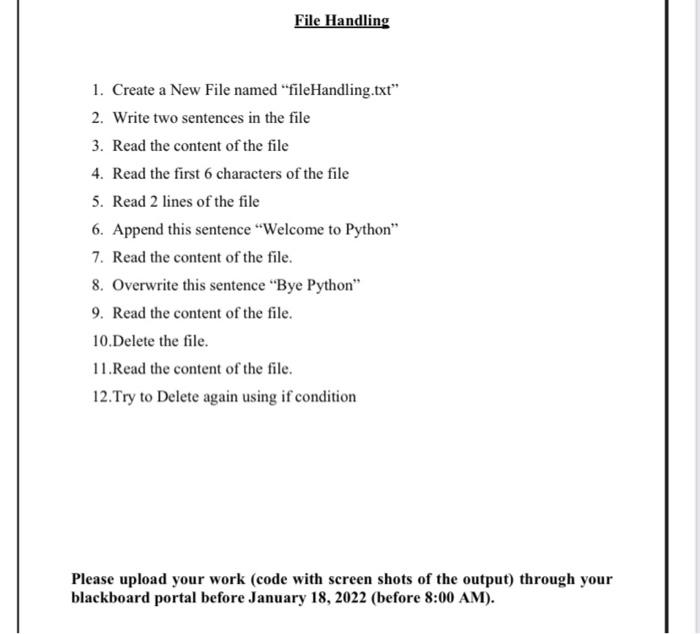
1. Create a New File named "fileHandling.txt" 2. Write two sentences in the file 3. Read the content of the file 4. Read the first 6 characters of the file 5. Read 2 lines of the file 6. Append this sentence "Welcome to Python" 7. Read the content of the file. 8. Overwrite this sentence "Bye Python" 9. Read the content of the file. 10.Delete the file. 11.Read the content of the file. 12.Try to Delete again using if condition Please upload your work (code with screen shots of the output) through your blackboard portal before January 18, 2022 (before 8:00 AM)
Step by Step Solution
There are 3 Steps involved in it
1 Expert Approved Answer
Step: 1 Unlock

Question Has Been Solved by an Expert!
Get step-by-step solutions from verified subject matter experts
Step: 2 Unlock
Step: 3 Unlock
 Study Help