







Question: Python 3.6 language ITERATION Function name (1): rearrange_vowels Parameters: string to be iterated through (str) Return value: string starting with all of the vowels of
Python 3.6 language
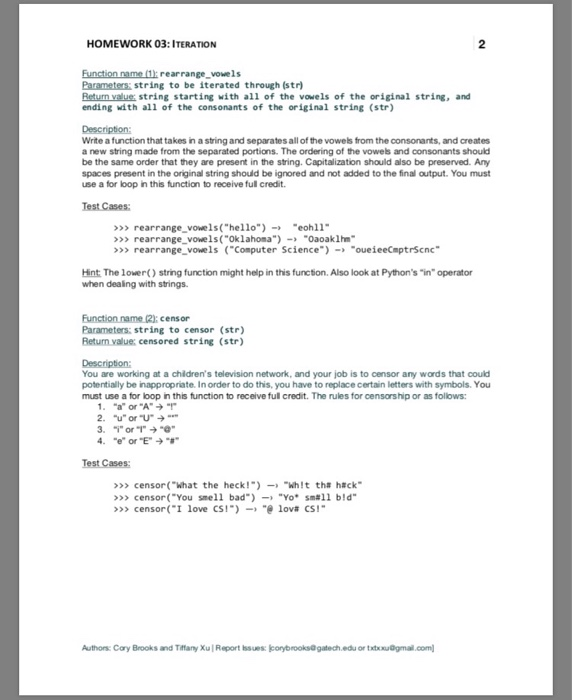
ITERATION Function name (1): rearrange_vowels Parameters: string to be iterated through (str) Return value: string starting with all of the vowels of the original string, and ending with all of the consonants of the original string (str) Description: Write a function that takes in a string and separates all of the vowels from the consonants, and creates a new string made from the separated portions. The ordering of the vowels and consonants should be the same order that they are present in the string. Capitalization should also be preserved. Any spaces present in the original string should be ignored and not added to the final output. You must use a for loop in this function to receive full credit. Test Cases: > > > rearrange_vowels("hello") rightarrow "eohll" > > > rearrange_vowels("Oklahoma") rightarrow "Oaoak1hm" > > > rearrange_vowels ("Computer Science") rightarrow "oueieeCmptrScnc" Function name (2): censor Parameters: string to censor (str) Return value: censored string (str) Description: You are working at a children's television network, and your job is to censor any wards that could potentially be inappropriate. In order to do this, you have to replace certain letters with symbols. You must use a for loop in this function to receive full credit. The rules for censorship or as follows: 1. "a" or "A" rightarrow ! 2. "u" or "U" rightarrow " " 3. "i" or "I" rightarrow "@" 4. "e" or "E" rightarrow "#" Test Cases: > > > censor("What the heck!") rightarrow "Wh!t th# h#ck" > > > censor("You smell bad") rightarrow "yo sm#ll b!d" > > > censor ("I love CSl) rightarrow "@ lov# CSl
Step by Step Solution
There are 3 Steps involved in it

Get step-by-step solutions from verified subject matter experts
 Study Help