







Question: Python don't use built-in function Your tasks 1. Write a function bw(pixels, threshold) that takes the 2-D list pixels containing pixels for an image, and
Python don't use built-in function
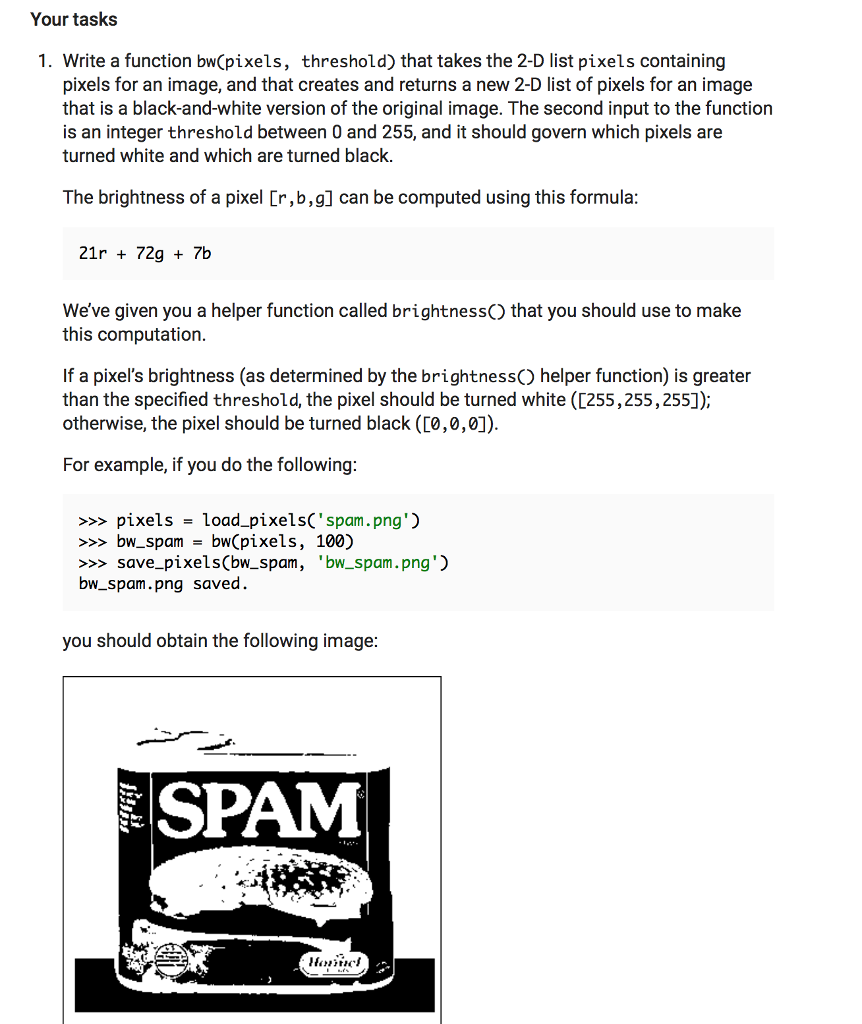
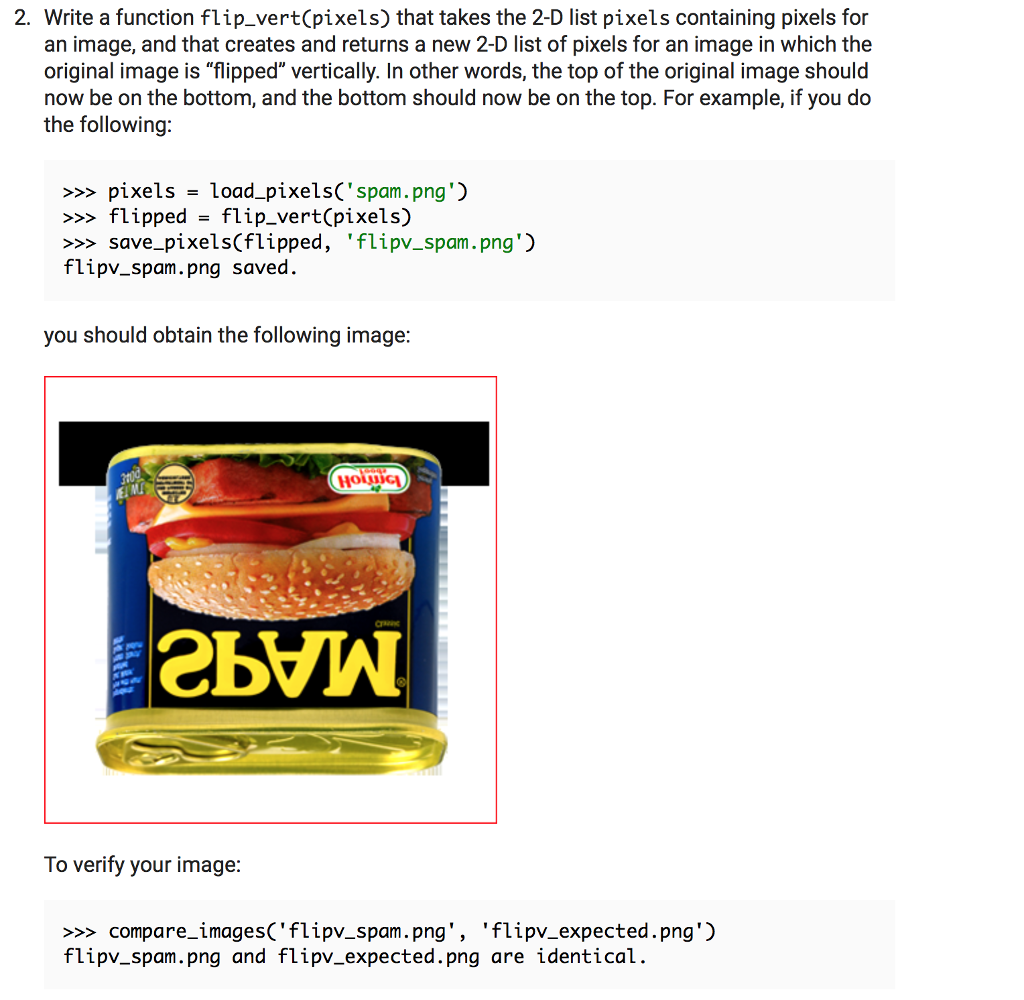
Your tasks 1. Write a function bw(pixels, threshold) that takes the 2-D list pixels containing pixels for an image, and that creates and returns a new 2-D list of pixels for an image that is a black-and-white version of the original image. The second input to the function is an integer threshold between 0 and 255, and it should govern which pixels are turned white and which are turned black. The brightness of a pixel [r,b,g] can be computed using this formula: 21r72g7b We've given you a helper function called brightnessO that you should use to make this computation. If a pixel's brightness (as determined by the brightnessO helper function) is greater than the specified threshold, the pixel should be turned white ([255,255,255]) otherwise, the pixel should be turned black ([0,0,0]). For example, if you do the following: pixelsload_pixelsC'spam.png bwspambw(pixels, 100) save_pixels(bw spam, 'bw spam.png') bw_spam.png saved you should obtain the following image: SPAM Your tasks 1. Write a function bw(pixels, threshold) that takes the 2-D list pixels containing pixels for an image, and that creates and returns a new 2-D list of pixels for an image that is a black-and-white version of the original image. The second input to the function is an integer threshold between 0 and 255, and it should govern which pixels are turned white and which are turned black. The brightness of a pixel [r,b,g] can be computed using this formula: 21r72g7b We've given you a helper function called brightnessO that you should use to make this computation. If a pixel's brightness (as determined by the brightnessO helper function) is greater than the specified threshold, the pixel should be turned white ([255,255,255]) otherwise, the pixel should be turned black ([0,0,0]). For example, if you do the following: pixelsload_pixelsC'spam.png bwspambw(pixels, 100) save_pixels(bw spam, 'bw spam.png') bw_spam.png saved you should obtain the following image: SPAM
Step by Step Solution
There are 3 Steps involved in it

Get step-by-step solutions from verified subject matter experts
 Study Help