







Question: Python GUI application using Tkinter Please help me solve this project. The project folder and the steps are available on the following link: https://selfpaced.bitbucket.io/#/python/assignment/turtle-behavior Thank
Python GUI application using Tkinter
Please help me solve this project.
The project folder and the steps are available on the following link:
https://selfpaced.bitbucket.io/#/python/assignment/turtle-behavior
Thank you for your help!
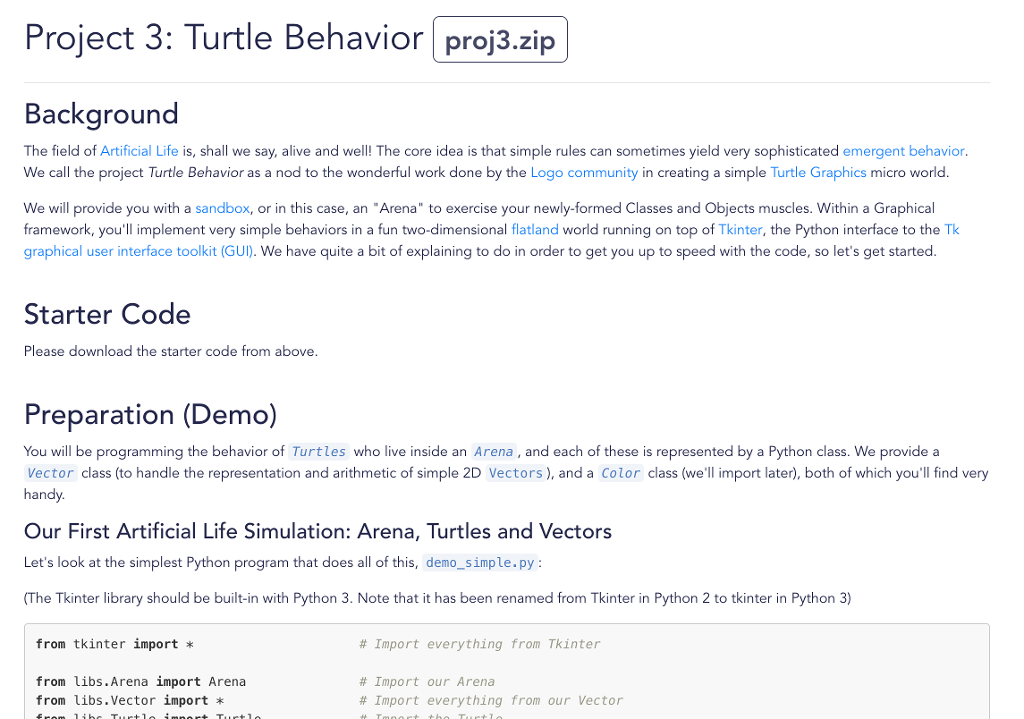
Project 3: Turtle Behavior proj3.zip Background The field of Artificial Life is, shall we say, alive and well! The core idea is that simple rules can sometimes yield very sophisticated emergent behavior We call the project Turtle Behavior as a nod to the wonderful work done by the Logo community in creating a simple Turtle Graphics micro world We will provide you with a sandbox, or in this case, an "Arena" to exercise your newly-formed Classes and Objects muscles. Within a Graphical framework, you'll implement very simple behaviors in a fun two-dimensional flatland world running on top of Tkinter, the Python interface to the Tk graphical user interface toolkit (GUD. We have quite a bit of explaining to do in order to get you up to speed with the code, so let's get started. Starter Code Please download the starter code from above. Preparation (Demo) You will be programming the behavior of Turtles who live inside an Arena, and each of these is represented by a Python class. We provide a Vector class (to handle the representation and arithmetic of simple 2D Vectors), and a Color class (we'll import later), both of which you'll find very handy. Our First Artificial Life Simulation: Arena, Turtles and Vectors Let's look at the simplest Python program that does all of this, demo_simple.py: The Tkinter library should be built-in with Python 3. Note that it has been renamed from Tkinter in Python 2 to tkinter in Python 3) from tkinter import from libs.Arena import Arena # Import everything from Tkinter # Import our Arena # Import everything from our vector from libs.Vector import * Project 3: Turtle Behavior proj3.zip Background The field of Artificial Life is, shall we say, alive and well! The core idea is that simple rules can sometimes yield very sophisticated emergent behavior We call the project Turtle Behavior as a nod to the wonderful work done by the Logo community in creating a simple Turtle Graphics micro world We will provide you with a sandbox, or in this case, an "Arena" to exercise your newly-formed Classes and Objects muscles. Within a Graphical framework, you'll implement very simple behaviors in a fun two-dimensional flatland world running on top of Tkinter, the Python interface to the Tk graphical user interface toolkit (GUD. We have quite a bit of explaining to do in order to get you up to speed with the code, so let's get started. Starter Code Please download the starter code from above. Preparation (Demo) You will be programming the behavior of Turtles who live inside an Arena, and each of these is represented by a Python class. We provide a Vector class (to handle the representation and arithmetic of simple 2D Vectors), and a Color class (we'll import later), both of which you'll find very handy. Our First Artificial Life Simulation: Arena, Turtles and Vectors Let's look at the simplest Python program that does all of this, demo_simple.py: The Tkinter library should be built-in with Python 3. Note that it has been renamed from Tkinter in Python 2 to tkinter in Python 3) from tkinter import from libs.Arena import Arena # Import everything from Tkinter # Import our Arena # Import everything from our vector from libs.Vector import *
Step by Step Solution
There are 3 Steps involved in it

Get step-by-step solutions from verified subject matter experts
 Study Help