







Question: *PYTHON* Hello, i need these 6 methods defined and be able to pass the given input in the instructions. i have also added special cases
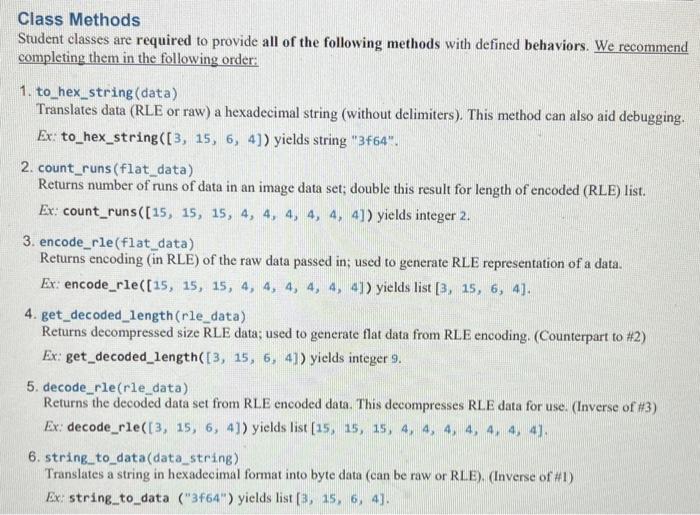
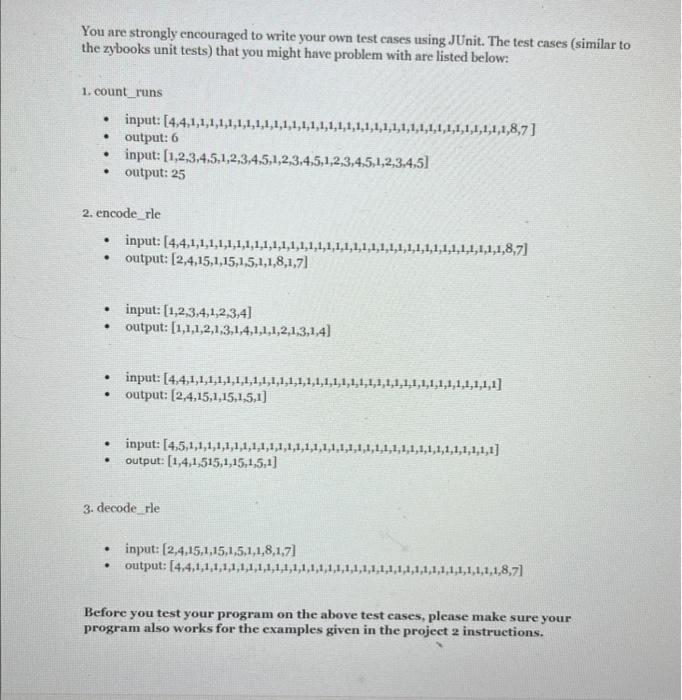
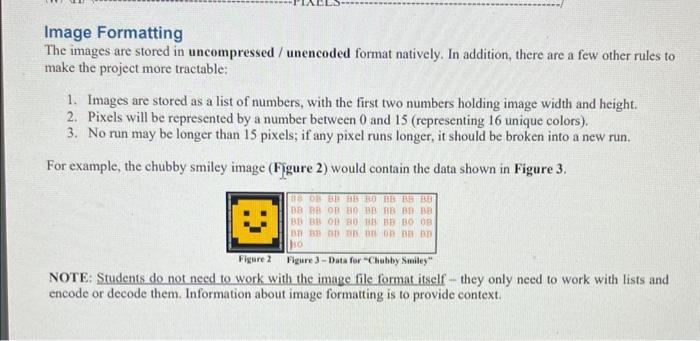
Class Methods Student classes are required to provide all of the following methods with defined behaviors. We recommend completing them in the following order: 1. to_hex_string (data) Translates data (RLE or raw) a hexadecimal string (without delimiters). This method can also aid debugging. Ex: to_hex_string ([3,15,6,4]) yields string " 3464 ". 2. count_runs(flat_data) Returns number of runs of data in an image data set; double this result for length of encoded (RLE) list. Ex: count_runs ([15,15,15,4,4,4,4,4,4]) yields integer 2 . 3. encode_rle(flat_data) Returns encoding (in RLE) of the raw data passed in; used to generate RLE representation of a data. Ex: encode_rle ([15,15,15,4,4,4,4,4,4]) yields list [3,15,6,4]. 4. get_decoded_length (rle_data) Returns decompressed size RLE data; used to generate flat data from RLE encoding. (Counterpart to \#2) Ex: get_decoded_length ([3,15,6,4]) yields integer 9 . 5. decode_rle(rle_data) Returns the decoded data set from RLE encoded data. This decompresses RLE data for use. (Inverse of \#3) Ex: decode_rle ([3,15,6,4]) yields list [15,15,15,4,4,4,4,4,4,4]. 6. string_to_data(data_string) Translates a string in hexadecimal format into byte data (can be raw or RLE). (Inverse of \#1) Ex: string_to_data ("3f64") yields list [3,15,6,4]. the zybooks unit tests) that you might have problem with are listed below: 1. count_runs - input: [4,4,1,1,1,1,1,1,1,1,1,1,1,1,1,1,1,1,1,1,1,1,1,1,1,1,1,1,1,1,1,1,1,1,1,1,1,8,7] - output: 6 - input: [1,2,3,4,5,1,2,3,4,5,1,2,3,4,5,1,2,3,4,5,1,2,3,4,5] - output: 25 2. encode_rle - input: [4,4,1,1,1,1,1,1,1,1,1,1,1,1,1,1,1,1,1,1,1,1,1,1,1,1,1,1,1,1,1,1,1,1,1,1,1,8,7] - output: [2,4,15,1,15,1,5,1,1,8,1,7] - input: [1,2,3,4,1,2,3,4] - output: [1,1,1,2,1,3,1,4,1,1,1,2,1,3,1,4] - input: [4,4,1,1,1,1,1,1,1,1,1,1,1,1,1,1,1,1,1,1,1,1,1,1,1,1,1,1,1,1,1,1,1,1,1,1,1] - output: [2,4,15,1,15,1,5,1] - input: [4,5,1,1,1,1,1,1,1,1,1,1,1,1,1,1,1,1,1,1,1,1,1,1,1,1,1,1,1,1,1,1,1,1,1,1,1] - output: [1,4,1,515,1,15,1,5,1] 3. decode rle - input: [2,4,15,1,15,1,5,1,1,8,1,7] - output: [4,4,1,1,1,1,1,1,1,1,1,1,1,1,1,1,1,1,1,1,1,1,1,1,1,1,1,1,1,1,1,1,1,1,1,1,1,8,7] Before you test your program on the above test eases, please make sure your program also works for the examples given in the project 2 instructions. Image Formatting The images are stored in uncompressed / unencoded format natively. In addition, there are a few other rules to make the project more tractable: 1. Images are stored as a list of numbers, with the first two numbers holding image width and height. 2. Pixels will be represented by a number between 0 and 15 (representing 16 unique colors). 3. No run may be longer than 15 pixels; if any pixel runs longer, it should be broken into a new run. For example, the chubby smiley image (Figure 2) would contain the data shown in Figure 3. NOTE: Students do not need to work with the image file format itself - they only need to work with lists and encode or decode them. Information about image formatting is to provide context
Step by Step Solution
There are 3 Steps involved in it

Get step-by-step solutions from verified subject matter experts
 Study Help