







Question: Python help please 6 class Color The class Color represents an RGB color. It stores the red, green, and blue components of the color as
Python help please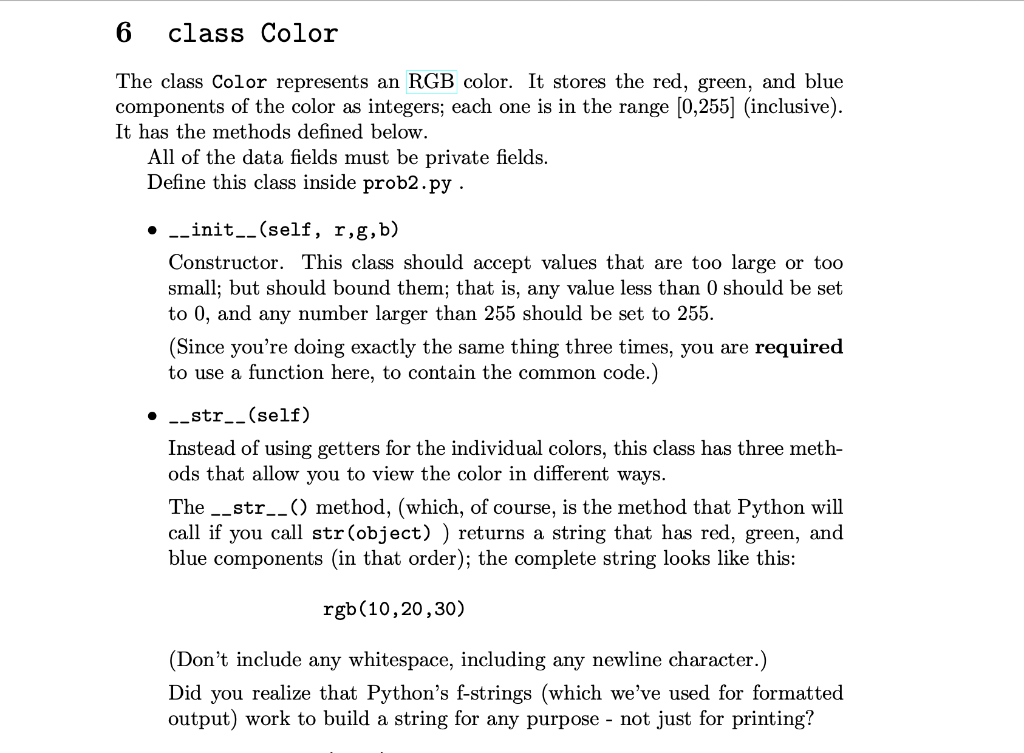
![color as integers; each one is in the range (0,255] (inclusive). It](https://dsd5zvtm8ll6.cloudfront.net/si.experts.images/questions/2024/09/66f94c37dd0bc_00766f94c376c179.jpg)
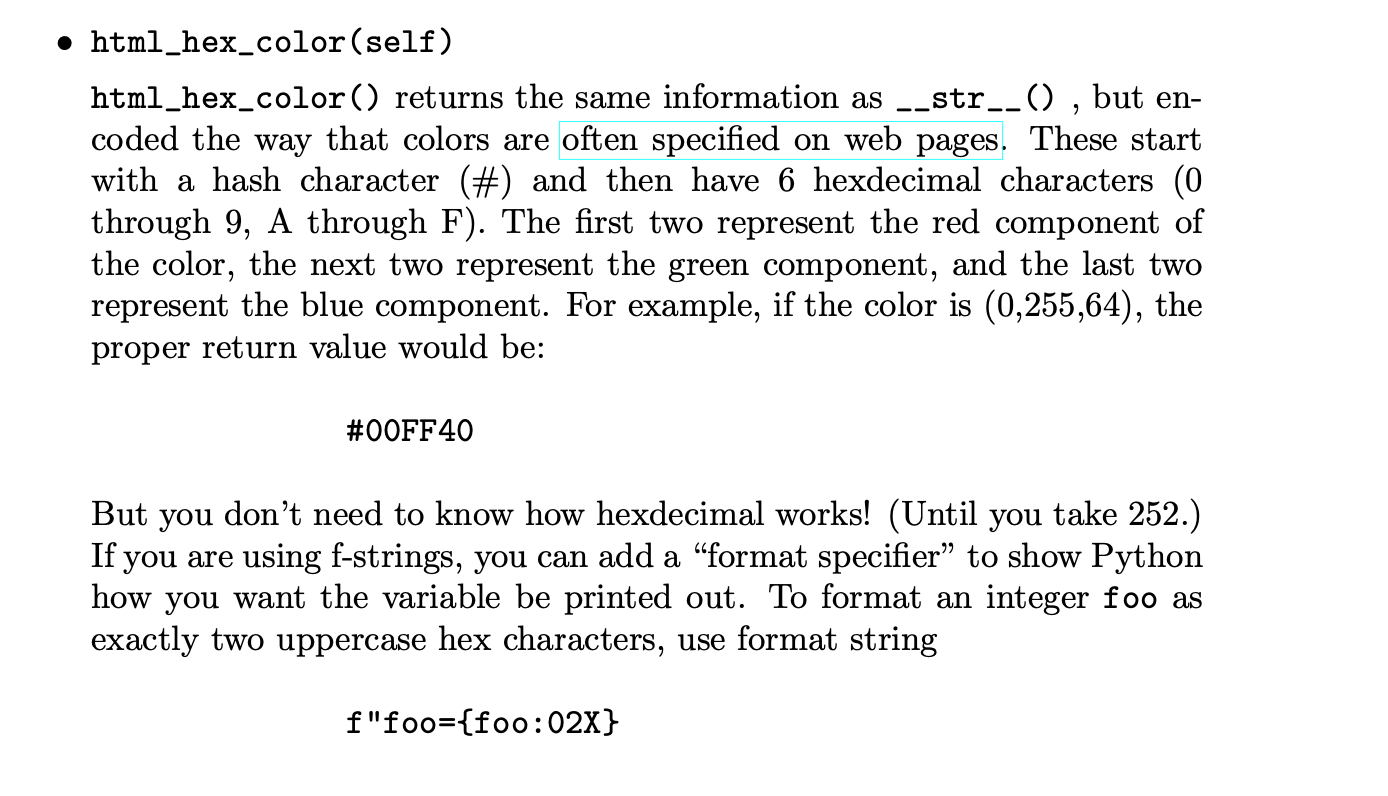
6 class Color The class Color represents an RGB color. It stores the red, green, and blue components of the color as integers; each one is in the range (0,255] (inclusive). It has the methods defined below. All of the data fields must be private fields. Define this class inside prob2.py . -_init__(self, r,g,b) Constructor. This class should accept values that are too large or too small; but should bound them; that is, any value less than 0 should be set to 0, and any number larger than 255 should be set to 255. (Since you're doing exactly the same thing three times, you are required to use a function here, to contain the common code.) -_str__(self) Instead of using getters for the individual colors, this class has three meth- ods that allow you to view the color in different ways. The __str__() method, (which, of course, is the method that Python will call if you call str(object)) returns a string that has red, green, and blue components in that order); the complete string looks like this: rgb(10,20,30) (Don't include any whitespace, including any newline character.) Did you realize that Python's f-strings (which we've used for formatted output) work to build a string for any purpose - not just for printing? html_hex_color(self) html_hex_color() returns the same information as __str__() , but en- coded the way that colors are often specified on web pages. These start with a hash character (#) and then have 6 hexdecimal characters (0 through 9, A through F). The first two represent the red component of the color, the next two represent the green component, and the last two represent the blue component. For example, if the color is (0,255,64), the proper return value would be: #00FF40 But you don't need to know how hexdecimal works! (Until you take 252.) If you are using f-strings, you can add a format specifier to show Python how you want the variable be printed out. To format an integer foo as exactly two uppercase hex characters, use format string f"foo={foo:02X} get_rgb(self) Finally, the function get_rgb() returns the red, green, blue components as a tuple. set_standard_color(self, name) This class does not let you change the colors individually. Instead, you can set the color to one of four standard colors. The new color must be given as a string. Perform a case-insensitive check; if it is red, yellow, white, or black, set the r,g,b components of the object to the proper values. (You can find the proper RGB values for each color at the link above.) You must assert that the user does not pass you any other, unsupported string remove_red (self) Set the red component of the current color to zero. Leave the green and blue components unchanged. Usage Example obj = Color(0,500,0) # will get bounded to (0,255,0) x = str(obj) # returns "rgb(0,255,0)" obj.set_standard_color ("WHITE")
Step by Step Solution
There are 3 Steps involved in it

Get step-by-step solutions from verified subject matter experts
 Study Help