







Question: Python Help Please Q3. saveCustomerinfo (customer_list, sort_tuple=, filename=): Same as the printCustomerInfo format but should have an additional argument filename to give the user the
Python Help Please
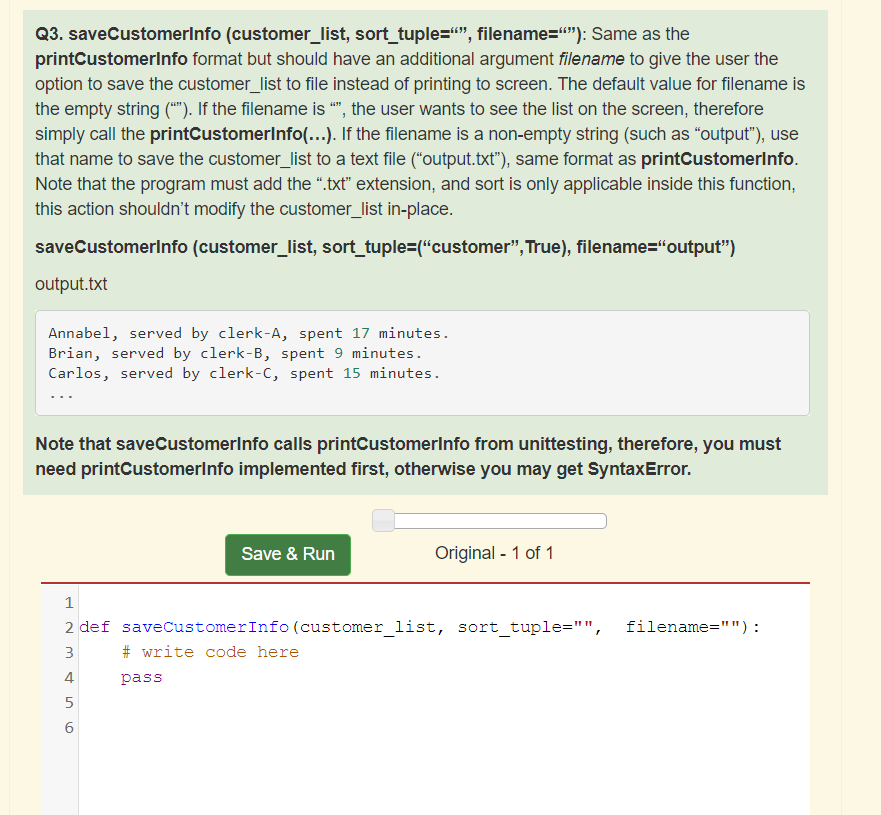
Q3. saveCustomerinfo (customer_list, sort_tuple="", filename=""): Same as the printCustomerInfo format but should have an additional argument filename to give the user the option to save the customer_list to file instead of printing to screen. The default value for filename is the empty string (*). If the filename is "", the user wants to see the list on the screen, therefore simply call the printCustomerInfo(...). If the filename is a non-empty string (such as output"), use that name to save the customer_list to a text file ("output.txt"), same format as printCustomerinfo. Note that the program must add the .txt" extension, and sort is only applicable inside this function, this action shouldn't modify the customer_list in-place. saveCustomerInfo (customer_list, sort_tuple="customer", True), filename="output") output.txt Annabel, served by clerk-A, spent 17 minutes. Brian, served by clerk-B, spent 9 minutes. Carlos, served by clerk-C, spent 15 minutes. Note that saveCustomerInfo calls printCustomerinfo from unittesting, therefore, you must need printCustomerinfo implemented first, otherwise you may get SyntaxError. Save & Run Original - 1 of 1 1 2 def saveCustomerInfo (customer_list, sort_tuple="", filename=""): 3 # write code here 4 pass 5 6
Step by Step Solution
There are 3 Steps involved in it

Get step-by-step solutions from verified subject matter experts
 Study Help