







Question: Python - Please use the template below from html.parser import HTMLParser from urllib.parse import urljoin from urllib.request import urlopen def testLParser(url): content = urlopen(url).read().decode() parser
 Python - Please use the template below
from html.parser import HTMLParser from urllib.parse import urljoin from urllib.request import urlopen
def testLParser(url): content = urlopen(url).read().decode() parser = ListParser() parser.feed(content) return parser.getListItems()
class ListParser(HTMLParser): def __init__(self): HTMLParser.__init__(self) pass def handle_starttag(self, tag, attrs): pass
def handle_endtag(self, tag): pass def handle_data(self, data): pass def getListItems(self): pass
from html.parser import HTMLParser from urllib.parse import urljoin from urllib.request import Request, urlopen
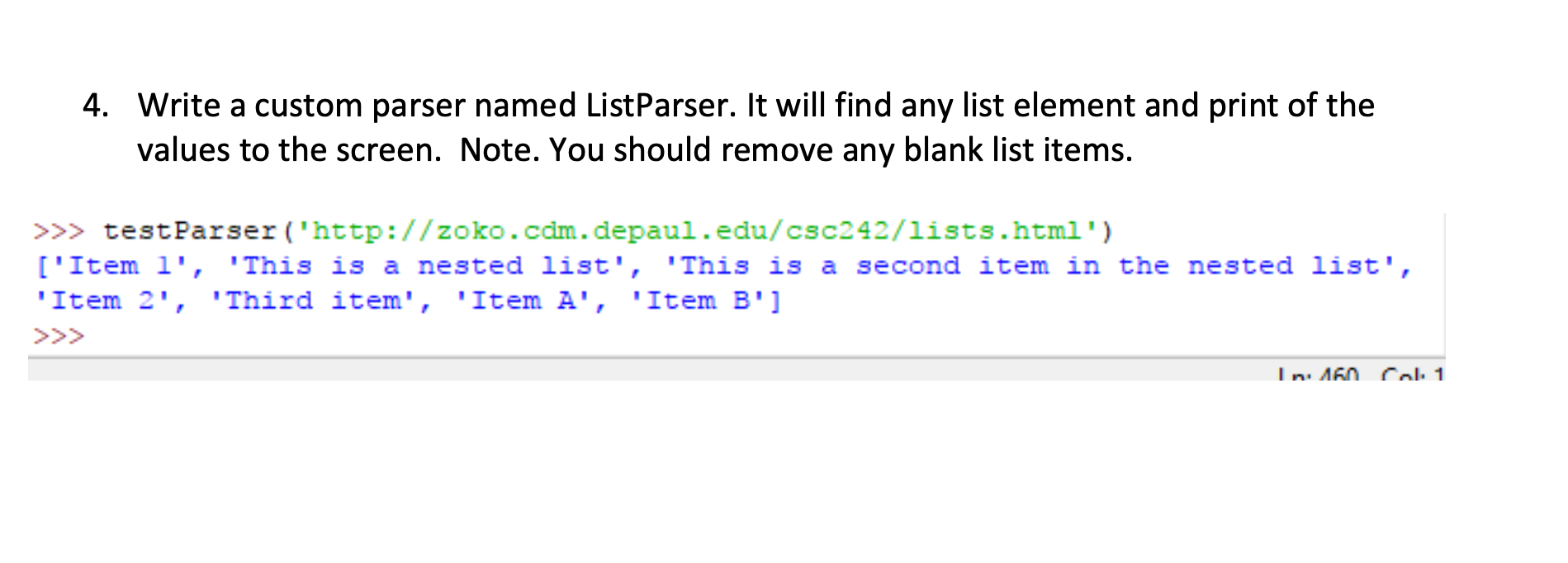
4. Write a custom parser named ListParser. It will find any list element and print of the values to the screen. Note. You should remove any blank list items. >>> testParser('http://zoko.com.depaul.edu/csc242/lists.html') ['Item l', 'This is a nested list', 'This is a second item in the nested list', 'Item 2', 'Third item', 'Item A', 'Item B'] In 160 Col. 1
Step by Step Solution
There are 3 Steps involved in it

Get step-by-step solutions from verified subject matter experts
 Study Help