







Question: Python plotting Learning Goals: Basic plotting with Matplotlib Go through the steps below to create a plot gradually. Some steps will be super-seded by subsequent
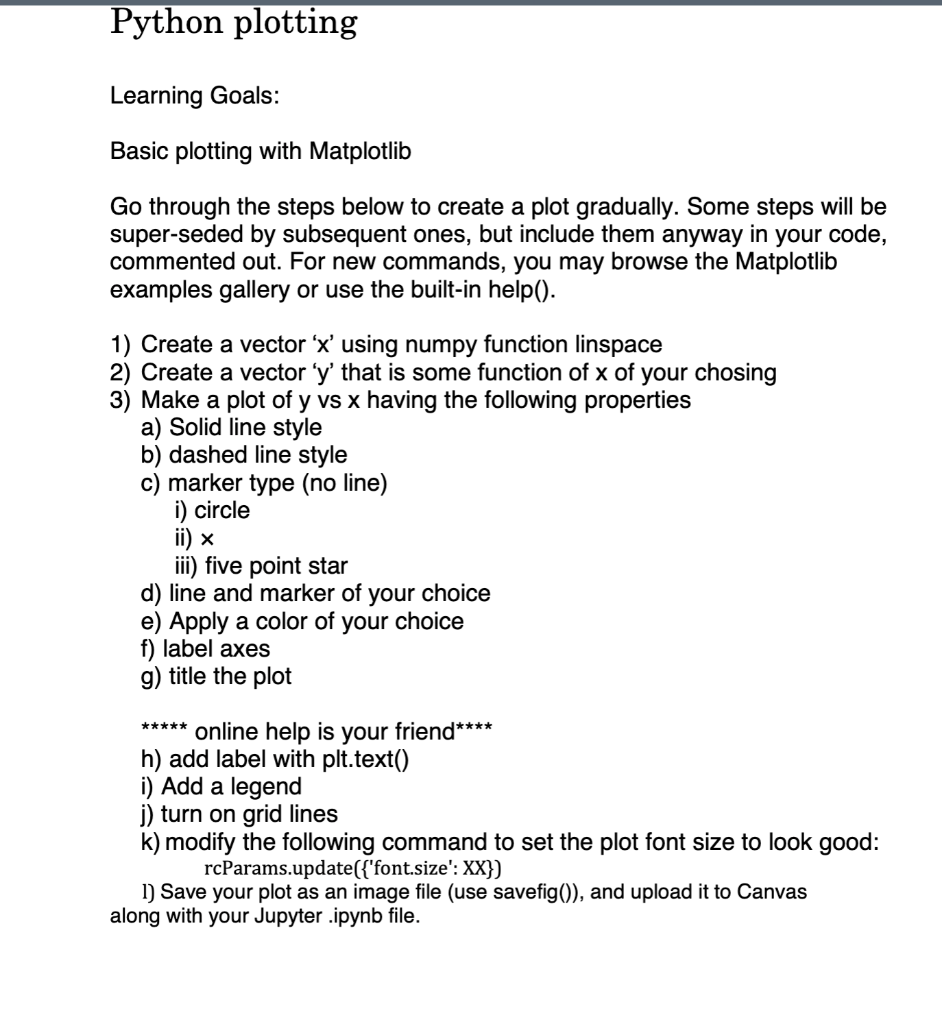
Python plotting Learning Goals: Basic plotting with Matplotlib Go through the steps below to create a plot gradually. Some steps will be super-seded by subsequent ones, but include them anyway in your code, commented out. For new commands, you may browse the Matplotlib examples gallery or use the built-in help(). 1) Create a vector 'x' using numpy function linspace 2) Create a vector 'y' that is some function of x of your chosing 3) Make a plot of y vs x having the following properties a) Solid line style b) dashed line style c) marker type (no line) i) circle ii) ~ iii) five point star d) line and marker of your choice e) Apply a color of your choice f) label axes g) title the plot ***** online help is your friend**** h) add label with plt.text() i) Add a legend j) turn on grid lines k) modify the following command to set the plot font size to look good: rcParams.update({'font.size': XX}) 1) Save your plot as an image file (use savefig()), and upload it to Canvas along with your Jupyter .ipynb file
Step by Step Solution
There are 3 Steps involved in it

Get step-by-step solutions from verified subject matter experts
 Study Help