







Question: python Primer on CSV File Format (If you understand CSV files already, you don't have to read this part) We've learned that text files are
 python
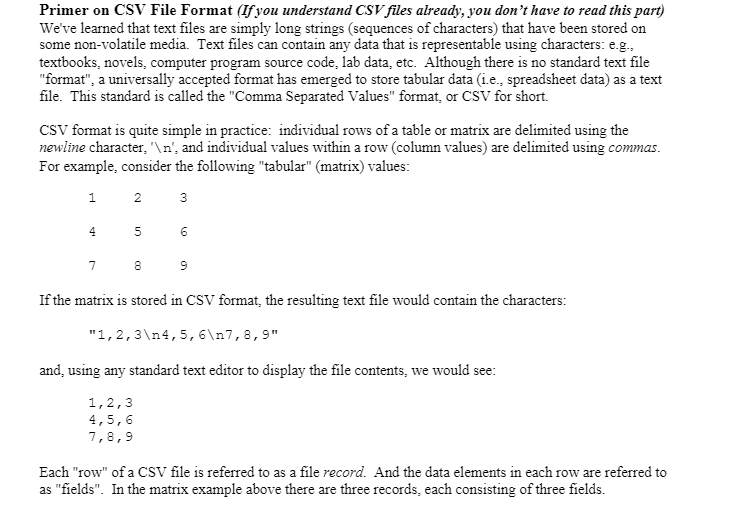
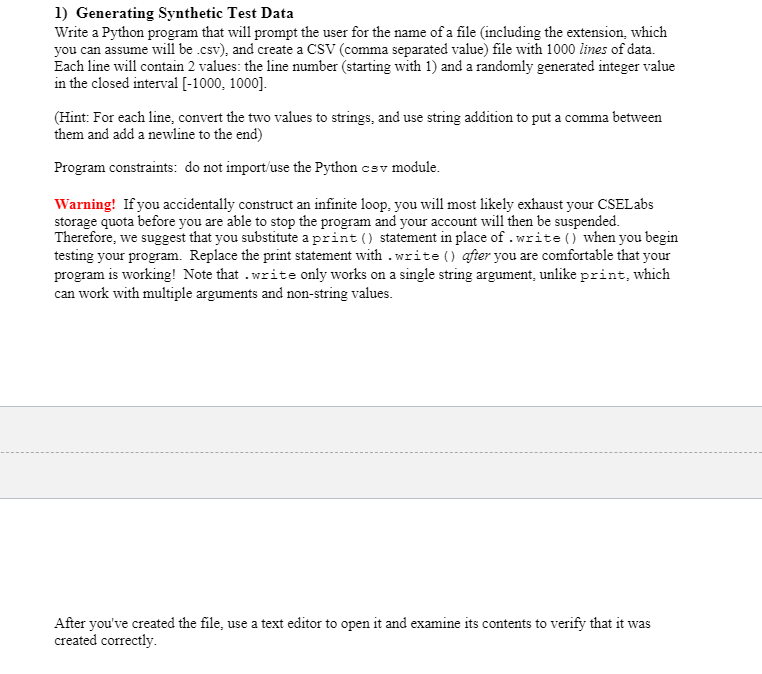
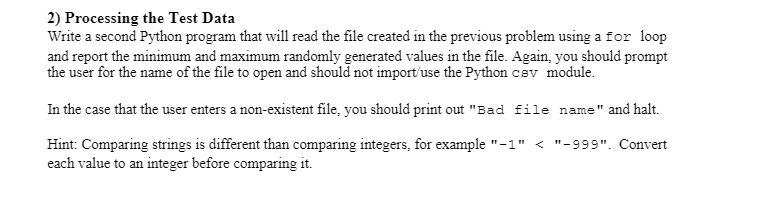
Primer on CSV File Format (If you understand CSV files already, you don't have to read this part) We've learned that text files are simply long strings (sequences of characters) that have been stored on some non-volatile media. Text files can contain any data that is representable using characters: eg.. textbooks, novels, computer program source code, lab data, etc. Although there is no standard text file "format", a universally accepted format has emerged to store tabular data (i.e., spreadsheet data) as a text file. This standard is called the "Comma Separated Values" format, or CSV for short. CSV format is quite simple in practice: individual rows of a table or matrix are delimited using the newline character. ' ', and individual values within a row (column values) are delimited using commas. For example, consider the following "tabular" (matrix) values: 1 2 3 4 5 7 8 9 If the matrix is stored in CSV format, the resulting text file would contain the characters: "1,2,3 4,5,6 7,8,9" and using any standard text editor to display the file contents, we would see: 1,2,3 4,5,6 7,8,9 Each "row" of a CSV file is referred to as a file record. And the data elements in each row are referred to as "fields". In the matrix example above there are three records, each consisting of three fields. 1) Generating Synthetic Test Data Write a Python program that will prompt the user for the name of a file (including the extension, which you can assume will be .csv), and create a CSV (comma separated value) file with 1000 lines of data. Each line will contain 2 values: the line number (starting with 1) and a randomly generated integer value in the closed interval [-1000, 1000). (Hint: For each line, convert the two values to strings, and use string addition to put a comma between them and add a newline to the end) Program constraints: do not import/use the Python csv module. Warning! If you accidentally construct an infinite loop, you will most likely exhaust your CSELabs storage quota before you are able to stop the program and your account will then be suspended. Therefore, we suggest that you substitute a print() statement in place of .write() when you begin testing your program. Replace the print statement with .write() after you are comfortable that your program is working! Note that .write only works on a single string argument, unlike print, which can work with multiple arguments and non-string values. After you've created the file, use a text editor to open it and examine its contents to verify that it was created correctly. 2) Processing the Test Data Write a second Python program that will read the file created in the previous problem using a for loop and report the minimum and maximum randomly generated values in the file. Again, you should prompt the user for the name of the file to open and should not import/use the Python cev module. In the case that the user enters a non-existent file, you should print out "Bad file name" and halt. Hint: Comparing strings is different than comparing integers, for example "-1"
Step by Step Solution
There are 3 Steps involved in it

Get step-by-step solutions from verified subject matter experts
 Study Help