







Question: Python programming. Please help. Create a program re_sort.py that when run on the command line, takes a filename of a CSV file as input, then
Python programming. Please help.
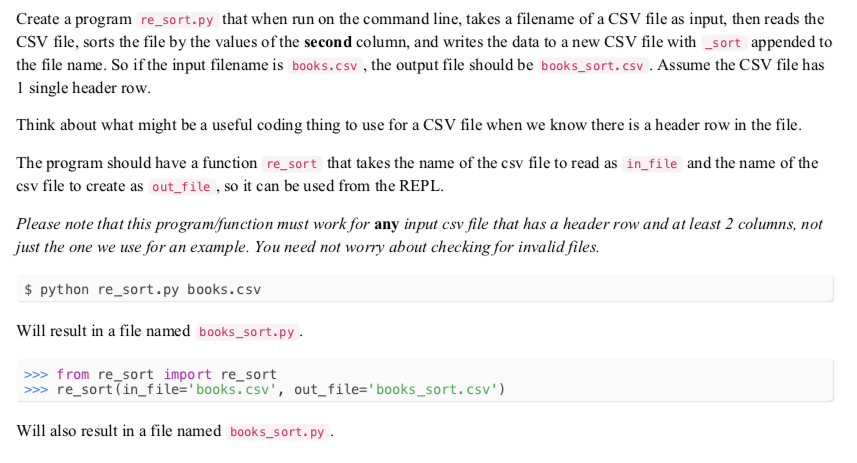
Create a program re_sort.py that when run on the command line, takes a filename of a CSV file as input, then reads the CSV file, sorts the file by the values of the second column, and writes the data to a new CSV file with _sort appended to the file name. So if the input filename is books.csv, the output file should be books_sort.csv. Assume the CSV file has 1 single header row. Think about what might be a useful coding thing to use for a CSV file when we know there is a header row in the file. The program should have a function re_sort that takes the name of the csv file to read as in_file and the name of the csv file to create as out_file , so it can be used from the REPL Please note that this program/function must work for any input csv file that has a header row and at least 2 columns, not just the one we use for an example. You need not worry about checking for invalid files. python re_sort.py books.csv Will result in a file named books_sort.py from re_sort import re_sort >> re_sort (in file-'books.csv, out_file-books_sort.csv Will also result in a file named books_sort.py
Step by Step Solution
There are 3 Steps involved in it

Get step-by-step solutions from verified subject matter experts
 Study Help