







Question: PYTHON sample code for simple reader sample code for ave highs 4. (10 Points) A file called avghighs.csv, which is a comma-delimited CSV file, stores
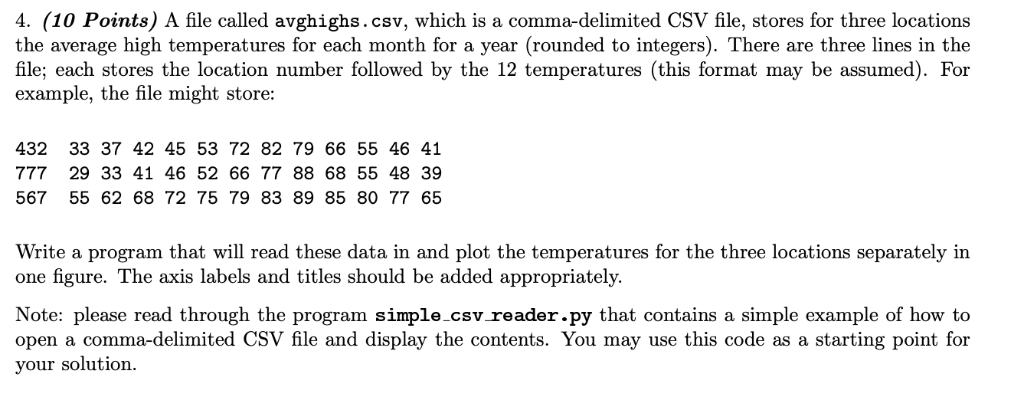 PYTHON sample code for simple reader
 sample code for ave highs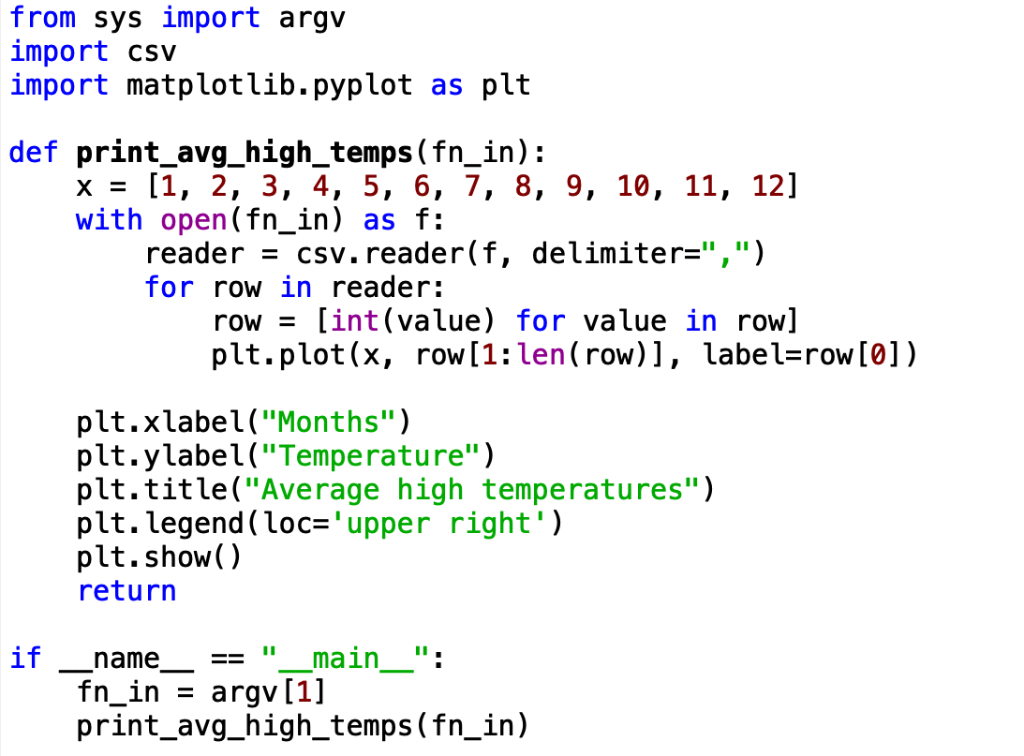
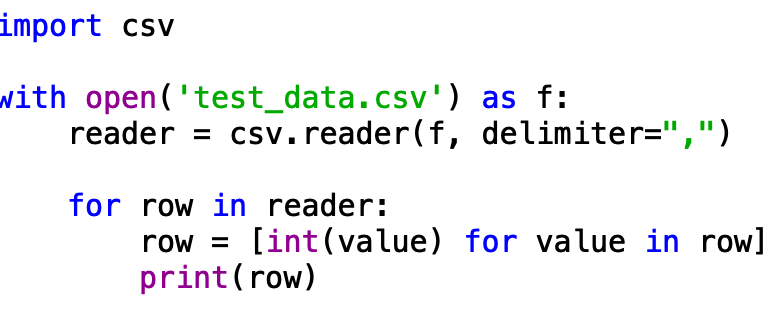
4. (10 Points) A file called avghighs.csv, which is a comma-delimited CSV file, stores for three locations the average high temperatures for each month for a year (rounded to integers). There are three lines in the file; each stores the location number followed by the 12 temperatures (this format may be assumed). For example, the file might store: 432 33 37 42 45 53 72 82 79 66 55 46 41 777 29 33 41 46 52 66 77 88 68 55 48 39 567 55 62 68 72 75 79 83 89 85 80 77 65 Write a program that will read these data in and plot the temperatures for the three locations separately in one figure. The axis labels and titles should be added appropriately. Note: please read through the program simple.csv reader.py that contains a simple example of how to open a comma-delimited CSV file and display the contents. You may use this code as a starting point for your solution. import csv with open ('test_data.csv') as f: reader - csv. reader(f, delimiter-",") for row in reader: row - [int (value) for value in row] print(row) from sys import argv import csv import matplotlib.pyplot as plt def print avg high temps (fn_in): x[1, 2, 3, 4, 5, 6, 7, 8, 9, 10, 11, 121 with open (fn_in) as f reader csv.reader(f, delimiter-",") for row in reader: row- [int (value) for value in row] plt.plot(x, row[1:len(row)], label-row[0]) plt.xlabel("Months") plt.ylabel("Temperature") plt.title("Average high temperatures") plt.legend(loc 'upper right') plt.show) return ifname " main ": - fn in argv [1] print_avg high temps(fn_in)
Step by Step Solution
There are 3 Steps involved in it

Get step-by-step solutions from verified subject matter experts
 Study Help