







Question: Python strings have a built-in replace () method that can replace all occurrences of a word in a string with another word. But today,
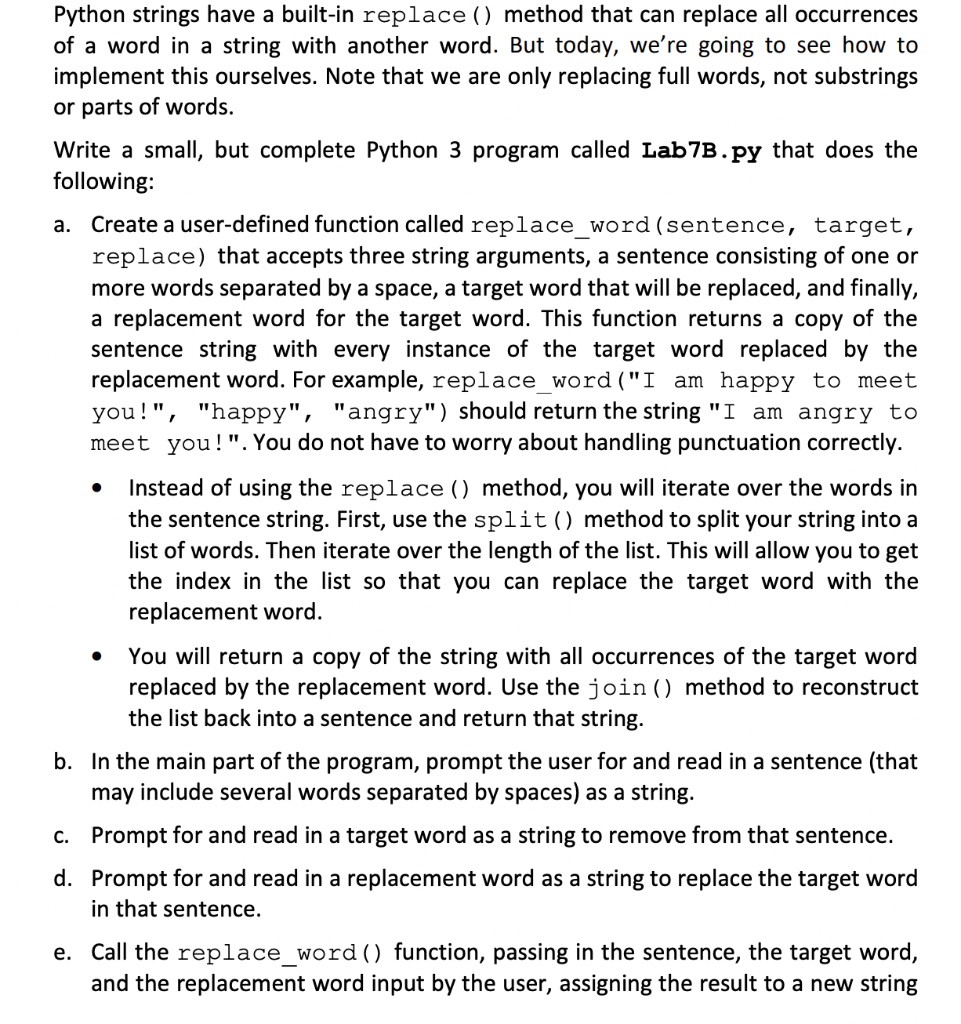
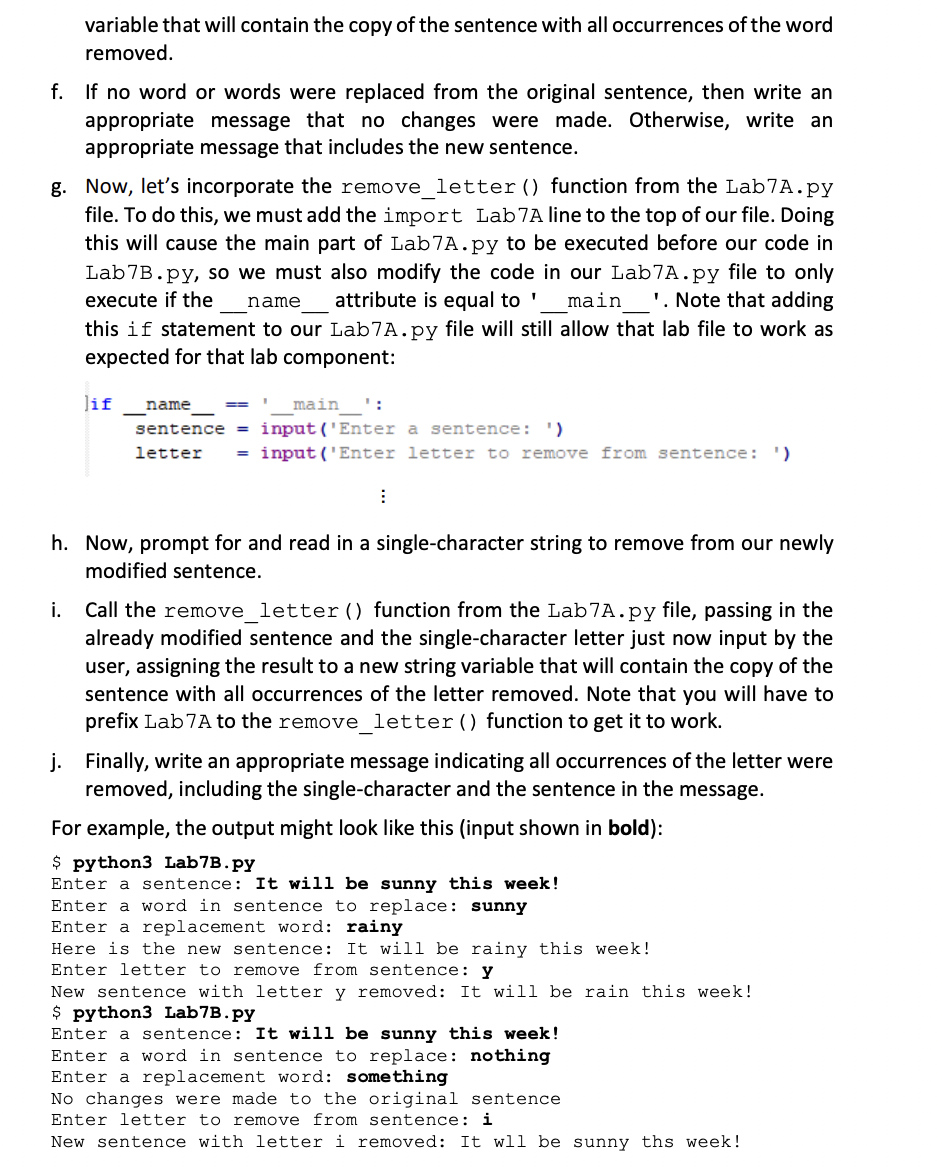
Python strings have a built-in replace () method that can replace all occurrences of a word in a string with another word. But today, we're going to see how to implement this ourselves. Note that we are only replacing full words, not substrings or parts of words. Write a small, but complete Python 3 program called Lab7B.py that does the following: a. Create a user-defined function called replace_word (sentence, target, replace) that accepts three string arguments, a sentence consisting of one or more words separated by a space, a target word that will be replaced, and finally, a replacement word for the target word. This function returns a copy of the sentence string with every instance of the target word replaced by the replacement word. For example, replace_word ("I am happy to meet you!", "happy", "angry") should return the string "I am angry to meet you!". You do not have to worry about handling punctuation correctly. Instead of using the replace () method, you will iterate over the words in the sentence string. First, use the split () method to split your string into a list of words. Then iterate over the length of the list. This will allow you to get the index in the list so that you can replace the target word with the replacement word. You will return a copy of the string with all occurrences of the target word replaced by the replacement word. Use the join () method to reconstruct the list back into a sentence and return that string. b. In the main part of the program, prompt the user for and read in a sentence (that may include several words separated by spaces) as a string. c. Prompt for and read in a target word as a string to remove from that sentence. d. Prompt for and read in a replacement word as a string to replace the target word in that sentence. e. Call the replace_word () function, passing in the sentence, the target word, and the replacement word input by the user, assigning the result to a new string variable that will contain the copy of the sentence with all occurrences of the word removed. f. If no word or words were replaced from the original sentence, then write an appropriate message that no changes were made. Otherwise, write an appropriate message that includes the new sentence. g. Now, let's incorporate the remove_letter () function from the Lab7A.py file. To do this, we must add the import Lab 7A line to the top of our file. Doing this will cause the main part of Lab7A.py to be executed before our code in Lab7B.py, so we must also modify the code in our Lab7A.py file to only execute if the name attribute is equal to '_____main_ '. Note that adding this if statement to our Lab7A.py file will still allow that lab file to work as expected for that lab component: lif name main sentence =input('Enter a sentence: ') letter = = input('Enter letter to remove from sentence: ') : h. Now, prompt for and read in a single-character string to remove from our newly modified sentence. i. Call the remove_letter () function from the Lab7A.py file, passing in the already modified sentence and the single-character letter just now input by the user, assigning the result to a new string variable that will contain the copy of the sentence with all occurrences of the letter removed. Note that you will have to prefix Lab 7A to the remove_letter () function to get it to work. j. Finally, write an appropriate message indicating all occurrences of the letter were removed, including the single-character and the sentence in the message. For example, the output might look like this (input shown in bold): $ python3 Lab7B.py Enter a sentence: It will be sunny this week! Enter a word in sentence to replace: sunny Enter a replacement word: rainy Here is the new sentence: It will be rainy this week! Enter letter to remove from sentence: y New sentence with letter y removed: It will be rain this week! $ python3 Lab7B.py Enter a sentence: It will be sunny this week! Enter a word in sentence to replace: nothing Enter a replacement word: something No changes were made to the original sentence Enter letter to remove from sentence: i New sentence with letter i removed: It wll be sunny ths week!
Step by Step Solution
3.41 Rating (160 Votes )
There are 3 Steps involved in it

Get step-by-step solutions from verified subject matter experts
 Study Help