







Question: PYTHON ***use pathlib instead of os*** Your program will take input from the console in the following format. It should not prompt the user in
PYTHON
***use pathlib instead of os***
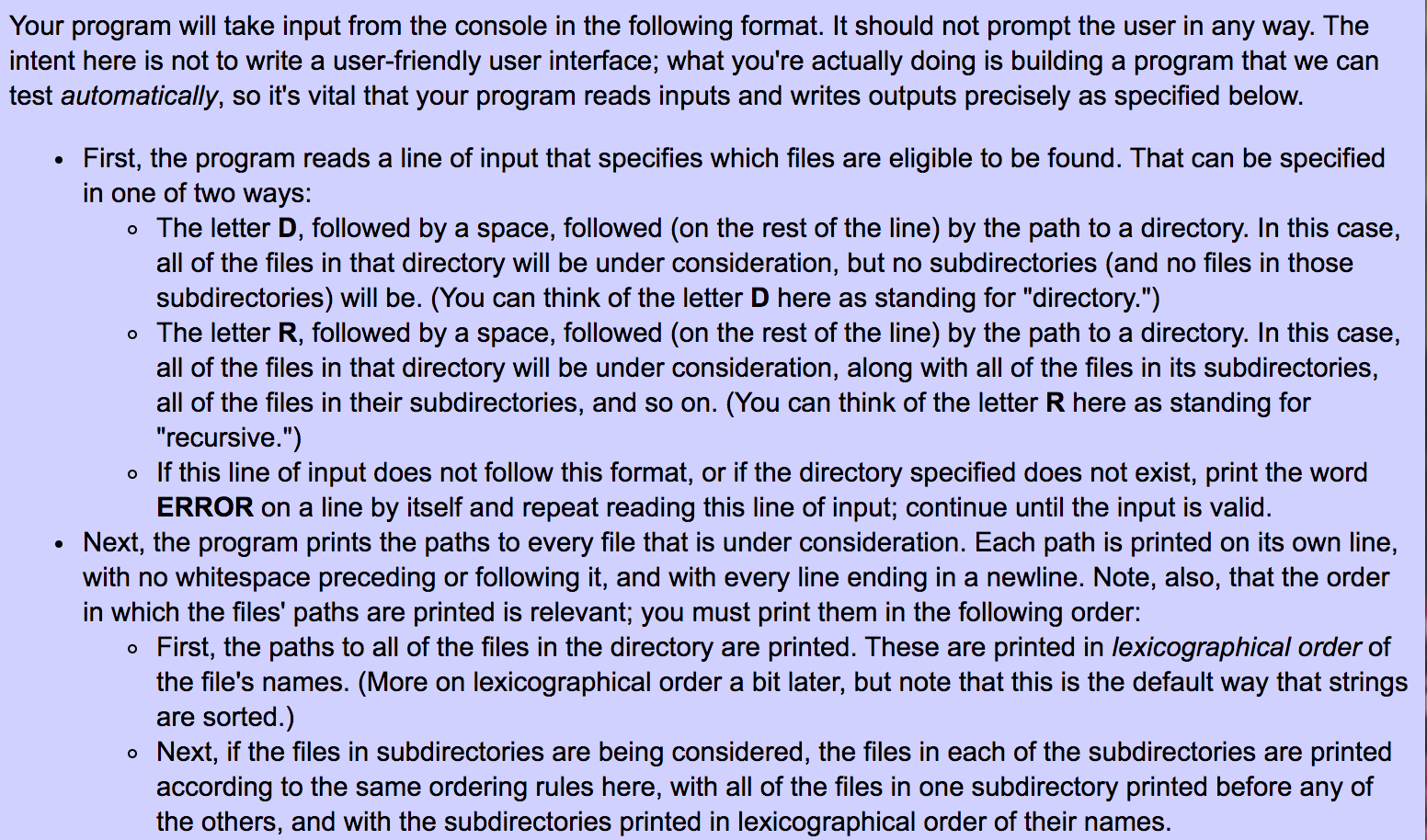
Your program will take input from the console in the following format. It should not prompt the user in any way. The intent here is not to write a user-friendly user interface; what you're actually doing is building a program that we can test automatically, so it's vital that your program reads inputs and writes outputs precisely as specified below. First, the program reads a line of input that specifies which files are eligible to be found. That can be specified in one of two ways: o The letter D, followed by a space, followed (on the rest of the line) by the path to a directory. In this case, all of the files in that directory will be under consideration, but no subdirectories (and no files in those subdirectories) will be. (You can think of the letter D here as standing for "directory.") o The letter R, followed by a space, followed (on the rest of the line) by the path to a directory. In this case, all of the files in that directory will be under consideration, along with all of the files in its subdirectories, all of the files in their subdirectories, and so on. (You can think of the letter R here as standing for "recursive.") o If this line of input does not follow this format, or if the directory specified does not exist, print the word ERROR on a line by itself and repeat reading this line of input; continue until the input is valid. Next, the program prints the paths to every file that is under consideration. Each path is printed on its own line, with no whitespace preceding or following it, and with every line ending in a newline. Note, also, that the order in which the files' paths are printed is relevant; you must print them in the following order: o First, the paths to all of the files in the directory are printed. These are printed in lexicographical order of the file's names. (More on lexicographical order a bit later, but note that this is the default way that strings are sorted.) o Next, if the files in subdirectories are being considered, the files in each of the subdirectories are printed according to the same ordering rules here, with all of the files in one subdirectory printed before any of the others, and with the subdirectories printed in lexicographical order of their names
Step by Step Solution
There are 3 Steps involved in it

Get step-by-step solutions from verified subject matter experts
 Study Help