



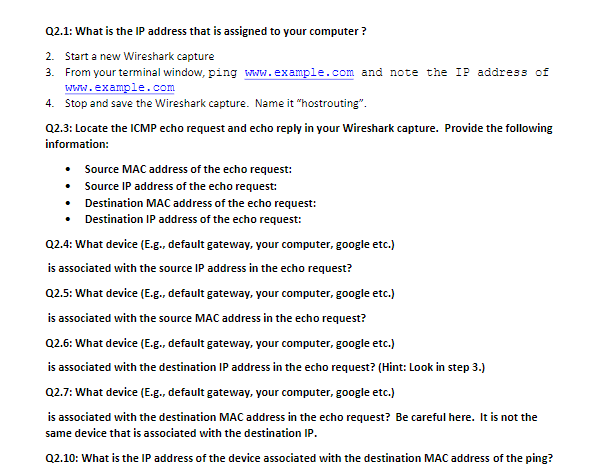
Question: Q 2 . 1 : What is the IP address that is assigned to your computer ? Start a new Wireshark capture From your terminal
Q: What is the IP address that is assigned to your computer
Start a new Wireshark capture
From your terminal window, ping wwh
example.com and note the IP address of
Whw
example.com
Stop and save the Wireshark capture. Name it "hostrouting".
Q: Locate the ICMP echo request and echo reply in your Wireshark capture. Provide the following
information:
Source MAC address of the echo request:
Source IP address of the echo request:
Destination MAC address of the echo request:
Destination IP address of the echo request:
Q: What device Eg default gateway, your computer, google etc.
is associated with the source IP address in the echo request?
Q: What device Eg default gateway, your computer, google etc.
is associated with the source MAC address in the echo request?
Q: What device Eg default gateway, your computer, google etc.
is associated with the destination IP address in the echo request? Hint: Look in step
Q: What device Eg default gateway, your computer, google etc.
is associated with the destination MAC address in the echo request? Be careful here. It is not the
same device that is associated with the destination IP
Q: What is the IP address of the device associated with the destination MAC address of the ping?
Step by Step Solution
There are 3 Steps involved in it
1 Expert Approved Answer
Step: 1 Unlock

Question Has Been Solved by an Expert!
Get step-by-step solutions from verified subject matter experts
Step: 2 Unlock
Step: 3 Unlock