







Question: Q2.Using VBA code do the following: (25 Points) 1. Create a form with three text boxes and the needed labels as follow: 1.1. Guest full
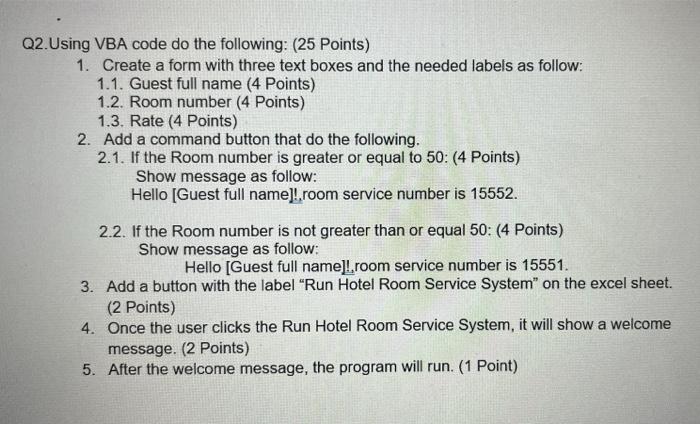
Q2.Using VBA code do the following: (25 Points) 1. Create a form with three text boxes and the needed labels as follow: 1.1. Guest full name (4 Points) 1.2. Room number (4 Points) 1.3. Rate (4 Points) 2. Add a command button that do the following. 2.1. If the Room number is greater or equal to 50: (4 Points) Show message as follow: Hello (Guest full name)! room service number is 15552. 2.2. If the Room number is not greater than or equal 50: (4 Points) Show message as follow: Hello [Guest full name)! room service number is 15551. 3. Add a button with the label "Run Hotel Room Service System" on the excel sheet. (2 Points) 4. Once the user clicks the Run Hotel Room Service System, it will show a welcome message. (2 Points) 5. After the welcome message, the program will run. (1 Point)
Step by Step Solution
There are 3 Steps involved in it

Get step-by-step solutions from verified subject matter experts
 Study Help