







Question: Q4 (15 points) Database. 1. Using NetBeans, create a new database and call it Dbfinal, and give it the username userfinal, and the password dbpassfinal.
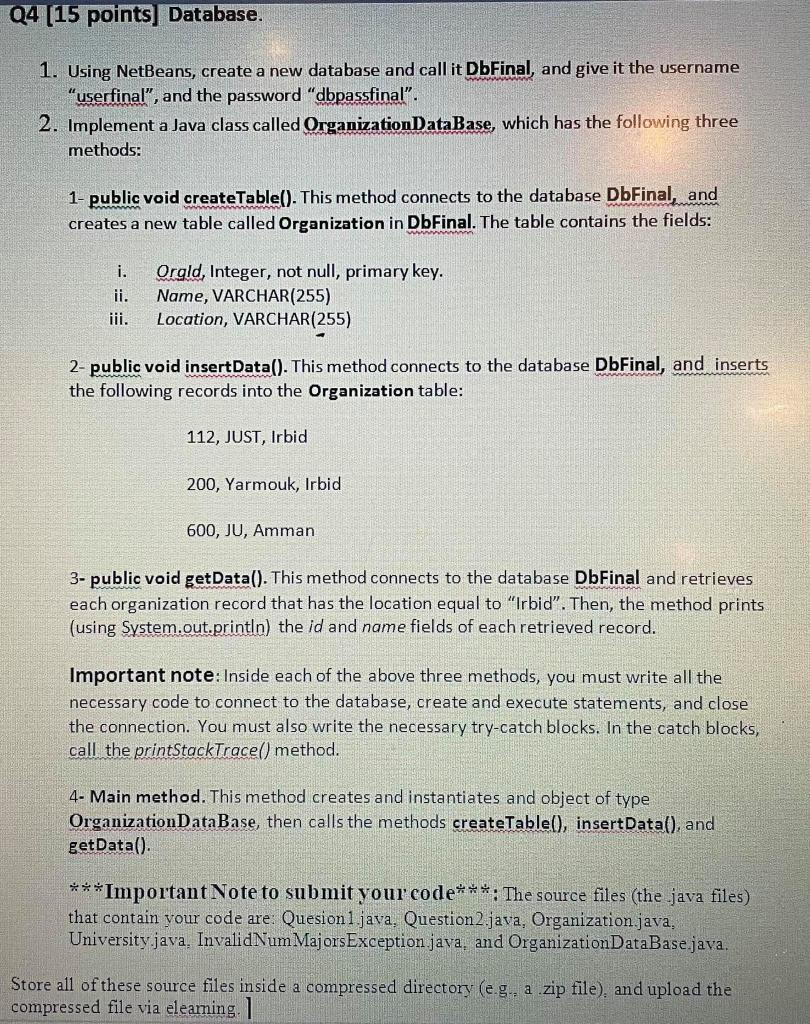
Q4 (15 points) Database. 1. Using NetBeans, create a new database and call it Dbfinal, and give it the username "userfinal, and the password "dbpassfinal". 2. Implement a Java class called Organization DataBase, which has the following three methods: 1- public void createTable(). This method connects to the database DbFinal, and creates a new table called Organization in DbFinal. The table contains the fields: i. Orold, Integer, not null, primary key. Name, VARCHAR(255) Location, VARCHAR(255) 2- public void insertData(). This method connects to the database DbFinal, and inserts the following records into the Organization table: 112, JUST, Irbid 200, Yarmouk, Irbid 600, JU, Amman 3- public void getData(). This method connects to the database DbFinal and retrieves each organization record that has the location equal to "Irbid. Then, the method prints (using System.out.println) the id and name fields of each retrieved record. Important note: Inside each of the above three methods, you must write all the necessary code to connect to the database, create and execute statements, and close the connection. You must also write the necessary try-catch blocks. In the catch blocks, call the printStackTrace() method. 4- Main method. This method creates and instantiates and object of type OrganizationDataBase, then calls the methods createTable(), insertData(), and getData(). ***Important Note to submit your code***: The source files (the java files) that contain your code are: Quesion 1.java. Question2.java, Organization.java, University.java. Invalid Num Majors Exception java, and Organization DataBase.java. Store all of these source files inside a compressed directory (eg, a zip file) and upload the compressed file via elearning
Step by Step Solution
There are 3 Steps involved in it

Get step-by-step solutions from verified subject matter experts
 Study Help