







Question: . . Q4. Create a script named dmess_warnings.sh that will count the number of warning messages in the dmess log file and display them. 153
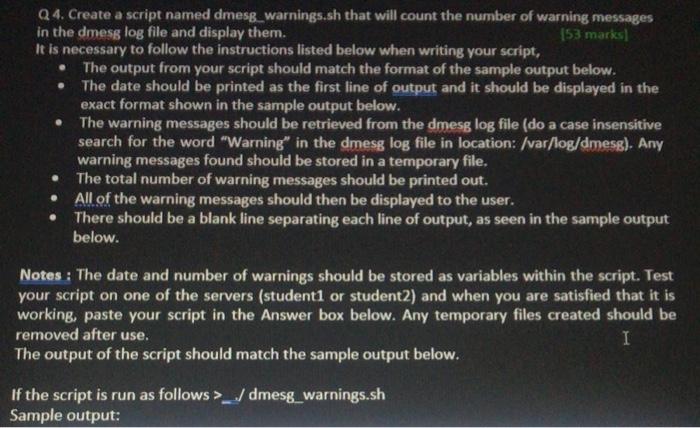
. . Q4. Create a script named dmess_warnings.sh that will count the number of warning messages in the dmess log file and display them. 153 marks] It is necessary to follow the instructions listed below when writing your script, The output from your script should match the format of the sample output below. The date should be printed as the first line of output and it should be displayed in the exact format shown in the sample output below. The warning messages should be retrieved from the dmesg log file (do a case insensitive search for the word "Warning in the dmesg log file in location: /var/log/dmesg). Any warning messages found should be stored in a temporary file. The total number of warning messages should be printed out. All of the warning messages should then be displayed to the user. There should be a blank line separating each line of output, as seen in the sample output below. . Notes : The date and number of warnings should be stored as variables within the script. Test your script on one of the servers (student1 or student2) and when you are satisfied that it is working, paste your script in the Answer box below. Any temporary files created should be removed after use. I The output of the script should match the sample output below. If the script is run as follows >/dmesg_warnings.sh Sample output
Step by Step Solution
There are 3 Steps involved in it

Get step-by-step solutions from verified subject matter experts
 Study Help