







Question: Q5. For this question, you will be asked to write code in R. Keep in mind all the guidelines we discussed in the dass to
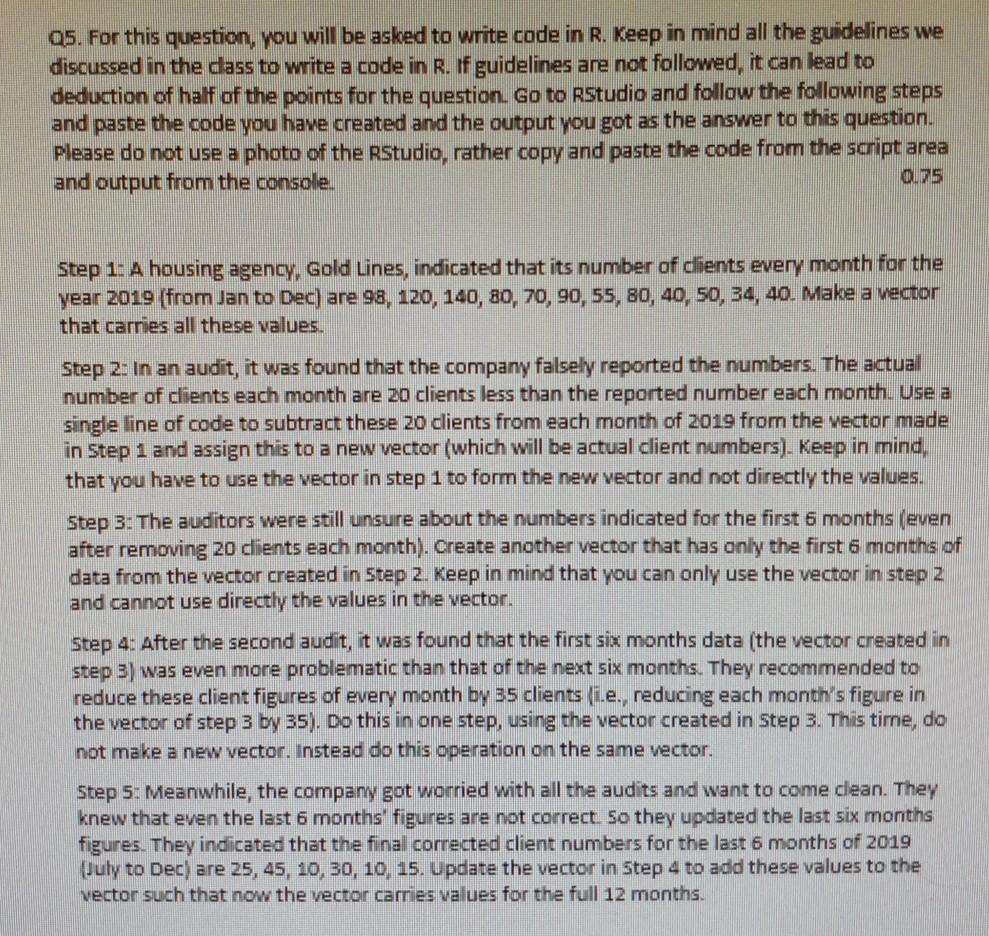
Q5. For this question, you will be asked to write code in R. Keep in mind all the guidelines we discussed in the dass to write a code in R. If guidelines are not followed, it can lead to deduction of half of the points for the question Go to Rstudio and follow the following steps and paste the code you have created and the output you got as the answer to this question. Please do not use a photo of the RStudio, rather copy and paste the code from the script area and output from the console. 0.75 Step 1: A housing agency, Gold Lines, indicated that its number of clients every month for the year 2019 (from Jan to Dec) are 98, 120, 140, 80, 70, 90, 55, 80, 40, 50, 34, 40. Make a vector that carries all these values. Step 2: In an audit, it was found that the company falsely reported the numbers. The actual number of clients each month are 20 clients less than the reported number each month. Use a single line of code to subtract these 20 clients from each month of 2019 from the vector made in Step 1 and assign this to a new vector (which will be actual client numbers). Keep in mind, that you have to use the vector in step 1 to form the new vector and not directly the values. Step 3: The auditors were still unsure about the numbers indicated for the first 6 months (even after removing 20 dients each month). Create another vector that has only the first 6 months of data from the vector created in Step 2. Keep in mind that you can only use the vector in step 2 and cannot use directly the values in the vector. Step 4: After the second audit, it was found that the first six months data (the vector created in step 3) was even more problematic than that of the next six months. They recommended to reduce these client figures of every month by 35 clients (i.e., reducing each month's figure in the vector of step 3 by 35). Do this in one step, using the vector created in Step 3. This time, do not make a new vector. Instead do this operation on the same vector. Step 5: Meanwhile, the company got worried with all the audits and want to come clean. They knew that even the last 6 months' figures are not correct so they updated the last six months figures. They indicated that the final corrected client numbers for the last 6 months of 2019 (July to Dec) are 25, 45, 10, 30, 10, 15. Update the vector in Step 4 to add these values to the vector such that now the vector carries values for the full 12 months
Step by Step Solution
There are 3 Steps involved in it

Get step-by-step solutions from verified subject matter experts
 Study Help