







Question: QNT 601: Computer Simulation Exercise using the population of EAI managers. Using the Dalales of your textbook, extract the Excel data relating to 2500 managers
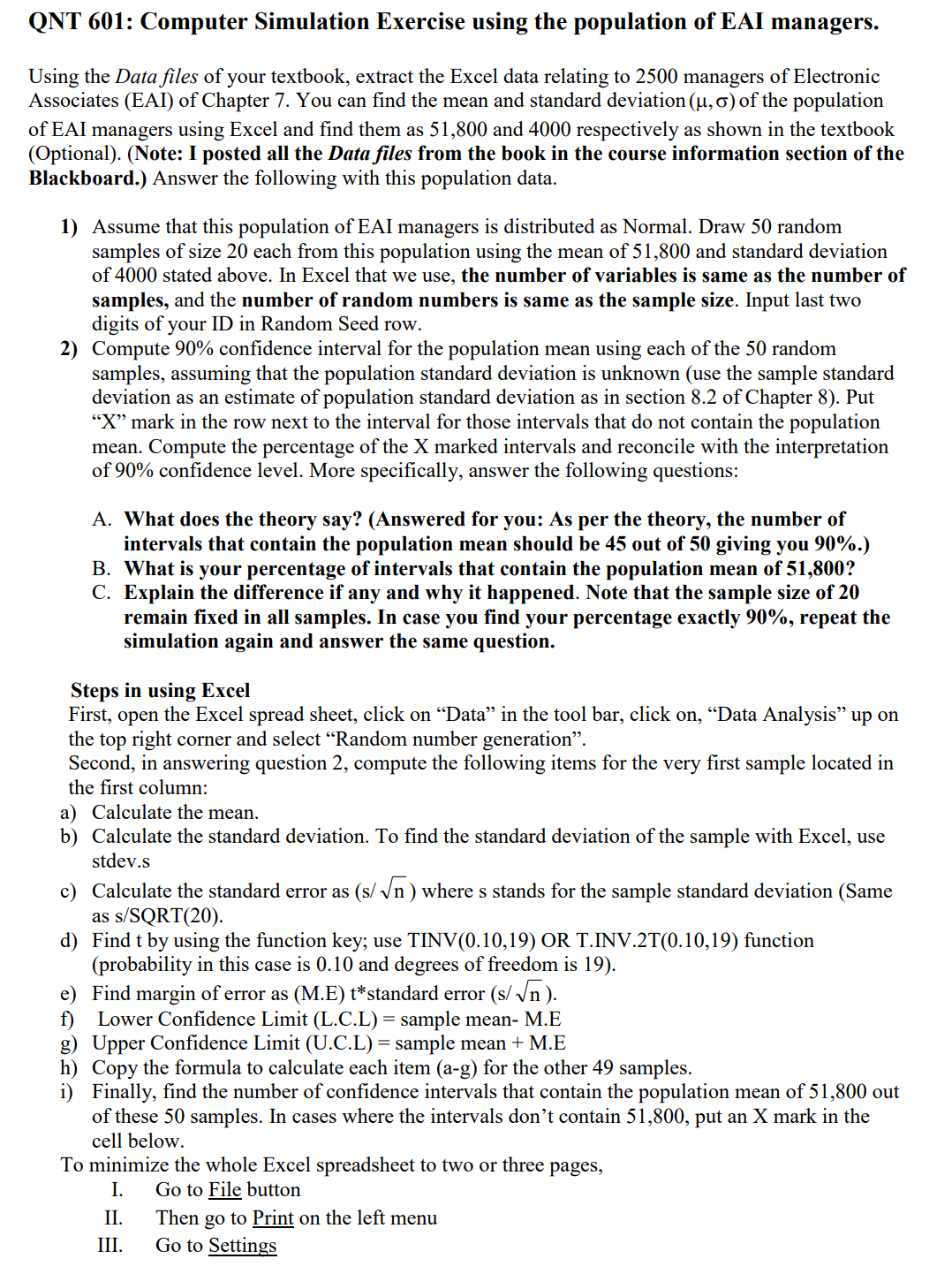
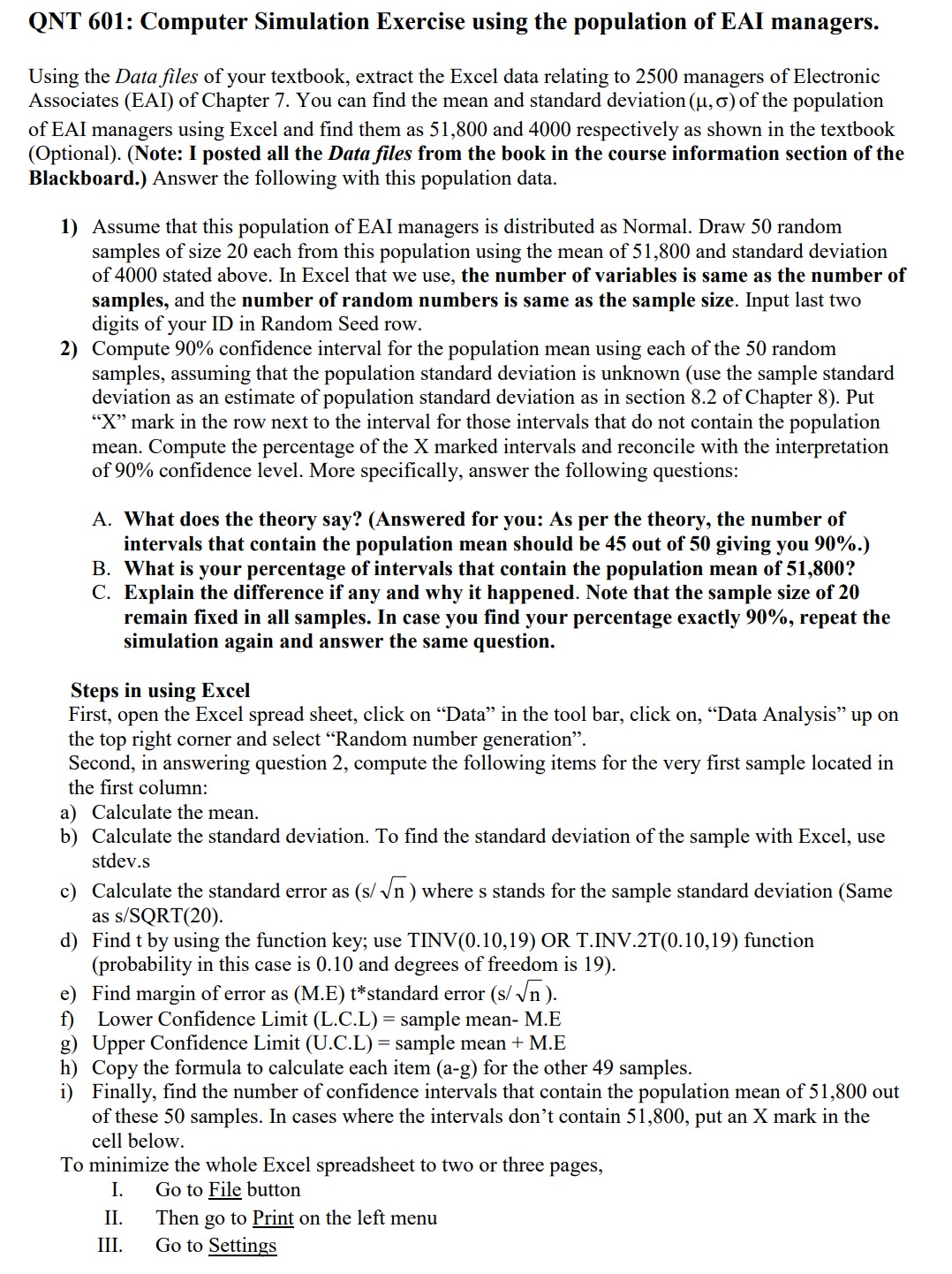
QNT 601: Computer Simulation Exercise using the population of EAI managers. Using the Dalales of your textbook, extract the Excel data relating to 2500 managers of Electronic Associates (EAI) of Chapter 7. You can nd the mean and standard deviation ( 11,0) of the population of EAI managers using Excel and nd them as 51,800 and 4000 respectively as shown in the textbook (Optional). (Note: I posted all the Damles from the book in the course information section of the Blackboard.) Answer the following with this population data. 1) 2) Assume that this population of EAI managers is distributed as Normal. Draw 50 random samples of size 20 each from this population using the mean of 51,800 and standard deviation of 4000 stated above. In Excel that we use, the number of variables is same as the number of samples, and the number of random numbers is same as the sample size. Input last two digits of your ID in Random Seed row. Compute 90% condence interval for the population mean using each of the 50 random samples, assuming that the population standard deviation is unknown (use the sample standard deviation as an estimate of population standard deviation as in section 8.2 of Chapter 8). Put \"X" mark in the row next to the interval for those intervals that do not contain the population mean. Compute the percentage of the X marked intervals and reconcile with the interpretation of 90% condence level. More specically, answer the following questions: A. What does the theory say? (Answered for you: As per the theory, the number of intervals that contain the population mean should be 45 out of 50 giving you 90%.) B. What is your percentage of intervals that contain the population mean of 51,800? C. Explain the difference if any and why it happened. Note that the sample size of 20 remain xed in all samples. In case you find your percentage exactly 90%, repeat the simulation again and answer the same question. Steps in using Excel First, open the Excel spread sheet, click on \"Data" in the tool bar, click on, \"Data Analysis" up on the top right corner and select \"Random number generation\". Second, in answering question 2, compute the following items for the very rst sample located in the rst column: a) b) C) d) Calculate the mean. Calculate the standard deviation. To nd the standard deviation of the sample with Excel, use stdev.s Calculate the standard error as (5/ JE) where 3 stands for the sample standard deviation (Same as s/SQRT(20). Find t by using the function key; use TINV(0.10,19) OR T.INV.2T{0.10,19) function (probability in this case is 0.10 and degrees of freedom is 19). Find margin of error as (ME) t*standard error (sf d; ). Lower Condence Limit (L.C.L) = sample mean M.E Upper Condence Limit (U.C.L) = sample mean + M.E Copy the formula to calculate each item (a-g) for the other 49 samples. Finally, nd the number of condence intervals that contain the population mean of 5 1 ,8 00 out of these 50 samples. In cases where the intervals don't contain 51,800, put an X mark in the cell below. To minimize the whole Excel spreadsheet to two or three pages, I. Go to m button 11. Then go to Print on the left menu 111. Go to Settings IV. Change portrait orientation to Landscape Orientation V. Click No Scaling to open the scaling menu, then click Custom Scaling. Fit to: 2 page{ s! wide by 1 tall VI. Click OK. VII. Upload through the submission link on Blackboard after providing answers to the questions B, C in 2) above. Make sure you list the names of all in your group. Please report to me in case any one or two in your group did not participate or contribute in arriving at your nal collective group answers before you upload them on Blackboard
Step by Step Solution
There are 3 Steps involved in it

Get step-by-step solutions from verified subject matter experts
 Study Help