







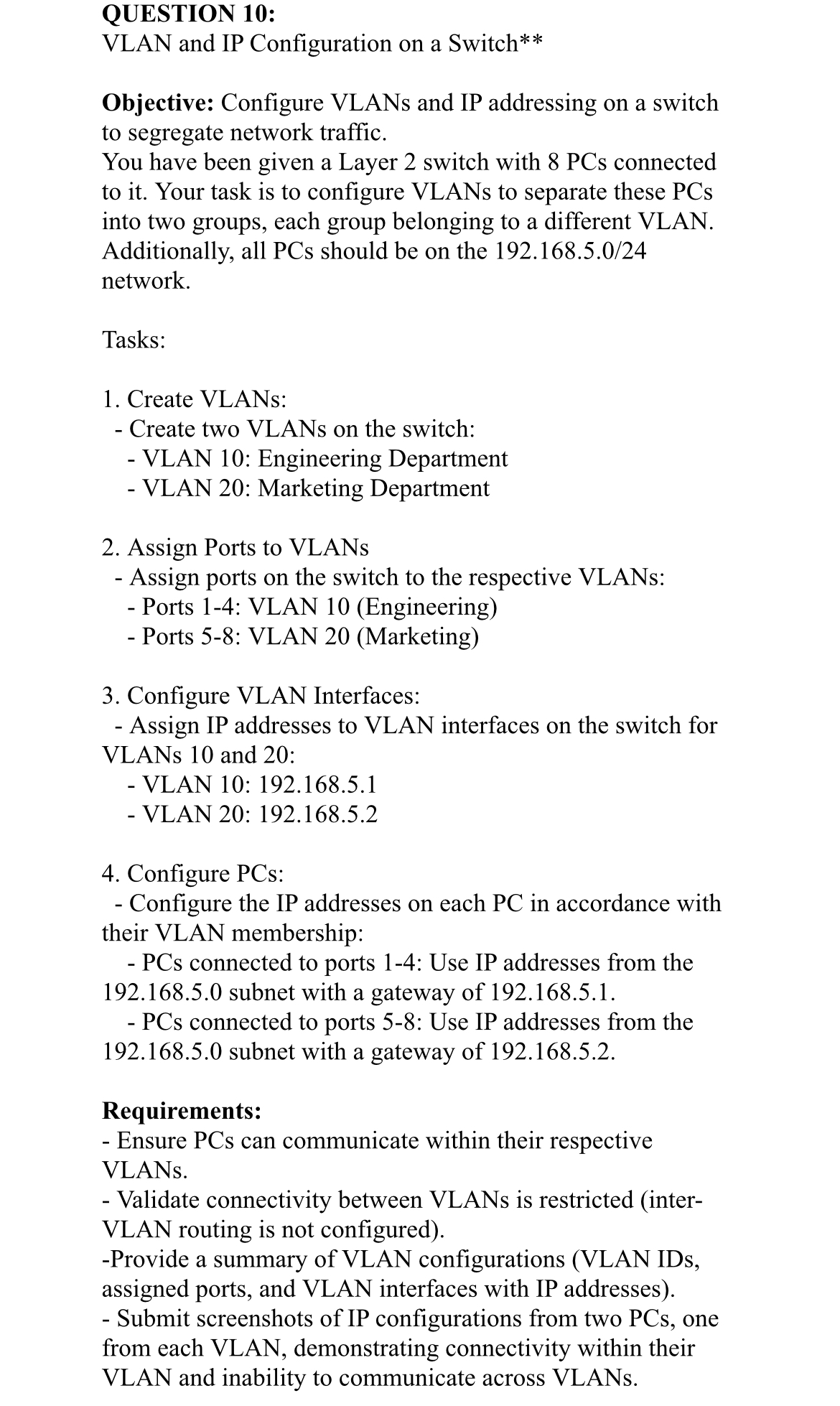
Question: QUESTION 1 0 : VLAN and IP Configuration on a Switch * * Objective: Configure VLANs and IP addressing on a switch to segregate network
QUESTION :
VLAN and IP Configuration on a Switch
Objective: Configure VLANs and IP addressing on a switch to segregate network traffic.
You have been given a Layer switch with PCs connected to it Your task is to configure VLANs to separate these PCs into two groups, each group belonging to a different VLAN. Additionally, all PCs should be on the network.
Tasks:
Create VLANs:
Create two VLANs on the switch:
VLAN : Engineering Department
VLAN : Marketing Department
Assign Ports to VLANs
Assign ports on the switch to the respective VLANs:
Ports : VLAN Engineering
Ports : VLAN Marketing
Configure VLAN Interfaces:
Assign IP addresses to VLAN interfaces on the switch for VLANs and :
VLAN :
VLAN :
Configure PCs:
Configure the IP addresses on each PC in accordance with their VLAN membership:
PCs connected to ports : Use IP addresses from the subnet with a gateway of
PCs connected to ports : Use IP addresses from the subnet with a gateway of
Requirements:
Ensure PCs can communicate within their respective VLANs.
Validate connectivity between VLANs is restricted interVLAN routing is not configured
Provide a summary of VLAN configurations VLAN IDs, assigned ports, and VLAN interfaces with IP addresses Submit screenshots of IP configurations from two PCs one from each VLAN, demonstrating connectivity within their VLAN and inability to communicate across VLANs.
Step by Step Solution
There are 3 Steps involved in it
1 Expert Approved Answer
Step: 1 Unlock

Question Has Been Solved by an Expert!
Get step-by-step solutions from verified subject matter experts
Step: 2 Unlock
Step: 3 Unlock
 Study Help