





Question: QUESTION 1 10 The SIS (Student Information System) state changes from Idle to Servicing Teacher when the Teacher logged into SIS by entering userid/password. On
QUESTION 1 10 The SIS (Student Information
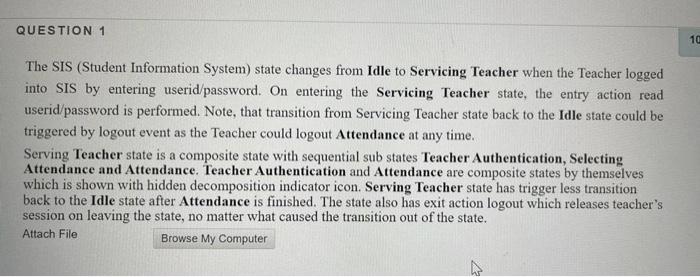
QUESTION 1 10 The SIS (Student Information System) state changes from Idle to Servicing Teacher when the Teacher logged into SIS by entering userid/password. On entering the Servicing Teacher state, the entry action read userid/password is performed. Note, that transition from Servicing Teacher state back to the Idle state could be triggered by logout event as the Teacher could logout Attendance at any time. Serving Teacher state is a composite state with sequential sub states Teacher Authentication, Selecting Attendance and Attendance. Teacher Authentication and Attendance are composite states by themselves which is shown with hidden decomposition indicator icon. Serving Teacher state has trigger less transition back to the Idle state after Attendance is finished. The state also has exit action logout which releases teacher's session on leaving the state, no matter what caused the transition out of the state. Attach File Browse My Computer

Step by Step Solution

There are 3 Steps involved in it

1 Expert Approved Answer
Step: 1 Unlock blur-text-image

Question Has Been Solved by an Expert!

Get step-by-step solutions from verified subject matter experts

Step: 2 Unlock
Step: 3 Unlock

Students Have Also Explored These Related General Management Questions!