







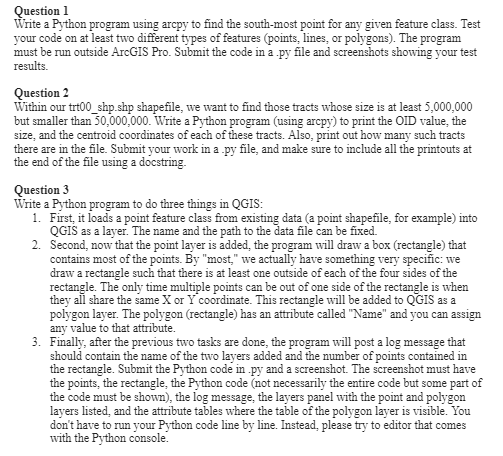
Question: Question 1 Write a Python program using arcpy to find the south - most point for any given feature class. Test your code on at
Question
Write a Python program using arcpy to find the southmost point for any given feature class. Test
your code on at least two different types of features points lines, or polygons The program
must be run outside ArcGIS Pro. Submit the code in a py file and screenshots showing your test
results.
Question
Within our trtshpshp shapefile, we want to find those tracts whose size is at least
but smaller than Write a Python program using arcpy to print the OID value, the
size, and the centroid coordinates of each of these tracts. Also, print out how many such tracts
there are in the file. Submit your work in a py file, and make sure to include all the printouts at
the end of the file using a docstring.
Question
Write a Python program to do three things in QGIS:
First, it loads a point feature class from existing data a point shapefile, for example into
QGIS as a layer. The name and the path to the data file can be fixed.
Second, now that the point layer is added, the program will draw a box rectangle that
contains most of the points. By "most," we actually have something very specific: we
draw a rectangle such that there is at least one outside of each of the four sides of the
rectangle. The only time multiple points can be out of one side of the rectangle is when
they all share the same or coordinate. This rectangle will be added to QGIS as a
polygon layer. The polygon rectangle has an attribute called "Name" and you can assign
any value to that attribute.
Finally, after the previous two tasks are done, the program will post a log message that
should contain the name of the two layers added and the number of points contained in
the rectangle. Submit the Python code in py and a screenshot. The screenshot must have
the points, the rectangle, the Python code not necessarily the entire code but some part of
the code must be shown the log message, the layers panel with the point and polygon
layers listed, and the attribute tables where the table of the polygon layer is visible. You
don't have to run your Python code line by line. Instead, please try to editor that comes
with the Python console.
Step by Step Solution
There are 3 Steps involved in it
1 Expert Approved Answer
Step: 1 Unlock

Question Has Been Solved by an Expert!
Get step-by-step solutions from verified subject matter experts
Step: 2 Unlock
Step: 3 Unlock
 Study Help