







Question: Question 1 X Marks Study the scenario and complete the question ( s ) that follow ( s ) : You have been hired as
Question
X Marks
Study the scenario and complete the questions that follows:
You have been hired as an IT consultant by BlueTec Corp, a small startup organization with around employees. The company is expanding its operations and needs to implement a robust IT infrastructure to support its growing needs. Your task is to design and implement a Windows Server environment that covers key services such as Active Directory, DNS DHCP Group Policies, Remote Access, and Windows Certificate Services.
The follow diagram depicts the network connectivity:
You organization uses the following IP address range on its network.
Command Prompts can be used to run commands that give highlevel access to users and evade other restrictions on the system. So to ensure system resources' security, it's wise to disable Command Prompt.
Removable media drives are very prone to infection, and they may also contain a virus or malware. If a user plugs an infected drive to a network computer, it can affect the entire network. Similarly, DVDs CDs and Floppy Drives are prone to infection. It is therefore best to disable all these drives entirely.
When you give users the freedom to install software, they may install unwanted apps that compromise your system. System admins will usually have to routinely do maintenance and cleaning of such systems. To be on the safe side, it's advisable to prevent software installations through Group Policy:
Set the minimum password length to higher limits For example, for elevated accounts, passwords should be set to at least characters, and for regular accounts at least characters. Setting a lower value for minimum password length creates unnecessary risk. The default setting is "zero" characters, so you will have to specify a number
Set Maximum Password Age to Lower Limits: If you set the password expiration age to a lengthy period of time, users will not have to change it very frequently, which means it's more likely a password could get stolen. Shorter password expiration periods are always preferred. Windows' default maximum password age is set to days. The following screenshot shows the policy setting used for configuring "Maximum Password Age". Perform the following steps:
Include your surname in all your installation names, eg Windows Server Smith instead of just Windows Server This is for the examiner to make sure that you do not use Internet images or images from another student.
As an example the questions refer to SmithlT instead of IT and so on Replace Smith with your surname in all occurrence of Smith in the questions.
Source: William, J
Deliverable
Deliverable
Marks
Demonstrate the installation and configuration of Windows Server and Windows Client machines on a virtual machine. Provide screenshots and detailed documentation of each step.
marks
Implement an Active Directory Domain Services environment. Create OUs for the departments, SmithHR, SmithMarketing, SmithIT and Administration, user accounts, and groups. Describe the process and provide screenshots of the configurations. domain name
SmithBluetech.com
Refer to the Addendum
marks
Promote this Server to a domain controller
marks
Add all Client computers to this domain.
marks
Add the following user accounts:
tableNameRole,Username,DepartmenttableThabisoMotsaolediAdministration,umotsaa,SmithITtableLeratoTshabanguStd User,utshale,SmithITJames Rodriguez,Std User,urodrja,SmithHRtableGaytonMackenzieStd User,umackga,SmithMarketing
marks
Add the following computer Accounts:
tablePC Name,DepartmentPCWinSmithITPCWinSmithITPCWinSmithHRPCWinSmithHRPCWinSmithHRLPWinSmithMarketingLPWin
marks
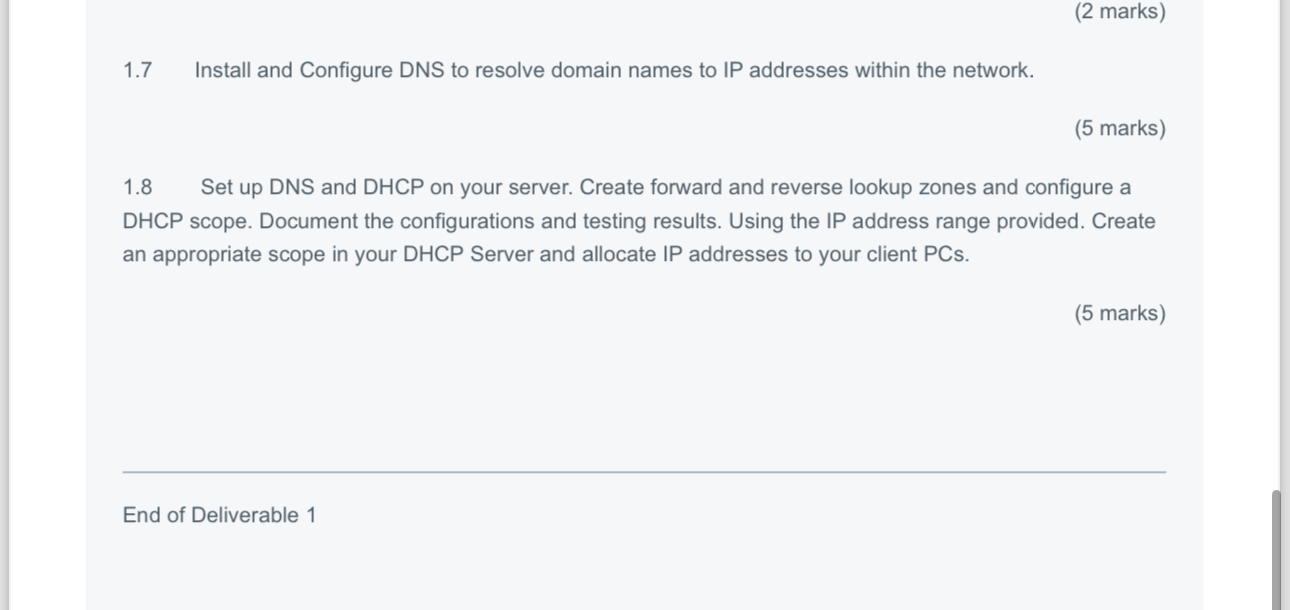
Install and Configure DNS to resolve domain names to IP addresses within the network.
marks
Set up DNS and DHCP on your server. Create forward and reverse lookup zones and configure a DHCP scope. Document the configurations and testing results. Using the IP address range provided. Create an appropriate scope in your DHCP Server and allocate IP addresses to your client PCs
marks
End of Deliverable
Step by Step Solution
There are 3 Steps involved in it
1 Expert Approved Answer
Step: 1 Unlock

Question Has Been Solved by an Expert!
Get step-by-step solutions from verified subject matter experts
Step: 2 Unlock
Step: 3 Unlock
 Study Help