







Question: Question 2 Instruction:Answer ALL questions. 1. Using only one ACL statement, write the command to prevent two machines with IP addresses 192.168.1.246 and 192.168.1.254, on
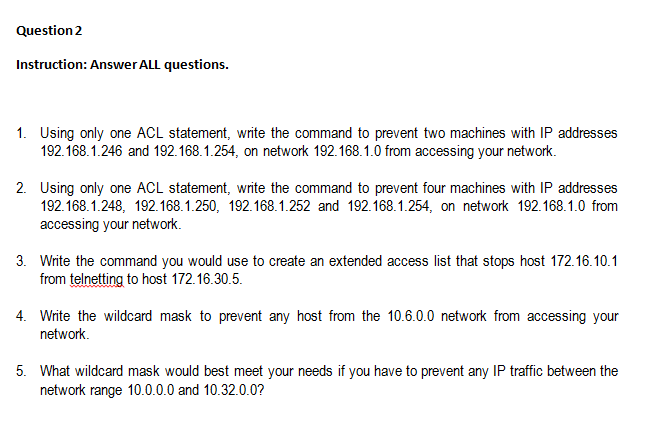
Question 2 Instruction:Answer ALL questions. 1. Using only one ACL statement, write the command to prevent two machines with IP addresses 192.168.1.246 and 192.168.1.254, on network 192.168.1.0 from accessing your network. 2. Using only one ACL statement, write the command to prevent four machines with IP addresses 192.168.1.248, 192.168.1.250, 192.168.1.252 and 192.168.1.254, on network 192.168.1.0 from accessing your network. 3. Write the command you would use to create an extended access list that stops host 172.16.10.1 from telnetting to host 172.16.30.5. Write the wildcard mask to prevent any host from the 10.6.0.0 network from accessing your network 5. What wildcard mask would best meet your needs if you have to prevent any IP traffic between the network range 10.0.0.0 and 10.32.0.0? Question 2 Instruction:Answer ALL questions. 1. Using only one ACL statement, write the command to prevent two machines with IP addresses 192.168.1.246 and 192.168.1.254, on network 192.168.1.0 from accessing your network. 2. Using only one ACL statement, write the command to prevent four machines with IP addresses 192.168.1.248, 192.168.1.250, 192.168.1.252 and 192.168.1.254, on network 192.168.1.0 from accessing your network. 3. Write the command you would use to create an extended access list that stops host 172.16.10.1 from telnetting to host 172.16.30.5. Write the wildcard mask to prevent any host from the 10.6.0.0 network from accessing your network 5. What wildcard mask would best meet your needs if you have to prevent any IP traffic between the network range 10.0.0.0 and 10.32.0.0
Step by Step Solution
There are 3 Steps involved in it

Get step-by-step solutions from verified subject matter experts
 Study Help