



Question: QUESTION 3 (15 Marks) Cinematic Top Star (Pty) Ltd CTS is a top class movie house (cinema) that has operated in the movie industry for
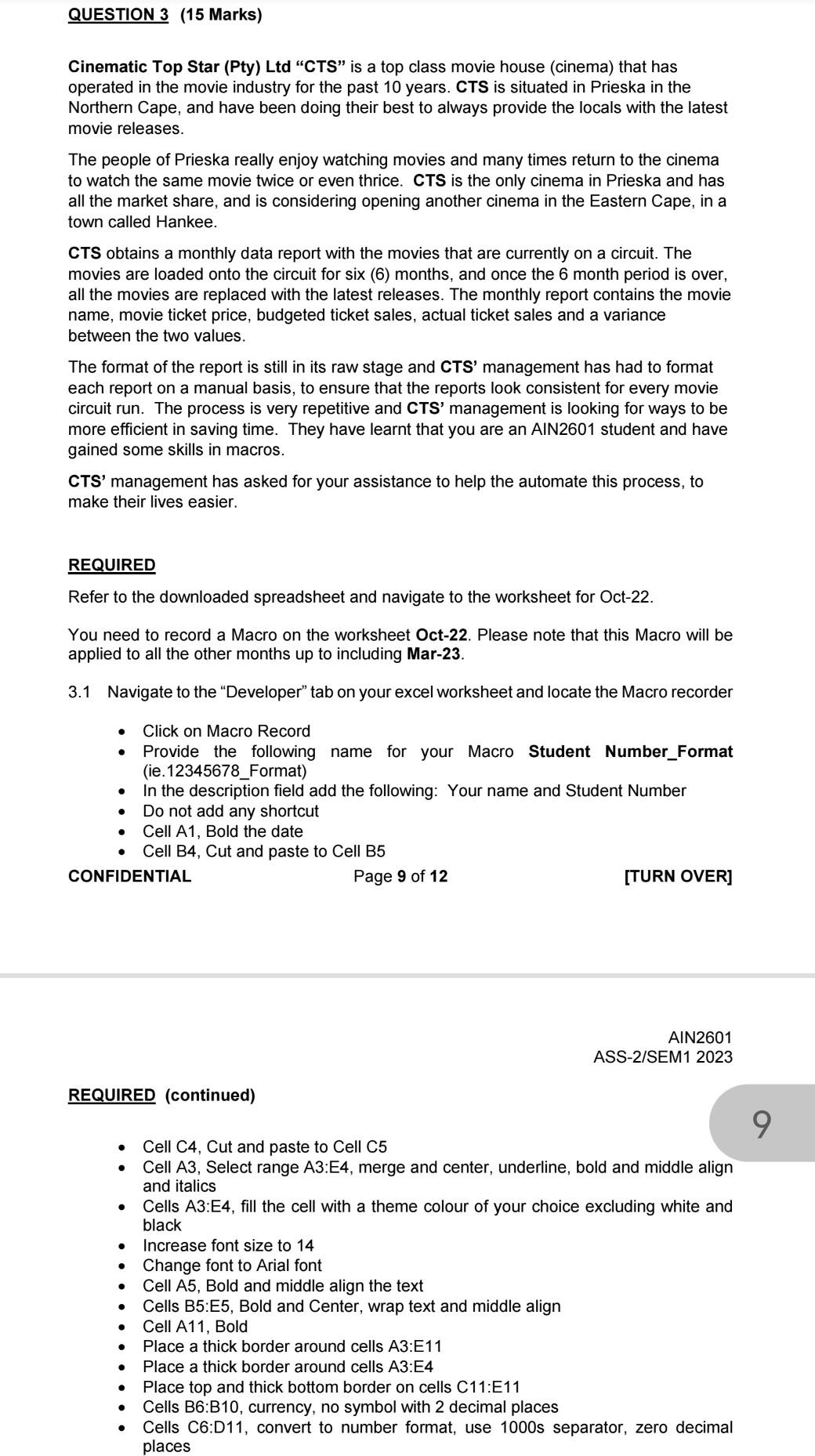
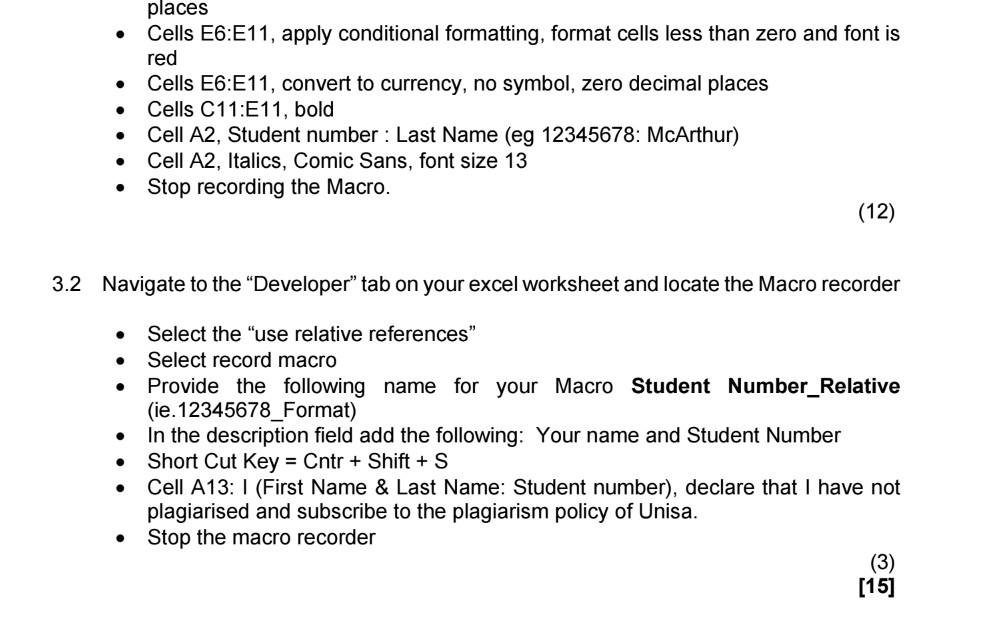
QUESTION 3 (15 Marks) Cinematic Top Star (Pty) Ltd "CTS" is a top class movie house (cinema) that has operated in the movie industry for the past 10 years. CTS is situated in Prieska in the Northern Cape, and have been doing their best to always provide the locals with the latest movie releases. The people of Prieska really enjoy watching movies and many times return to the cinema to watch the same movie twice or even thrice. CTS is the only cinema in Prieska and has all the market share, and is considering opening another cinema in the Eastern Cape, in a town called Hankee. CTS obtains a monthly data report with the movies that are currently on a circuit. The movies are loaded onto the circuit for six (6) months, and once the 6 month period is over, all the movies are replaced with the latest releases. The monthly report contains the movie name, movie ticket price, budgeted ticket sales, actual ticket sales and a variance between the two values. The format of the report is still in its raw stage and CTS' management has had to format each report on a manual basis, to ensure that the reports look consistent for every movie circuit run. The process is very repetitive and CTS' management is looking for ways to be more efficient in saving time. They have learnt that you are an AIN2601 student and have gained some skills in macros. CTS' management has asked for your assistance to help the automate this process, to make their lives easier. REQUIRED Refer to the downloaded spreadsheet and navigate to the worksheet for Oct-22. You need to record a Macro on the worksheet Oct-22. Please note that this Macro will be applied to all the other months up to including Mar-23. 3.1 Navigate to the "Developer" tab on your excel worksheet and locate the Macro recorder - Click on Macro Record - Provide the following name for your Macro Student Number_Format (ie.12345678_Format) - In the description field add the following: Your name and Student Number - Do not add any shortcut - Cell A1, Bold the date - Cell B4, Cut and paste to Cell B5 CONFIDENTIAL Page 9 of 12 [TURN OVER] AIN2601 ASS-2/SEM1 2023 REQUIRED (continued) - Cell C4, Cut and paste to Cell C5 - Cell A3, Select range A3:E4, merge and center, underline, bold and middle align and italics - Cells A3:E4, fill the cell with a theme colour of your choice excluding white and black - Increase font size to 14 - Change font to Arial font - Cell A5, Bold and middle align the text - Cells B5:E5, Bold and Center, wrap text and middle align - Cell A11, Bold - Place a thick border around cells A3:E11 - Place a thick border around cells A3:E4 - Place top and thick bottom border on cells C11:E11 - Cells B6:B10, currency, no symbol with 2 decimal places - Cells C6:D11, convert to number format, use 1000s separator, zero decimal places - Cells E6:E11, apply conditional formatting, format cells less than zero and font is red - Cells E6:E11, convert to currency, no symbol, zero decimal places - Cells C11:E11, bold - Cell A2, Student number : Last Name (eg 12345678: McArthur) - Cell A2, Italics, Comic Sans, font size 13 - Stop recording the Macro. 3.2 Navigate to the "Developer" tab on your excel worksheet and locate the Macro recorder - Select the "use relative references" - Select record macro - Provide the following name for your Macro Student Number_Relative (ie.12345678_Format) - In the description field add the following: Your name and Student Number - Short Cut Key = Cntr + Shift + S - Cell A13: I (First Name \& Last Name: Student number), declare that I have not plagiarised and subscribe to the plagiarism policy of Unisa. - Stop the macro recorder QUESTION 3 (15 Marks) Cinematic Top Star (Pty) Ltd "CTS" is a top class movie house (cinema) that has operated in the movie industry for the past 10 years. CTS is situated in Prieska in the Northern Cape, and have been doing their best to always provide the locals with the latest movie releases. The people of Prieska really enjoy watching movies and many times return to the cinema to watch the same movie twice or even thrice. CTS is the only cinema in Prieska and has all the market share, and is considering opening another cinema in the Eastern Cape, in a town called Hankee. CTS obtains a monthly data report with the movies that are currently on a circuit. The movies are loaded onto the circuit for six (6) months, and once the 6 month period is over, all the movies are replaced with the latest releases. The monthly report contains the movie name, movie ticket price, budgeted ticket sales, actual ticket sales and a variance between the two values. The format of the report is still in its raw stage and CTS' management has had to format each report on a manual basis, to ensure that the reports look consistent for every movie circuit run. The process is very repetitive and CTS' management is looking for ways to be more efficient in saving time. They have learnt that you are an AIN2601 student and have gained some skills in macros. CTS' management has asked for your assistance to help the automate this process, to make their lives easier. REQUIRED Refer to the downloaded spreadsheet and navigate to the worksheet for Oct-22. You need to record a Macro on the worksheet Oct-22. Please note that this Macro will be applied to all the other months up to including Mar-23. 3.1 Navigate to the "Developer" tab on your excel worksheet and locate the Macro recorder - Click on Macro Record - Provide the following name for your Macro Student Number_Format (ie.12345678_Format) - In the description field add the following: Your name and Student Number - Do not add any shortcut - Cell A1, Bold the date - Cell B4, Cut and paste to Cell B5 CONFIDENTIAL Page 9 of 12 [TURN OVER] AIN2601 ASS-2/SEM1 2023 REQUIRED (continued) - Cell C4, Cut and paste to Cell C5 - Cell A3, Select range A3:E4, merge and center, underline, bold and middle align and italics - Cells A3:E4, fill the cell with a theme colour of your choice excluding white and black - Increase font size to 14 - Change font to Arial font - Cell A5, Bold and middle align the text - Cells B5:E5, Bold and Center, wrap text and middle align - Cell A11, Bold - Place a thick border around cells A3:E11 - Place a thick border around cells A3:E4 - Place top and thick bottom border on cells C11:E11 - Cells B6:B10, currency, no symbol with 2 decimal places - Cells C6:D11, convert to number format, use 1000s separator, zero decimal places - Cells E6:E11, apply conditional formatting, format cells less than zero and font is red - Cells E6:E11, convert to currency, no symbol, zero decimal places - Cells C11:E11, bold - Cell A2, Student number : Last Name (eg 12345678: McArthur) - Cell A2, Italics, Comic Sans, font size 13 - Stop recording the Macro. 3.2 Navigate to the "Developer" tab on your excel worksheet and locate the Macro recorder - Select the "use relative references" - Select record macro - Provide the following name for your Macro Student Number_Relative (ie.12345678_Format) - In the description field add the following: Your name and Student Number - Short Cut Key = Cntr + Shift + S - Cell A13: I (First Name \& Last Name: Student number), declare that I have not plagiarised and subscribe to the plagiarism policy of Unisa. - Stop the macro recorder
Step by Step Solution
There are 3 Steps involved in it

Get step-by-step solutions from verified subject matter experts