







Question: Question 3: In Microsoft Excel VBA, create a macro described as below. Requirements: Create a button that will prompt a user to enter the date
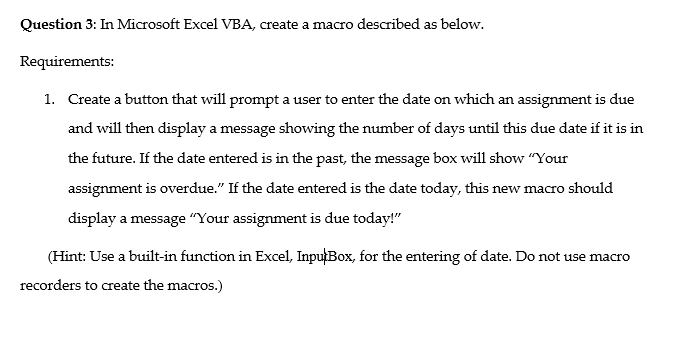
Question 3: In Microsoft Excel VBA, create a macro described as below. Requirements: Create a button that will prompt a user to enter the date on which an assignment is due and will then display a message showing the number of days until this due date if it is in the future. If the date entered is in the past, the message box will show "Your assignment is overdue." If the date entered is the date today, this new macro should display a message "Your assignment is due today!" 1. (Hint: Use a built-in function in Excel, InpuBox, for the entering of date. Do not use macro recorders to create the macros.)
Step by Step Solution
There are 3 Steps involved in it
1 Expert Approved Answer
Step: 1 Unlock

Question Has Been Solved by an Expert!
Get step-by-step solutions from verified subject matter experts
Step: 2 Unlock
Step: 3 Unlock
 Study Help