



Question: Question 5 Arrange the steps to change the chart style in the correct order. Select the Design tab Select the desired style. Click the More
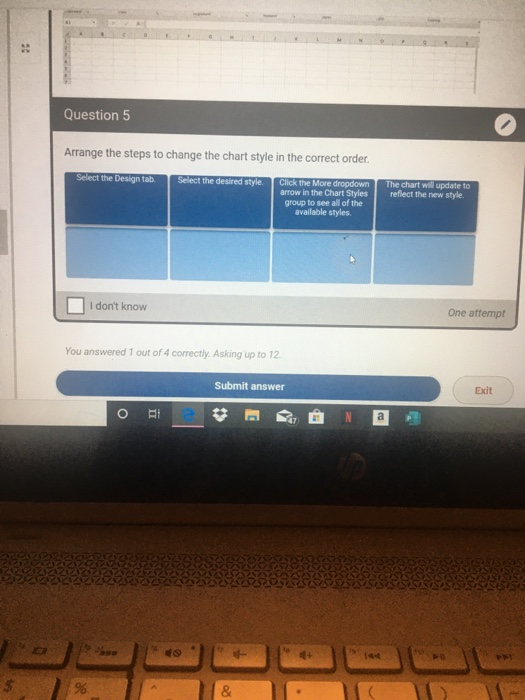
Question 5 Arrange the steps to change the chart style in the correct order. Select the Design tab Select the desired style. Click the More dropdown arrow in the Chart Styles group to see all of the available styles The chart will update to reflect the new style. I don't know One attempt You answered 1 out of 4 correctly. Asking up to 12 Submit answer Exit
Step by Step Solution
There are 3 Steps involved in it
1 Expert Approved Answer
Step: 1 Unlock

To change the chart style follow these steps in order Select the Design tab First you need to ac... View full answer
Question Has Been Solved by an Expert!
Get step-by-step solutions from verified subject matter experts
Step: 2 Unlock
Step: 3 Unlock