







Question: Question 6 1 pts Lesson 5.5: The Create-Process-Dispose Modules Go to the Basic Process template and drag-and-drop Create-Process-Dispose modules in that order. They should connect
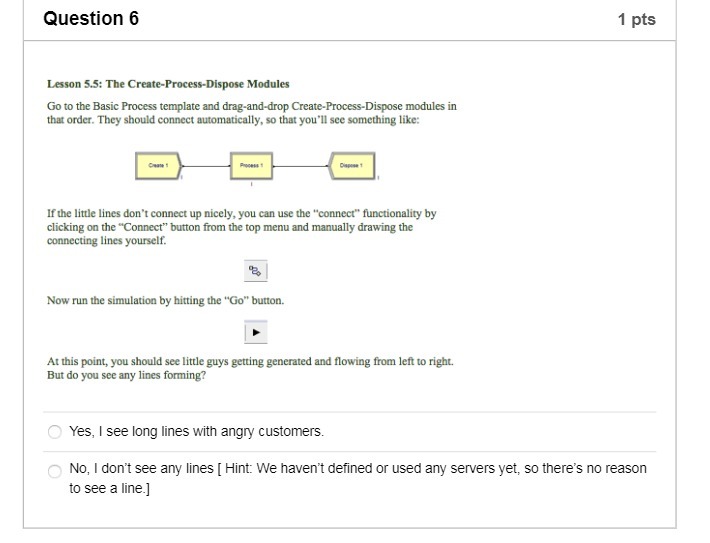
Question 6 1 pts Lesson 5.5: The Create-Process-Dispose Modules Go to the Basic Process template and drag-and-drop Create-Process-Dispose modules in that order. They should connect automatically, so that you'll see something like: If the little lines don't connect up nicely, you can use the "connect" functionality by clicking on the "Connect" button from the top menu and manually drawing the connecting lines yourself. Now run the simulation by hitting the "Go" button. At this point, you should see little guys getting generated and flowing from left to right. But do you see any lines forming? O Yes, I see long lines with angry customers. O No, I don't see any lines [ Hint: We haven't defined or used any servers yet, so there's no reason to see a line.]
Step by Step Solution
There are 3 Steps involved in it

Get step-by-step solutions from verified subject matter experts
 Study Help