







Question: Question: bash Here is my bash code in linux: #the program displays the list of usernames and processes for each user that are currently active
Question: bash
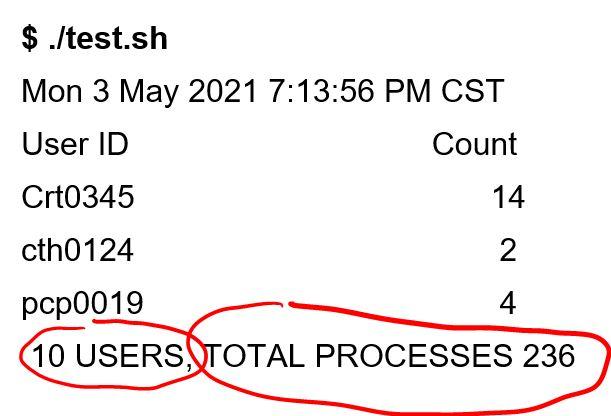
Here is my bash code in linux:
#the program displays the list of usernames and processes for each user that are currently active on a linux server, then counts all processes for each and totals the amount of users and total processes.
while [ "$1" == "" ] do echo `date` echo "USER COUNT COUNT"
ps -eo user=|sort|uniq -c|awk '{ print $2 " " $1 }'|column -t processes=`ps -eo user|awk '{print $1}' |sort|uniq -u|egrep ''|wc -l` #this is not displaying correct number users=`ps -eo user|awk '{print $1}' |sort|uniq -u|egrep ''|wc -l` #this is not displaying correct number echo "$users USERS,TOTAL PROCESSES $processes"
sleep 5 done
My code doesn't display the current amount of USERS, and my TOTAL PROCESSES are incorrect.
How do I fix that so it displays correctly?
$ ./test.sh Mon 3 May 2021 7:13:56 PM CST User ID Count Crt0345 14 cth0124 2 pcp0019 4 10 USERS, TOTAL PROCESSES 236 $ ./test.sh Mon 3 May 2021 7:13:56 PM CST User ID Count Crt0345 14 cth0124 2 pcp0019 4 10 USERS, TOTAL PROCESSES 236
Step by Step Solution
There are 3 Steps involved in it

Get step-by-step solutions from verified subject matter experts
 Study Help