







Question: Question: Sequence the steps to use data tables for what - if analysis in Excel 3 6 5 . As the first step, you've created
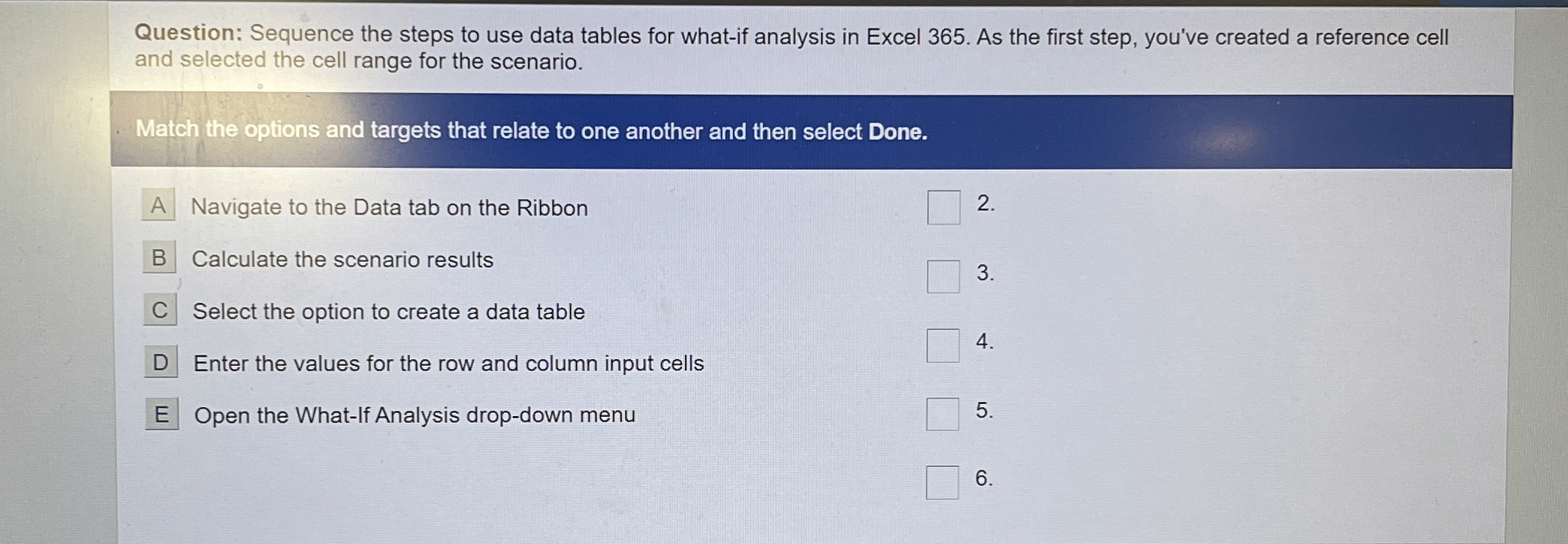
Question: Sequence the steps to use data tables for whatif analysis in Excel As the first step, you've created a reference cell and selected the cell range for the scenario.
Match the options and targets that relate to one another and then select Done.
Navigate to the Data tab on the Ribbon
Calculate the scenario results
Select the option to create a data table
Enter the values for the row and column input cells
Open the WhatIf Analysis dropdown menu
Step by Step Solution
There are 3 Steps involved in it
1 Expert Approved Answer
Step: 1 Unlock

Question Has Been Solved by an Expert!
Get step-by-step solutions from verified subject matter experts
Step: 2 Unlock
Step: 3 Unlock
 Study Help