







Question: Question: What method can you use to perform a what - if analysis using data tables in Excel 3 6 5 ? You've already created
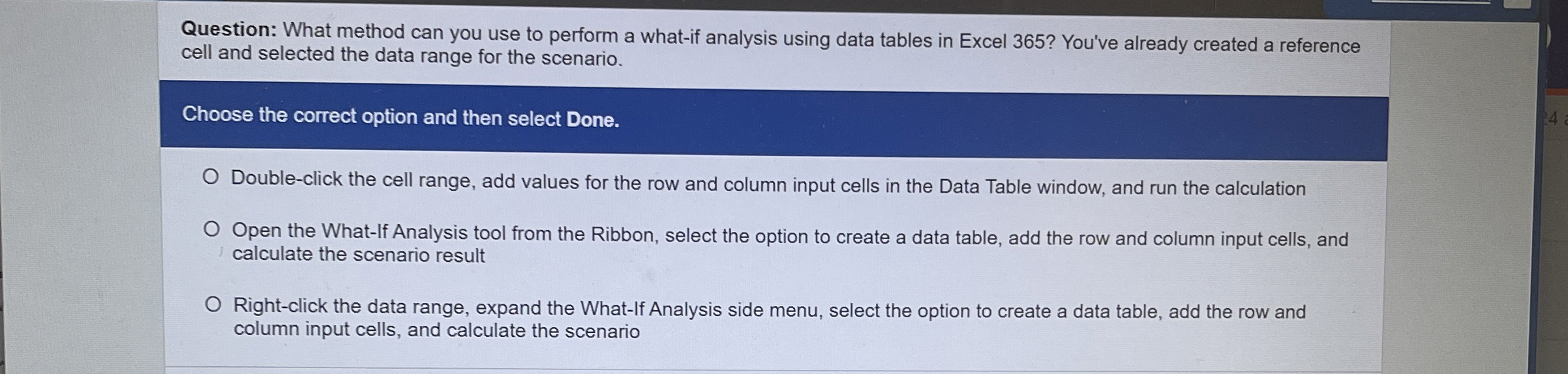
Question: What method can you use to perform a whatif analysis using data tables in Excel You've already created a reference cell and selected the data range for the scenario.
Choose the correct option and then select Done.
Doubleclick the cell range, add values for the row and column input cells in the Data Table window, and run the calculation
Open the Whatlf Analysis tool from the Ribbon, select the option to create a data table, add the row and column input cells, and calculate the scenario result
Rightclick the data range, expand the WhatIf Analysis side menu, select the option to create a data table, add the row and column input cells, and calculate the scenario
Step by Step Solution
There are 3 Steps involved in it
1 Expert Approved Answer
Step: 1 Unlock

Question Has Been Solved by an Expert!
Get step-by-step solutions from verified subject matter experts
Step: 2 Unlock
Step: 3 Unlock
 Study Help