



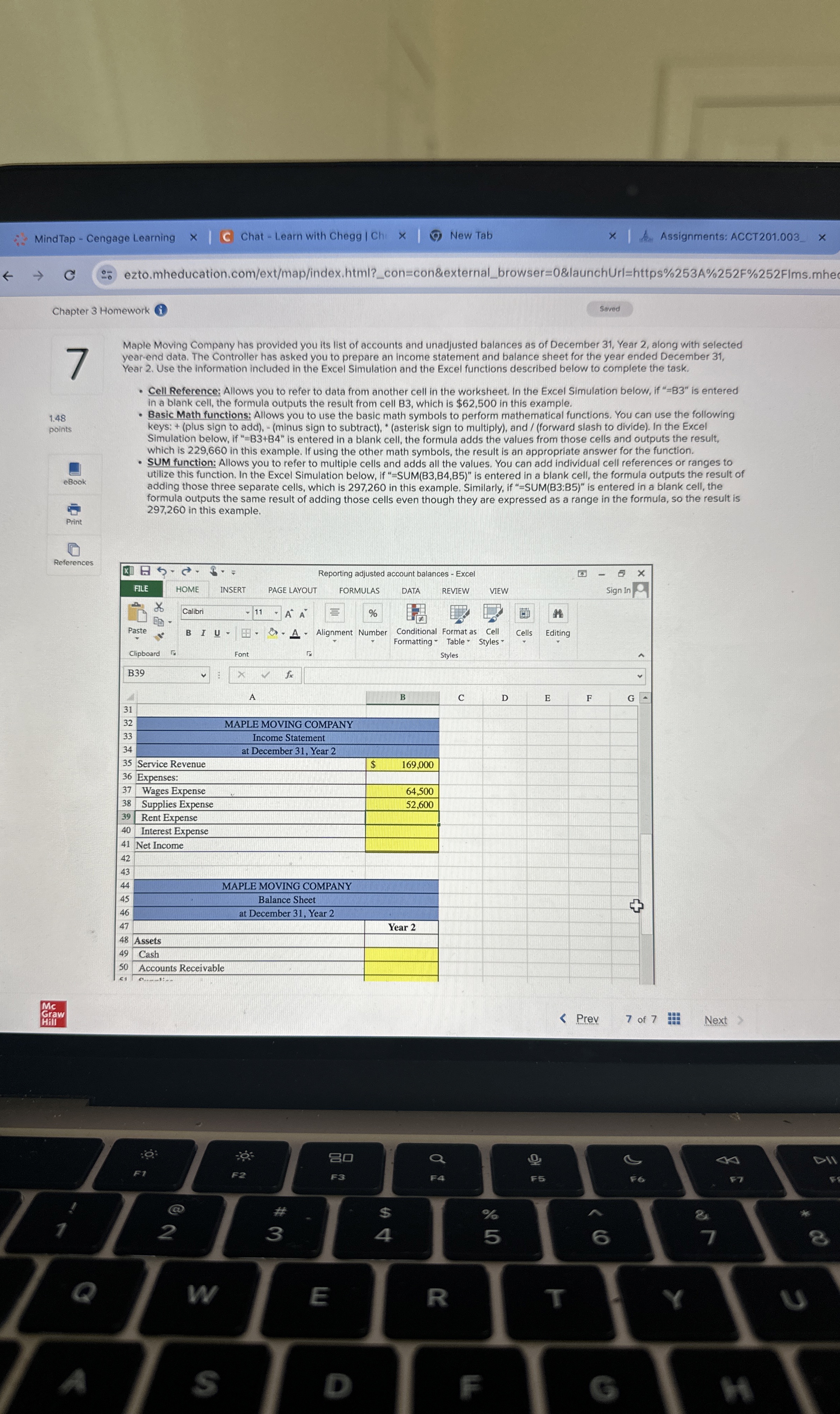
Question: % References Maple Moving Company has provided you its list of accounts and unadjusted balances as of December 3 1 , Year 2 , along
References
Maple Moving Company has provided you its list of accounts and unadjusted balances as of December Year along with selected
yearend data. The Controller has asked you to prepare an income statement and balance sheet for the year ended December
Year Use the information included in the Excel Simulation and the Excel functions described below to complete the task.
Cell Reference: Allows you to refer to data from another cell in the worksheet. In the Excel Simulation below, if B is entered
in a blank cell, the formula outputs the result from cell B which is $ in this example.
Basic Math functions: Allows you to use the basic math symbols to perform mathematical functions. You can use the following
keys: plus sign to addminus sign to subtractasterisk sign to multiply and forward slash to divide In the Excel
Simulation below, if is entered in a blank cell, the formula adds the values from those cells and outputs the result,
which is in this example. If using the other math symbols, the result is an appropriate answer for the function.
SUM function: Allows you to refer to multiple cells and adds all the values. You can add individual cell references or ranges to
utilize this function. In the Excel Simulation below, if is entered in a blank cell, the formula outputs the result of
adding those three separate cells, which is in this example. Similarly, if SUMB:B is entered in a blank cell, the
formula outputs the same result of adding those cells even though they are expressed as a range in the formula, so the result is
in this example.
Step by Step Solution
There are 3 Steps involved in it
1 Expert Approved Answer
Step: 1 Unlock

Question Has Been Solved by an Expert!
Get step-by-step solutions from verified subject matter experts
Step: 2 Unlock
Step: 3 Unlock