







Question: Request Information In this application you are to create a Servlet that displays information about the HTTP Request Your application should execute whenever any resource
Request Information
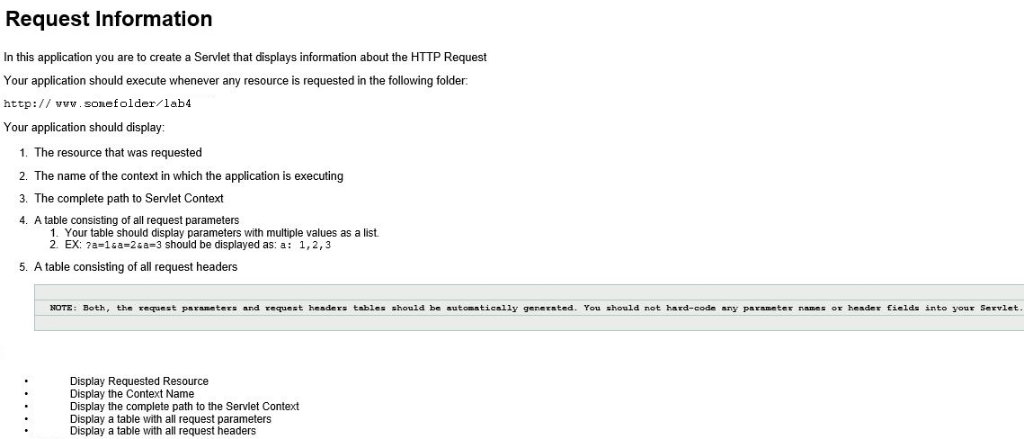
In this application you are to create a Servlet that displays information about the HTTP Request
Your application should execute whenever any resource is requested in the following folder:
http://somefolder//lab4/
Your application should display:
-
The resource that was requested
-
The name of the context in which the application is executing
-
The complete path to Servlet Context
- A table consisting of all request parameters
- Your table should display parameters with multiple values as a list.
- EX: ?a=1&a=2&a=3 should be displayed as: a: 1,2,3
-
A table consisting of all request headers
NOTE: Both, the request parameters and request headers tables should be automatically generated. You should not hard-code any parameter names or header fields into your Servlet.
- Display Requested Resource
- Display the Context Name
- Display the complete path to the Servlet Context
- Display a table with all request parameters
- Display a table with all request headers
Need to create servlet in Java. This is a Java Servlet (JSP) programming assignment.
Request Information In this application you are to create a Servlet that displays information about the HTTP Request Your application should execute whenever any resource is requested in the following folder: http:// w.sonefolder/lab4 Your application should display: 1. The resource that was requested 2. The name of the context in which the application is executing 3. The complete path to Servlet Context 4. A table consisting of all request parameters 1. Your table should display parameters with multiple values as a list 2. EX: 7a-1sa-2sa-3 should be displayed as: a: 1,2,3 5. A table consisting of all request headers NOTE: Both,the request paraneters and request henders tables should be sutomstienily genernted. You should not hard-code any parameter names or hesder finlds into your Servlet Display Requested Resource Display the Context Name Display the complete path to the Servlet Context Display a table with all request parameters Display a table with all request headers
Step by Step Solution
There are 3 Steps involved in it

Get step-by-step solutions from verified subject matter experts
 Study Help