







Question: Requirements Design and implement an application with a graphical user interface to manage a librar)y of songs. A song is uniquely identified by a combination
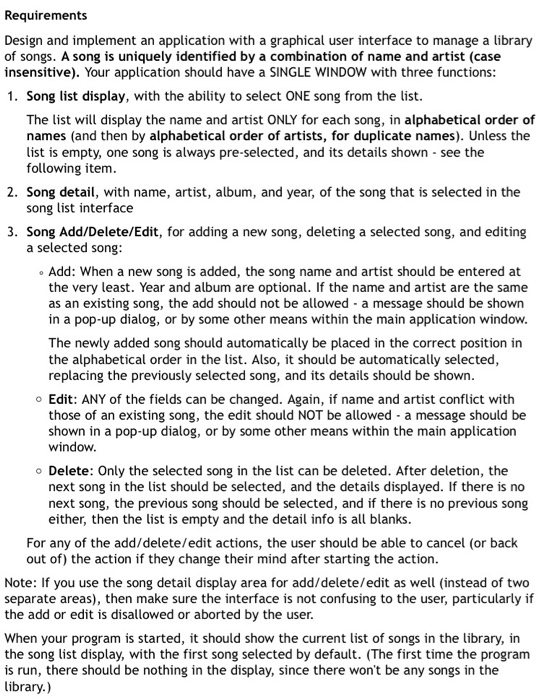
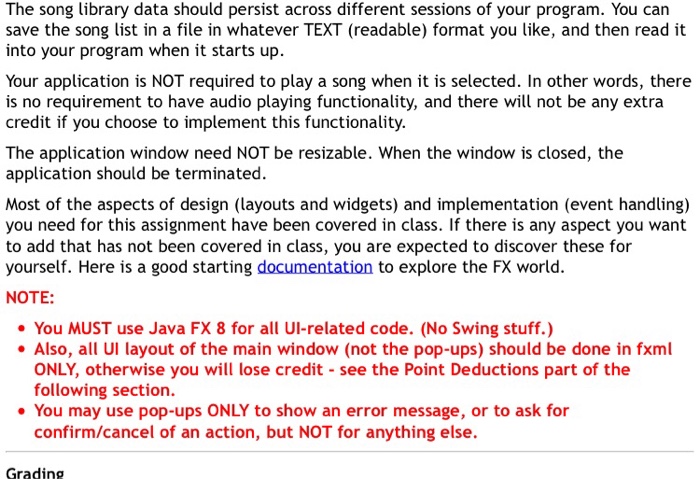
Requirements Design and implement an application with a graphical user interface to manage a librar)y of songs. A song is uniquely identified by a combination of name and artist (case insensitive). Your application should have a SINGLE WINDOW with three functions: 1. Song list display, with the ability to select ONE song from the list. The list will display the name and artist ONLY for each song, in alphabetical order of names (and then by alphabetical order of artists, for duplicate names). Unless the list is empty, one song is always pre-selected, and its details shown see the following item. song list interface a selected song 2. Song detail, with name, artist, album, and year, of the song that is selcted in the 3. Song Add/Delete/Edit, for adding a new song, deleting a selected song, and editing o Add: When a new song is added, the song name and artist should be entered at the very least. Year and album are optional. If the name and artist are the same as an existing song, the add should not be allowed a message should be shown in a pop-up dialog, or by some other means within the main application window the alphabetical order in the list. Also, it should be automatically selected o Edit: ANY of the fields can be changed. Again, if name and artist conflict with shown in a pop-up dialog, or by some other means within the main application o Delete: Only the selected song in the list can be deleted. After deletion, the The newly added song should automatically be placed in the correct position in replacing the previously selected song, and its details should be shown. those of an existing song, the edit should NOT be allowed a message should be window next song in the list should be selected, and the details displayed. If there is no next song, the previous song should be selected, and if there is no previous song either, then the list is empty and the detail info is all blanks. For any of the add/delete/edit actions, the user should be able to cancel (or back out of) the action if they change their mind after starting the action Note: If you use the song detail display area for add/delete/edit as well (instead of two separate areas), then make sure the interface is not confusing to the user, particularly if the add or edit is disallowed or aborted by the user. When your program is started, it should show the current list of songs in the library, in the song list display, with the first song selected by default. (The first time the program is run, there should be nothing in the display, since there won't be any songs in the library.) Requirements Design and implement an application with a graphical user interface to manage a librar)y of songs. A song is uniquely identified by a combination of name and artist (case insensitive). Your application should have a SINGLE WINDOW with three functions: 1. Song list display, with the ability to select ONE song from the list. The list will display the name and artist ONLY for each song, in alphabetical order of names (and then by alphabetical order of artists, for duplicate names). Unless the list is empty, one song is always pre-selected, and its details shown see the following item. song list interface a selected song 2. Song detail, with name, artist, album, and year, of the song that is selcted in the 3. Song Add/Delete/Edit, for adding a new song, deleting a selected song, and editing o Add: When a new song is added, the song name and artist should be entered at the very least. Year and album are optional. If the name and artist are the same as an existing song, the add should not be allowed a message should be shown in a pop-up dialog, or by some other means within the main application window the alphabetical order in the list. Also, it should be automatically selected o Edit: ANY of the fields can be changed. Again, if name and artist conflict with shown in a pop-up dialog, or by some other means within the main application o Delete: Only the selected song in the list can be deleted. After deletion, the The newly added song should automatically be placed in the correct position in replacing the previously selected song, and its details should be shown. those of an existing song, the edit should NOT be allowed a message should be window next song in the list should be selected, and the details displayed. If there is no next song, the previous song should be selected, and if there is no previous song either, then the list is empty and the detail info is all blanks. For any of the add/delete/edit actions, the user should be able to cancel (or back out of) the action if they change their mind after starting the action Note: If you use the song detail display area for add/delete/edit as well (instead of two separate areas), then make sure the interface is not confusing to the user, particularly if the add or edit is disallowed or aborted by the user. When your program is started, it should show the current list of songs in the library, in the song list display, with the first song selected by default. (The first time the program is run, there should be nothing in the display, since there won't be any songs in the library.)
Step by Step Solution
There are 3 Steps involved in it

Get step-by-step solutions from verified subject matter experts
 Study Help