



Question: Review the material in the lecture. Create a new MS Project le with 10 - 15 tasks. These tasks should be part of a technology
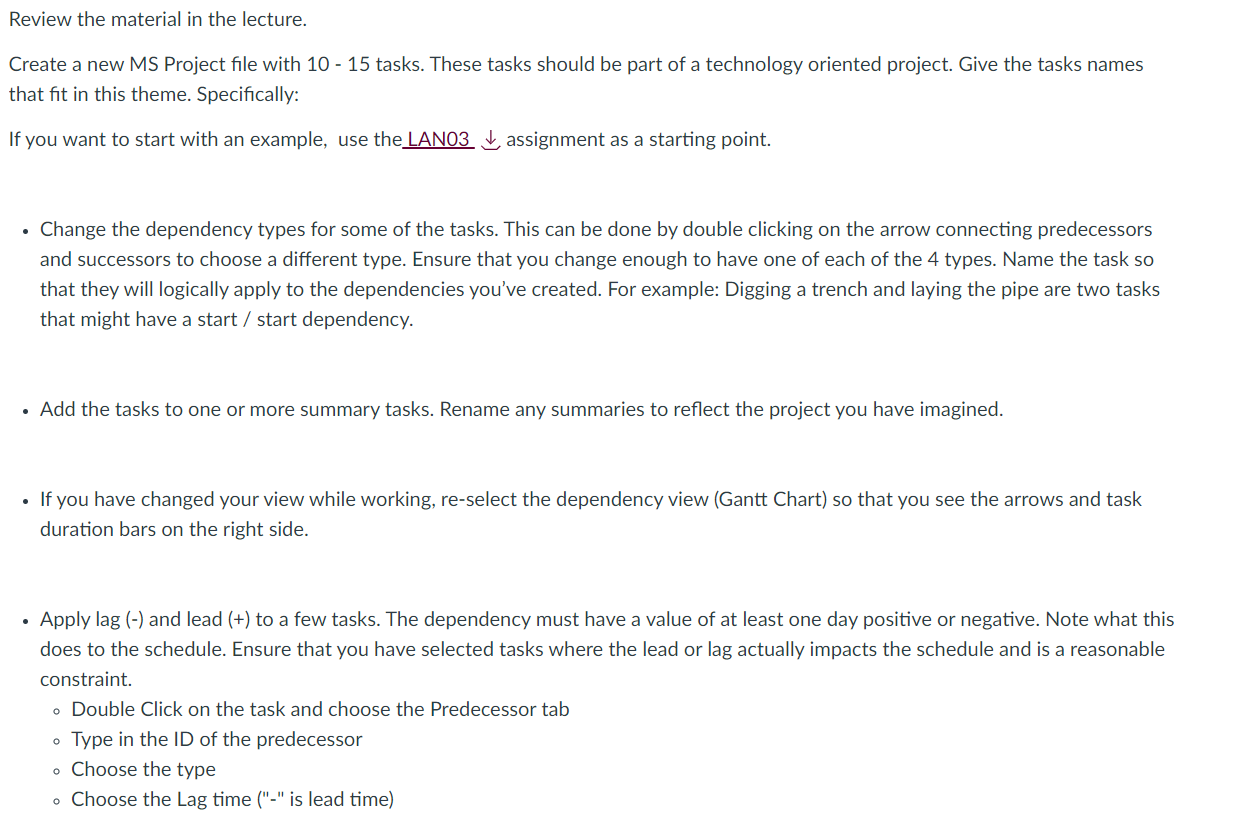
Review the material in the lecture. Create a new MS Project le with 10 - 15 tasks. These tasks should be part of a technology oriented project. Give the tasks names that t in this theme. Specically: If you want to start with an example, use the LANDS i, assignment as a starting point. . Change the dependency types for some of the tasks. This can be done by double clicking on the arrow connecting predecessors and successors to choose a different type. Ensure that you change enough to have one of each of the 4 types. Name the task so that they will logically apply to the dependencies you've created. For example: Digging a trench and laying the pipe are two tasks that might have a start / start dependency. . Add the tasks to one or more summary tasks. Rename any summaries to reect the project you have imagined. . If you have changed your view while working, re-select the dependency view (Gantt Chart) so that you see the arrows and task duration bars on the right side. - Apply lag (-l and lead (+) to a few tasks. The dependency must have a value of at least one day positive or negative. Note what this does to the schedule. Ensure that you have selected tasks where the lead or lag actually impacts the schedule and is a reasonable constraint. 0 Double Click on the task and choose the Predecessor tab 0 Type in the ID of the predecessor 0 Choose the type a Choose the Lag time ("-" is lead time)
Step by Step Solution
There are 3 Steps involved in it

Get step-by-step solutions from verified subject matter experts