







Question: Save for Later When you change the theme fonts in a presentation: ( 1 point ) The heading font applies to all title placeholders and
Save for Later
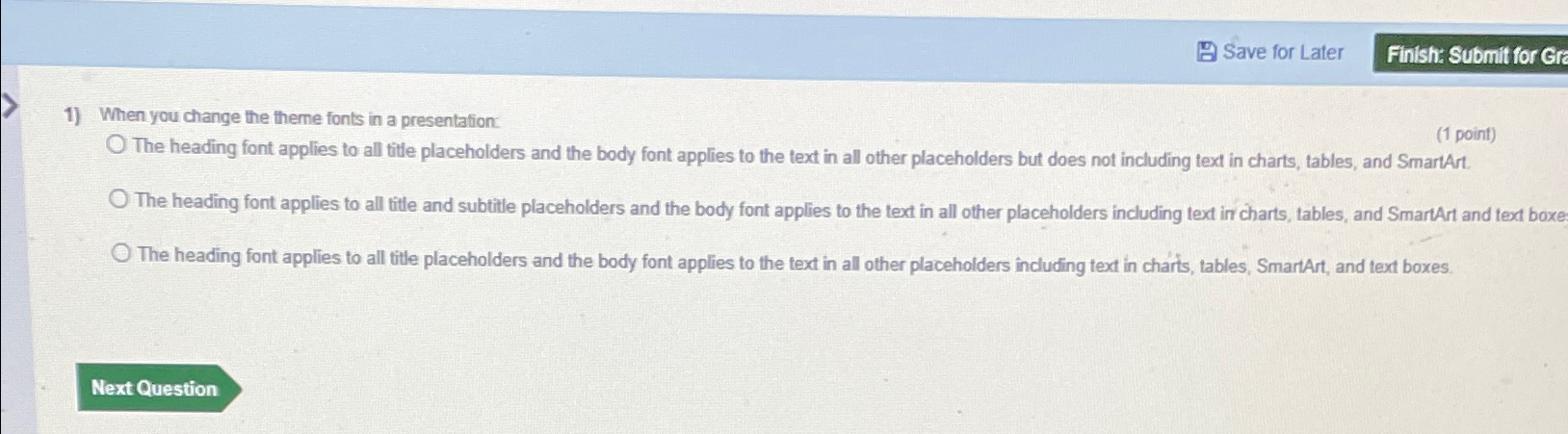
When you change the theme fonts in a presentation:
point
The heading font applies to all title placeholders and the body font applies to the text in all other placeholders but does not including text in charts, tables, and SmartArt.
The heading font applies to all title and subtitle placeholders and the body font applies to the text in all other placeholders including text in charts, tables, and SmartArt and text boxe
The heading font applies to all title placeholders and the body font applies to the text in all other placeholders including text in charts, tables, SmartArt, and text boxes.
Step by Step Solution
There are 3 Steps involved in it
1 Expert Approved Answer
Step: 1 Unlock

Question Has Been Solved by an Expert!
Get step-by-step solutions from verified subject matter experts
Step: 2 Unlock
Step: 3 Unlock
 Study Help