



Question: Say that you want to paste a formula result - but not the underlying formula - to another cell. You would copy the cell with
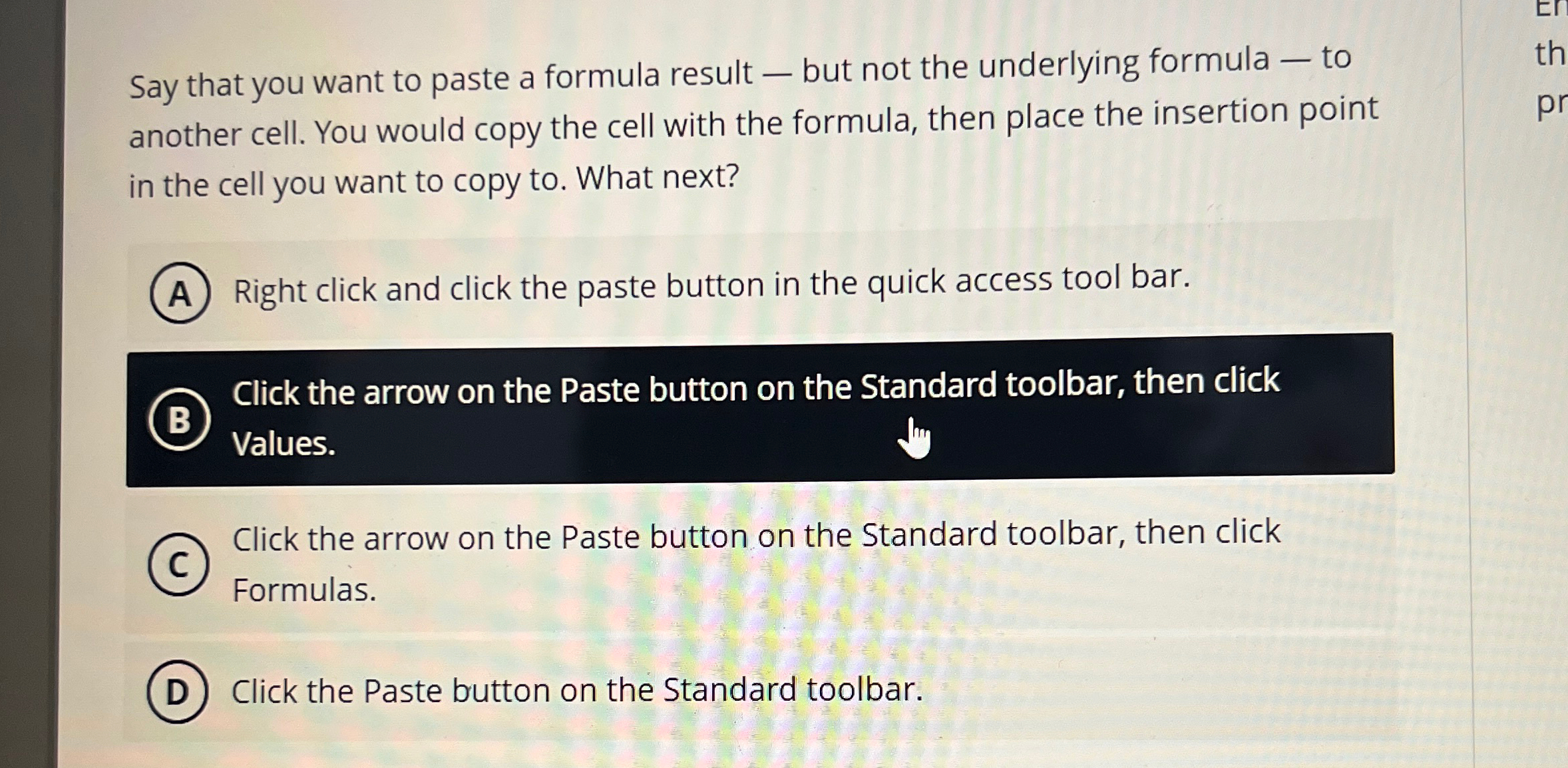
Say that you want to paste a formula result but not the underlying formula to another cell. You would copy the cell with the formula, then place the insertion point in the cell you want to copy to What next?
Right click and click the paste button in the quick access tool bar.
Click the arrow on the Paste button on the Standard toolbar, then click Values.
Click the arrow on the Paste button on the Standard toolbar, then click Formulas.
Click the Paste button on the Standard toolbar.
Step by Step Solution
There are 3 Steps involved in it
1 Expert Approved Answer
Step: 1 Unlock

Question Has Been Solved by an Expert!
Get step-by-step solutions from verified subject matter experts
Step: 2 Unlock
Step: 3 Unlock