







Question: Script in Python. Ans Both Part Please........................................................ Using PyDev in Eclipse, create the Python module Project5Part1 that accepts an integer value as input from the
Script in Python. Ans Both Part Please........................................................
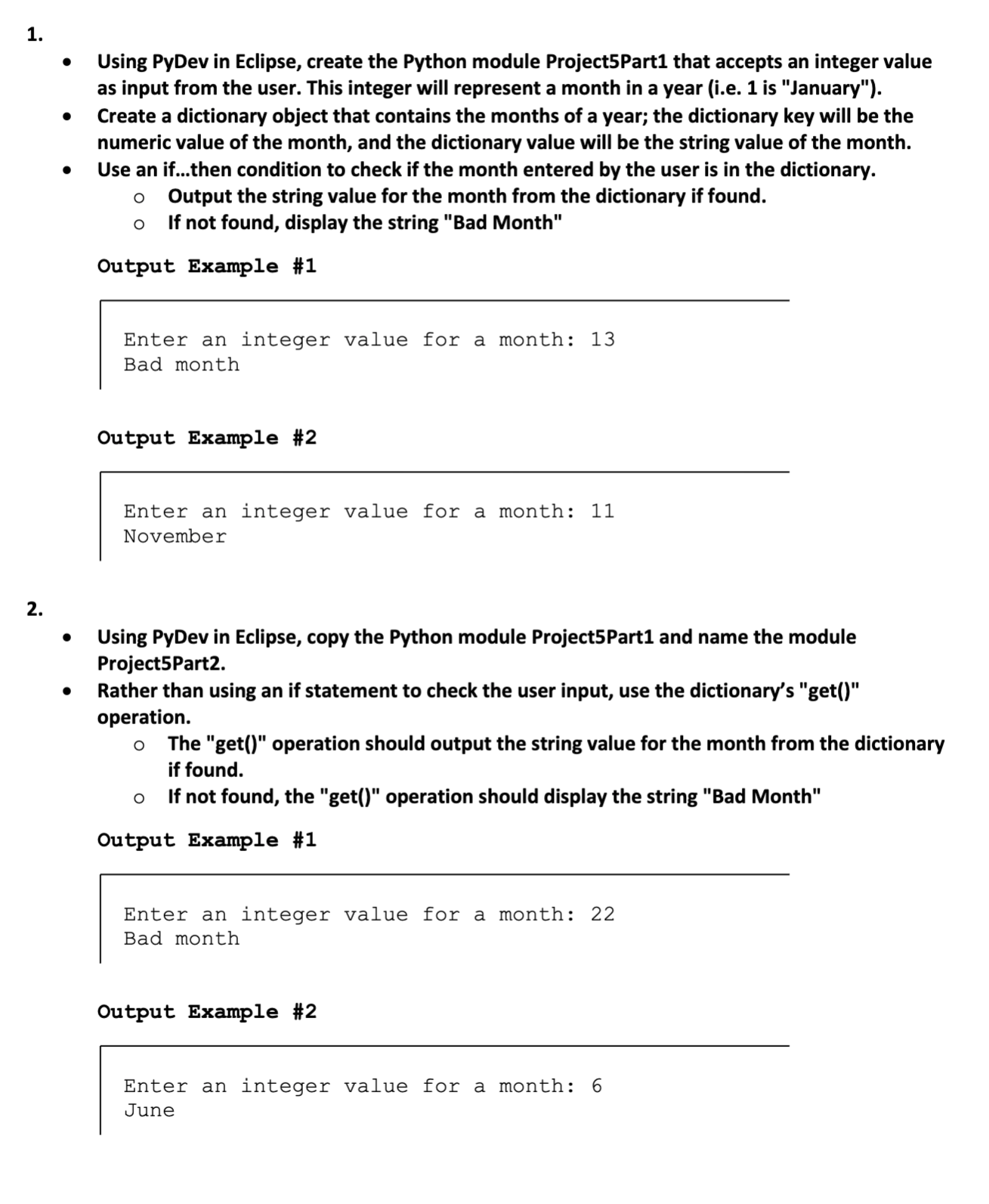
Using PyDev in Eclipse, create the Python module Project5Part1 that accepts an integer value as input from the user. This integer will represent a month in a year {i.e. 1 is "January"). Create a dictionary object that contains the months of a year; the dictionary key will be the numeric value of the month, and the dictionary value will be the string value of the month. Use an if...then condition to check if the month entered by the user is in the dictionary. 0 Output the string value for the month from the dictionary if found. 0 If not found, display the string "Bad Month" Output Example #1 Enter an integer value for a month: 13 Bad month Output Example #2 Enter an integer value for a month: 11 November Using PyDev in Eclipse, copy the Python module ProjectSPartI and name the module ProjectSPartz. Rather than using an If statement to check the user Input, use the dictionarfs "get()" operation. 0 The "getO" operation should output the string value for the month from the dictionary if found. 0 if not found, the "get" operation should display the string "Bad Month" Output Example #1 Enter an integer value for a month: 22 Bad month Output Example #2 Enter an integer value for a month: 6 June
Step by Step Solution
There are 3 Steps involved in it

Get step-by-step solutions from verified subject matter experts
 Study Help