Question: Section 1 (Total 145 marks) Task A (O marks) In the file (1. Data Set.xlsx), you will pick your data set by matching your last
Section 1 (Total 145 marks) Task A (O marks) In
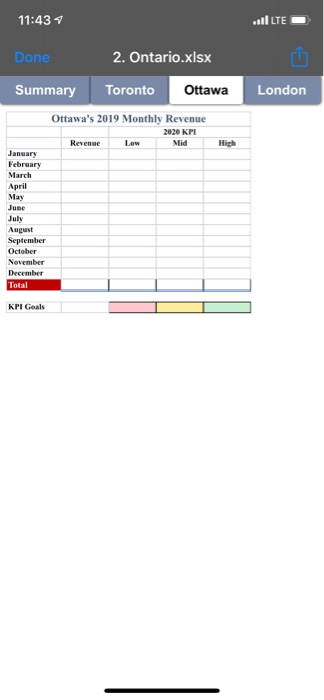
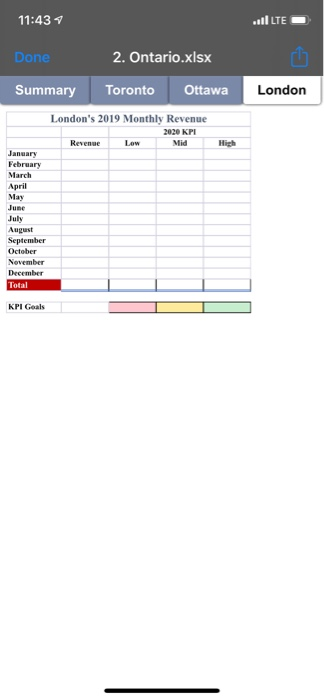
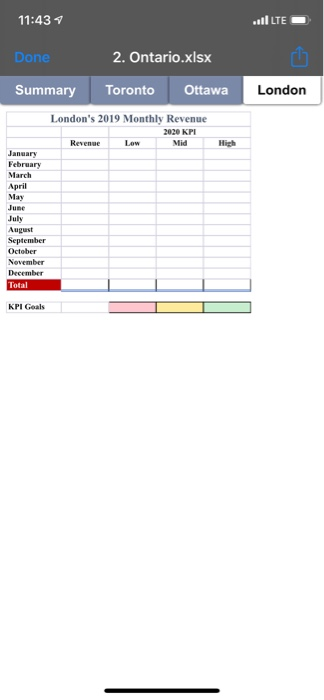
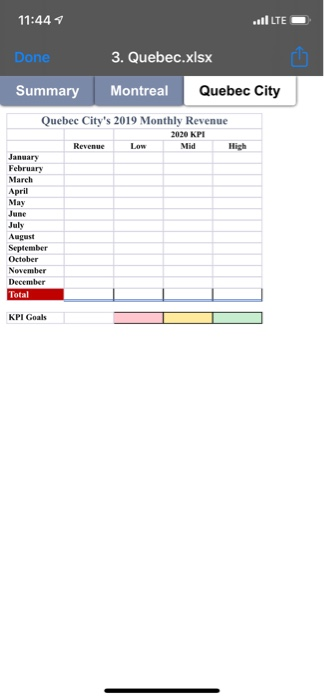
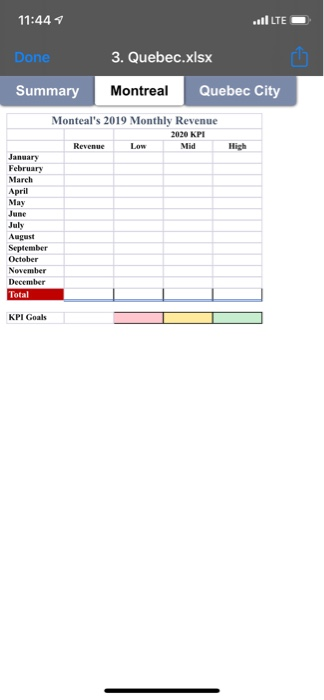
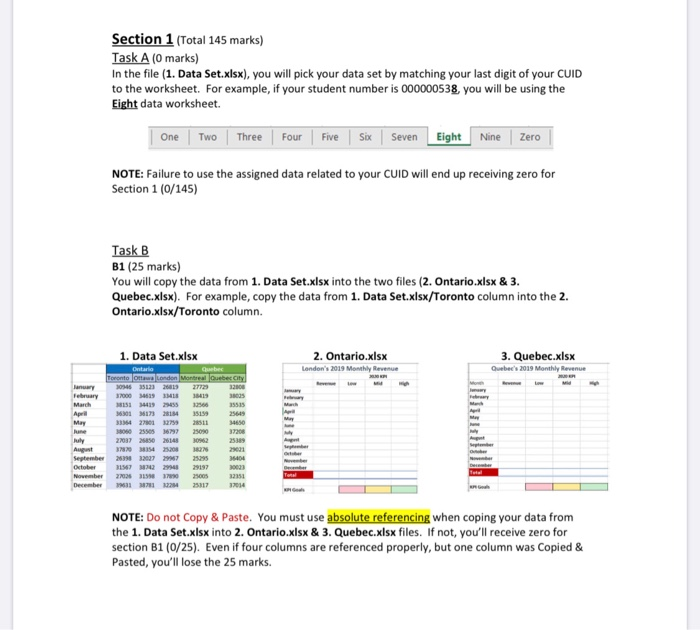
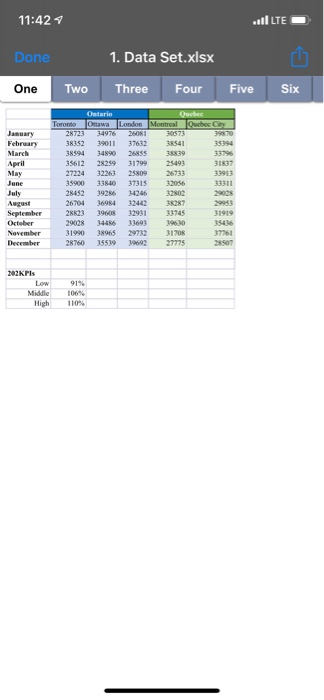
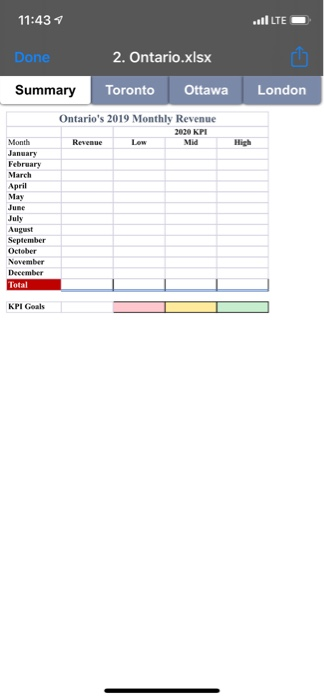
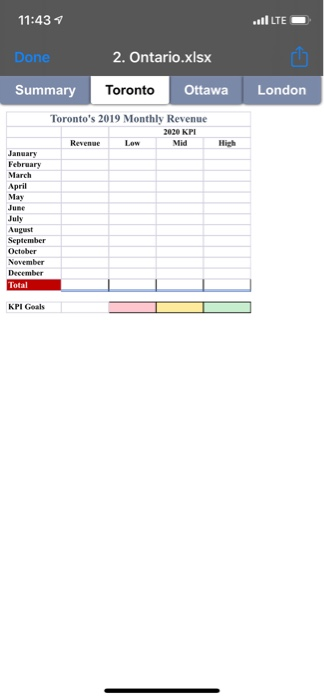
Section 1 (Total 145 marks) Task A (O marks) In the file (1. Data Set.xlsx), you will pick your data set by matching your last digit of your CUID to the worksheet. For example, if your student number is 000000538, you will be using the Eight data worksheet. One Two Three Four Five Six Seven Eight Nine Zero NOTE: Failure to use the assigned data related to your CUID will end up receiving zero for Section 1 (0/145) Task B B1 (25 marks) You will copy the data from 1. Data Set.xlsx into the two files (2. Ontario.xlsx & 3. Quebec.xlsx). For example, copy the data from 1. Data Set.xlsx/Toronto column into the 2. Ontario.xlsx/Toronto column. 1. Data Set.xlsx queber Toronto Ottawa London Montreal Quebec City 2. Ontario.xlsx London's 2019 Monthly Revenue 3. Quebec.xlsx Quebec's 2019 Monthly Revenue March 15136419 255 2566 33354 27001 2759 28511 September 1157 2 94 29197 972 5117 NOTE: Do not Copy & Paste. You must use absolute referencing when coping your data from the 1. Data Set.xlsx into 2. Ontario.xlsx & 3. Quebec.xlsx files. If not, you'll receive zero for section B1 (0/25). Even if four columns are referenced properly, but one column was Copied & Pasted, you'll lose the 25 marks. 11:42 1 vil LTE - Done 1. Data Set.xlsx One Two Three Four Five Six Ontario OOO Ottawa London Montreal whey January February 1490 25 35612 9 31799 27234 61 35900 31 37315 2452 as 267041 2239 29008 S T 31990 1965 2760 3551996 August 45 Nov Der 1705 27775 22KPIs Mile High 110% 11:43 vil LTED Done 2. Ontario.xlsx Summary Toronto Ottawa London Ontario's 2019 Monthly Revenue 2020 KPI Revenue Low Mid High Month January February March April May June July August September October November December Total KPI Goals 11:43 vil LTED Done 2. Ontario.xlsx Summary Toronto Ottawa London Toronto's 2019 Monthly Revenue 2020 KPI Revenue Low Mid January February March April May June July September October November December Total KPI Goals 11:43 vil LEE Done 2. Ontario.xlsx Summary Toronto Ottawa London Ottawa's 2019 Monthly Revenue 2020 KPI Revenue Low Mid January February March April May June July September October November December Total KPI Goals 11:43 vil LTED Done 2. Ontario.xlsx Summary Toronto Ottawa London London's 2019 Monthly Revenue 2020 KPI Revenue Low Mid January February March April May June July September October November December Total KPI Goals 11:43 vil LTED Done 2. Ontario.xlsx Summary Toronto Ottawa London London's 2019 Monthly Revenue 2020 KPI Revenue Low Mid January February March April May June July September October November December Total KPI Goals 11:44 vil LTED Done 3. Quebec.xlsx Summary Montreal Quebec City Quebec City's 2019 Monthly Revenue 2020 KPI Revenue Low Low Mid Mid High January February March April May June July August September October November December Total KPL Goals 11:44 vil LTED Done 3. Quebec.xlsx Summary Montreal Quebec City Monteal's 2019 Monthly Revenue 2020 KPI Mid January February March April May June July August September October November December Total KPL Goals Section 1 (Total 145 marks) Task A (O marks) In the file (1. Data Set.xlsx), you will pick your data set by matching your last digit of your CUID to the worksheet. For example, if your student number is 000000538, you will be using the Eight data worksheet. One Two Three Four Five Six Seven Eight Nine Zero NOTE: Failure to use the assigned data related to your CUID will end up receiving zero for Section 1 (0/145) Task B B1 (25 marks) You will copy the data from 1. Data Set.xlsx into the two files (2. Ontario.xlsx & 3. Quebec.xlsx). For example, copy the data from 1. Data Set.xlsx/Toronto column into the 2. Ontario.xlsx/Toronto column. 1. Data Set.xlsx queber Toronto Ottawa London Montreal Quebec City 2. Ontario.xlsx London's 2019 Monthly Revenue 3. Quebec.xlsx Quebec's 2019 Monthly Revenue March 15136419 255 2566 33354 27001 2759 28511 September 1157 2 94 29197 972 5117 NOTE: Do not Copy & Paste. You must use absolute referencing when coping your data from the 1. Data Set.xlsx into 2. Ontario.xlsx & 3. Quebec.xlsx files. If not, you'll receive zero for section B1 (0/25). Even if four columns are referenced properly, but one column was Copied & Pasted, you'll lose the 25 marks. 11:42 1 vil LTE - Done 1. Data Set.xlsx One Two Three Four Five Six Ontario OOO Ottawa London Montreal whey January February 1490 25 35612 9 31799 27234 61 35900 31 37315 2452 as 267041 2239 29008 S T 31990 1965 2760 3551996 August 45 Nov Der 1705 27775 22KPIs Mile High 110% 11:43 vil LTED Done 2. Ontario.xlsx Summary Toronto Ottawa London Ontario's 2019 Monthly Revenue 2020 KPI Revenue Low Mid High Month January February March April May June July August September October November December Total KPI Goals 11:43 vil LTED Done 2. Ontario.xlsx Summary Toronto Ottawa London Toronto's 2019 Monthly Revenue 2020 KPI Revenue Low Mid January February March April May June July September October November December Total KPI Goals 11:43 vil LEE Done 2. Ontario.xlsx Summary Toronto Ottawa London Ottawa's 2019 Monthly Revenue 2020 KPI Revenue Low Mid January February March April May June July September October November December Total KPI Goals 11:43 vil LTED Done 2. Ontario.xlsx Summary Toronto Ottawa London London's 2019 Monthly Revenue 2020 KPI Revenue Low Mid January February March April May June July September October November December Total KPI Goals 11:43 vil LTED Done 2. Ontario.xlsx Summary Toronto Ottawa London London's 2019 Monthly Revenue 2020 KPI Revenue Low Mid January February March April May June July September October November December Total KPI Goals 11:44 vil LTED Done 3. Quebec.xlsx Summary Montreal Quebec City Quebec City's 2019 Monthly Revenue 2020 KPI Revenue Low Low Mid Mid High January February March April May June July August September October November December Total KPL Goals 11:44 vil LTED Done 3. Quebec.xlsx Summary Montreal Quebec City Monteal's 2019 Monthly Revenue 2020 KPI Mid January February March April May June July August September October November December Total KPL Goals
Step by Step Solution

There are 3 Steps involved in it

1 Expert Approved Answer
Step: 1 Unlock blur-text-image

Question Has Been Solved by an Expert!

Get step-by-step solutions from verified subject matter experts

Step: 2 Unlock
Step: 3 Unlock

Students Have Also Explored These Related General Management Questions!