







Question: Select cell A8 and type Mean = $200. Select cell A9 and type SLDev. = $15. Select cell A12 and type Area $180 = Select
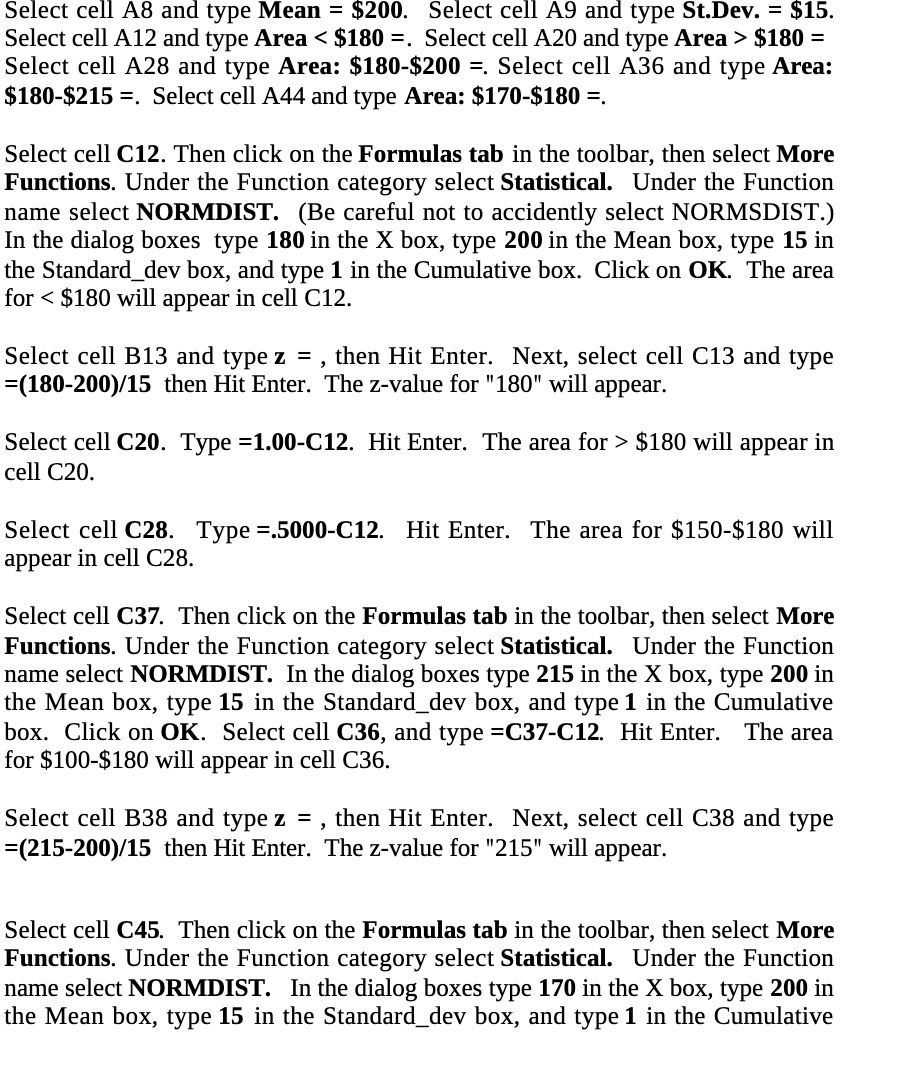
Select cell A8 and type Mean = $200. Select cell A9 and type SLDev. = $15. Select cell A12 and type Area $180 = Select cell A28 and type Area: $180-$200 =. Select cell A36 and type Area: $180-$215 =. Select cell A44 and type Area: $170-$180 =. Select cell C12. Then click on the Formulas tab in the toolbar, then select More Functions. Under the Function category select Statistical. Under the Function name select NORMDIST. (Be careful not to accidently select NORMSDIST.) In the dialog boxes type 180 in the X box, type 200 in the Mean box, type 15 in the Standard_dev box, and type 1 in the Cumulative box. Click on OK. The area for $180 will appear in cell C20. Select cell C28. Type =.5000-C12. Hit Enter. The area for $150-$180 will appear in cell C28. Select cell C37. Then click on the Formulas tab in the toolbar, then select More Functions. Under the Function category select Statistical. Under the Function name select NORMDIST. In the dialog boxes type 215 in the X box, type 200 in the Mean box, type 15 in the Standard_dev box, and type 1 in the Cumulative box. Click on OK. Select cell C36, and type =C37C12. Hit Enter. The area for $100-$180 will appear in cell C36. Select cell B38 and type z = , then Hit Enter. Next, select cell C38 and type =(215-200)f15 then Hit Enter. The z-value for "215'T will appear. Select cell C45. Then click on the Formulas tab in the toolbar, then select More Functions. Under the Function category select Statistical. Under the Function name select NORMDIST. In the dialog boxes type 170 in the X box, type 200 in the Mean box, type 15 in the Standard_dev box, and type 1 in the Cumulative
Step by Step Solution
There are 3 Steps involved in it

Get step-by-step solutions from verified subject matter experts
 Study Help