







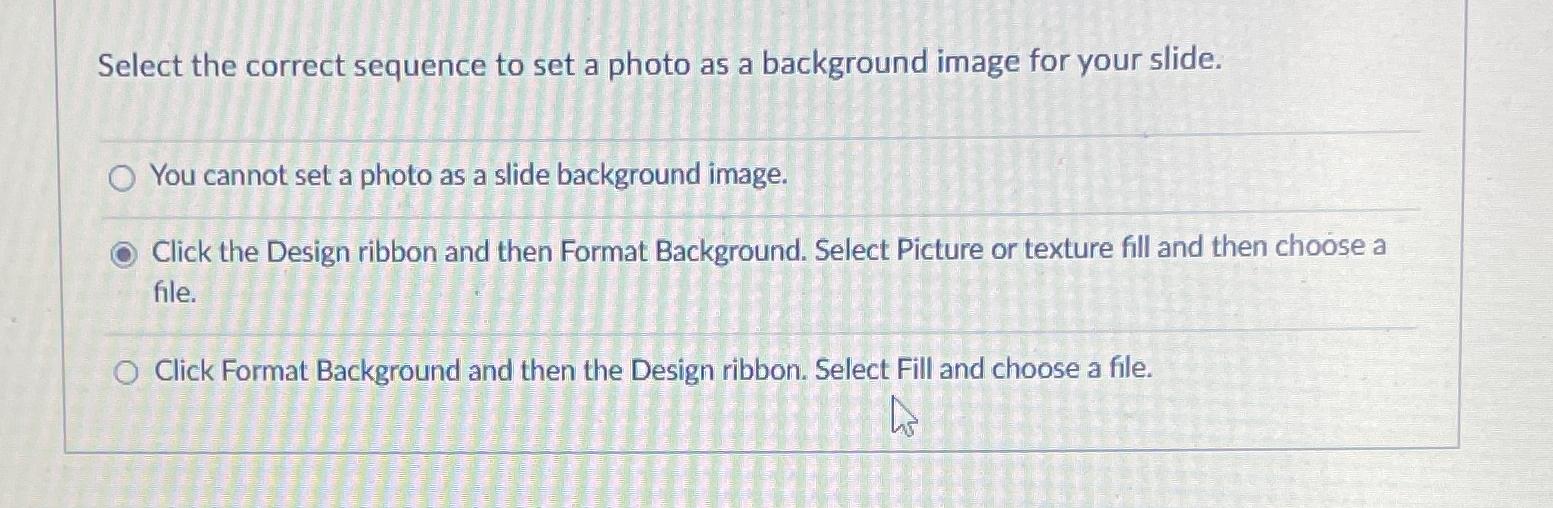
Question: Select the correct sequence to set a photo as a background image for your slide. You cannot set a photo as a slide background image.
Select the correct sequence to set a photo as a background image for your slide.
You cannot set a photo as a slide background image.
Click the Design ribbon and then Format Background. Select Picture or texture fill and then choose a file.
Click Format Background and then the Design ribbon. Select Fill and choose a file.
Step by Step Solution
There are 3 Steps involved in it
1 Expert Approved Answer
Step: 1 Unlock

Question Has Been Solved by an Expert!
Get step-by-step solutions from verified subject matter experts
Step: 2 Unlock
Step: 3 Unlock
 Study Help