



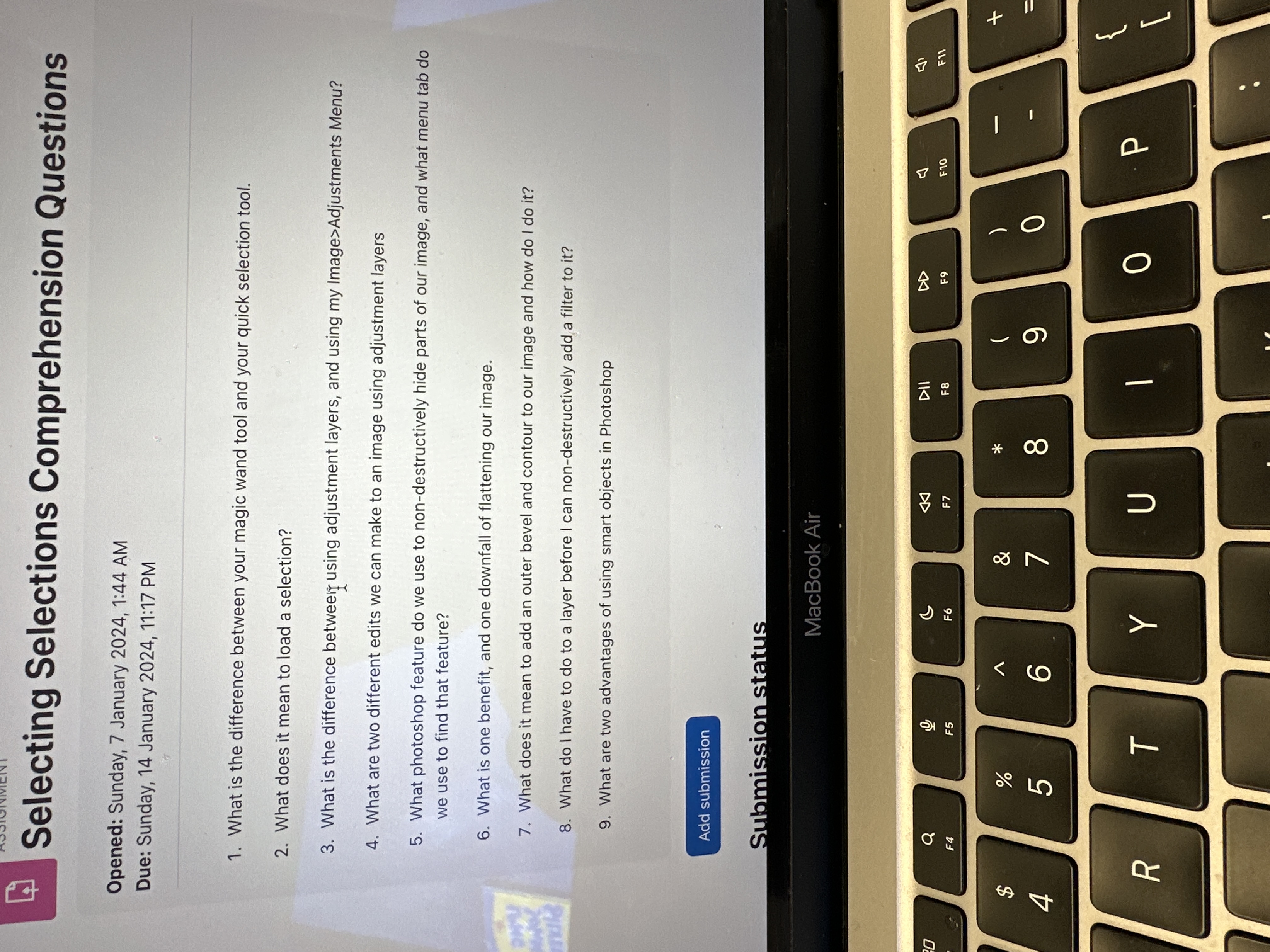
Question: Selecting Selections Comprehension Questions Opened: Sunday, 7 January 2 0 2 4 , 1 : 4 4 AM Due: Sunday, 1 4 January 2 0
Selecting Selections Comprehension Questions
Opened: Sunday, January : AM
Due: Sunday, January : PM
What is the difference between your magic wand tool and your quick selection tool.
What does it mean to load a selection?
What is the difference betweerif using adjustment layers, and using my ImageAdjustments Menu?
What are two different edits we can make to an image using adjustment layers
What photoshop feature do we use to nondestructively hide parts of our image, and what menu tab do
we use to find that feature?
What is one benefit, and one downfall of flattening our image.
What does it mean to add an outer bevel and contour to our image and how do I do it
What do I have to do to a layer before I can nondestructively add a filter to it
What are two advantages of using smart objects in Photoshop
Submissionstatus
MacBook Air
Step by Step Solution
There are 3 Steps involved in it
1 Expert Approved Answer
Step: 1 Unlock

Question Has Been Solved by an Expert!
Get step-by-step solutions from verified subject matter experts
Step: 2 Unlock
Step: 3 Unlock