







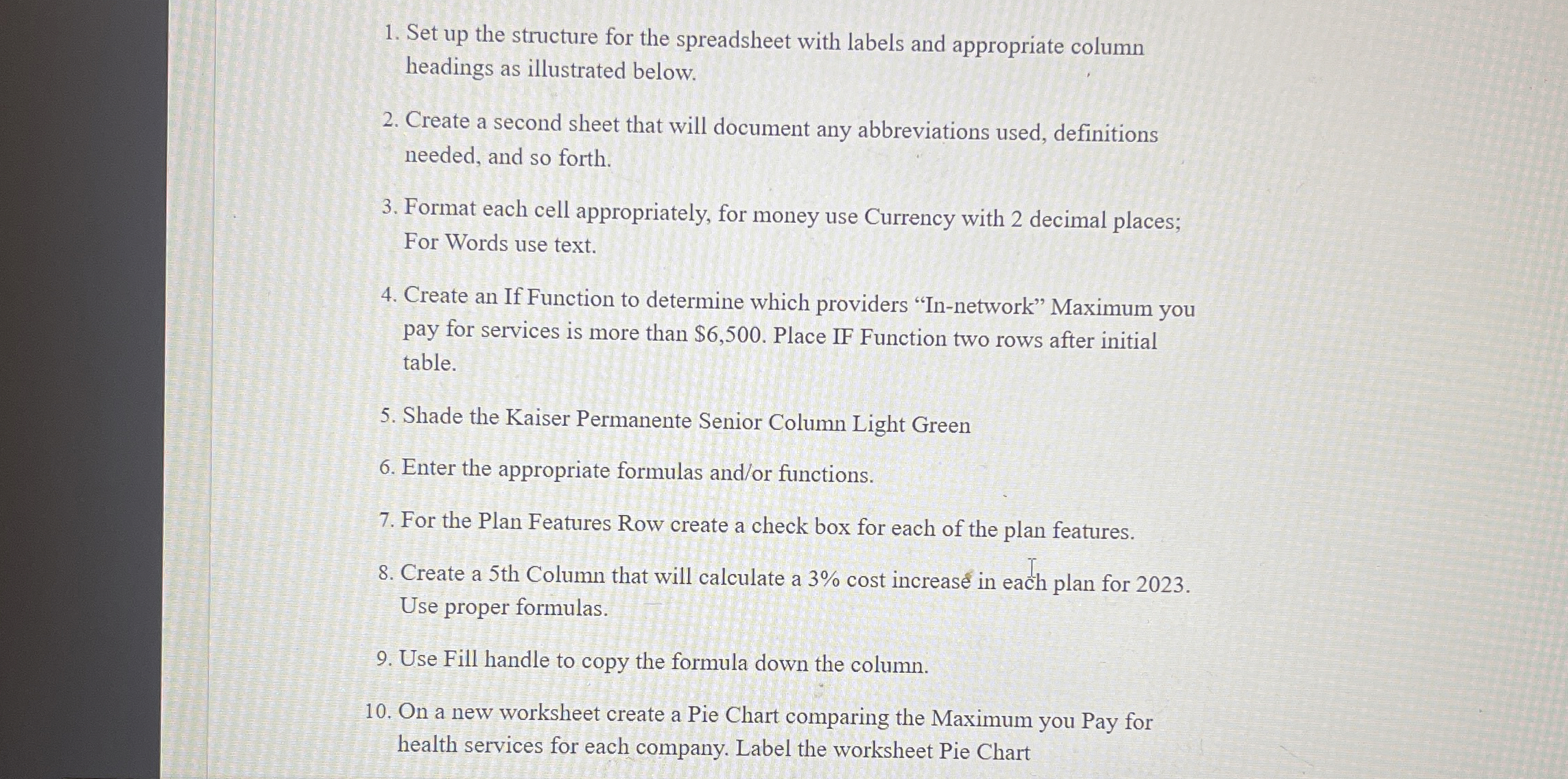
Question: Set up the structure for the spreadsheet with labels and appropriate column headings as illustrated below. Create a second sheet that will document any abbreviations
Set up the structure for the spreadsheet with labels and appropriate column
headings as illustrated below.
Create a second sheet that will document any abbreviations used, definitions
needed, and so forth.
Format each cell appropriately, for money use Currency with decimal places;
For Words use text.
Create an If Function to determine which providers Innetwork" Maximum you
pay for services is more than $ Place IF Function two rows after initial
table.
Shade the Kaiser Permanente Senior Column Light Green
Enter the appropriate formulas andor functions.
For the Plan Features Row create a check box for each of the plan features.
Create a th Column that will calculate a cost increas in each plan for
Use proper formulas.
Use Fill handle to copy the formula down the column.
On a new worksheet create a Pie Chart comparing the Maximum you Pay for
health services for each company. Label the worksheet Pie Chart
Step by Step Solution
There are 3 Steps involved in it
1 Expert Approved Answer
Step: 1 Unlock

Question Has Been Solved by an Expert!
Get step-by-step solutions from verified subject matter experts
Step: 2 Unlock
Step: 3 Unlock
 Study Help