







Question: Setup 1. Be sure Java and Eclipse are installed. In Eclipse go to File/New/Java Project. 2. Name it (with no spaces): PQuiz1Yourlastname Yourfirstname 3. Go
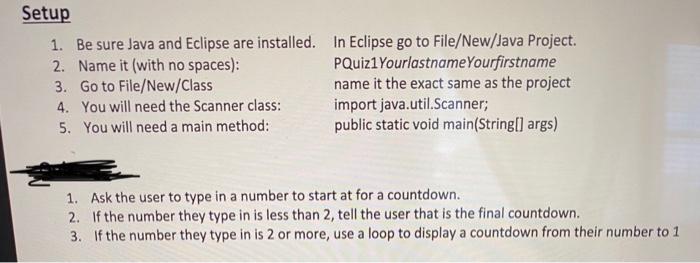
Setup 1. Be sure Java and Eclipse are installed. In Eclipse go to File/New/Java Project. 2. Name it (with no spaces): PQuiz1Yourlastname Yourfirstname 3. Go to File/New/Class name it the exact same as the project 4. You will need the Scanner class: import java.util.Scanner; 5. You will need a main method: public static void main(String[] args) 1. Ask the user to type in a number to start at for a countdown. 2. If the number they type in is less than 2, tell the user that is the final countdown. 3. If the number they type in is 2 or more, use a loop to display a countdown from their number to 1
Step by Step Solution
There are 3 Steps involved in it
1 Expert Approved Answer
Step: 1 Unlock

Question Has Been Solved by an Expert!
Get step-by-step solutions from verified subject matter experts
Step: 2 Unlock
Step: 3 Unlock
 Study Help