



Question: show in linux the commands and answer the questions show terminal. Enter the following text into the myscript4 file. When finished, save and quit the
 show in linux the commands and answer the questions show terminal.
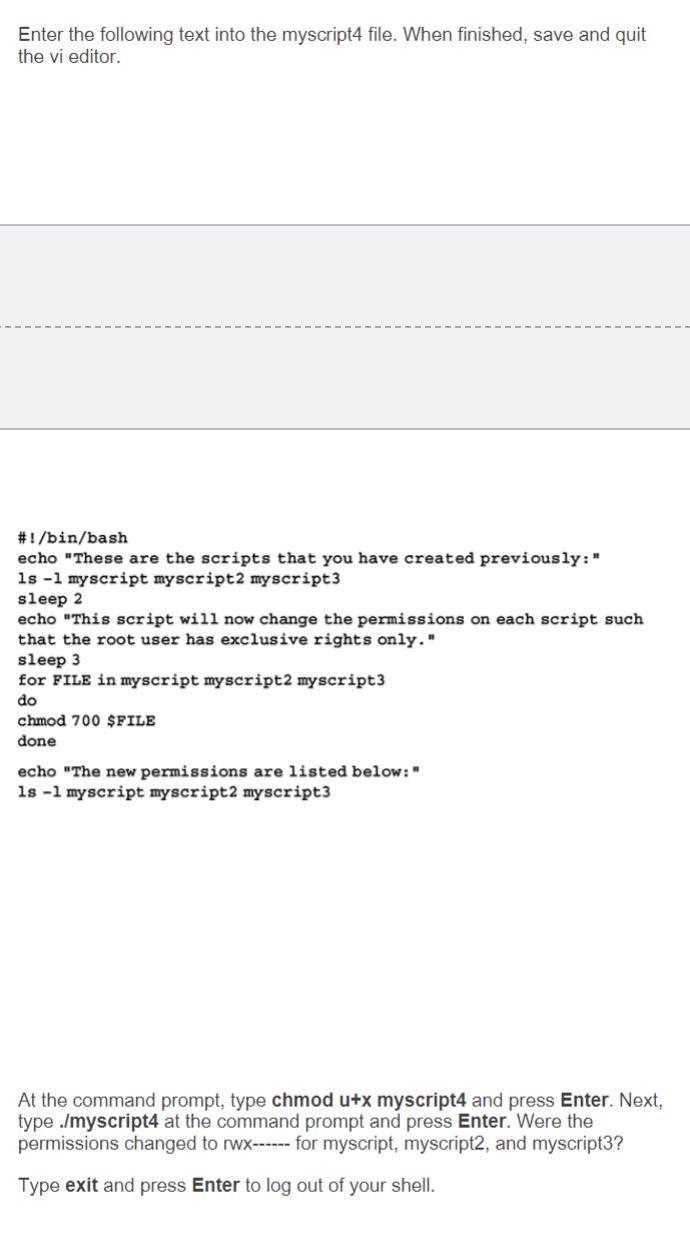
Enter the following text into the myscript4 file. When finished, save and quit the vi editor. #!/bin/bash echo "These are the scripts that you have created previously:" ls -l myscript myscript2 my script3 sleep 2 echo "This script will now change the permissions on each script such that the root user has exclusive rights only." sleep 3 for FILE in myscript myscript2 myscript3 do chmod 700 $FILE done echo "The new permissions are listed below: ls -l myscript myscript2 myscript3 At the command prompt, type chmod u+x myscript4 and press Enter. Next, type ./myscript4 at the command prompt and press Enter. Were the permissions changed to Wx------ for myscript, myscript2, and myscript3? Type exit and press Enter to log out of your shell
Step by Step Solution
There are 3 Steps involved in it

Get step-by-step solutions from verified subject matter experts