







Question: show linux terminal 5. At the command prompt, type git commit -m First commit and press Enter. What error did you receive and why? Next,
 show linux terminal
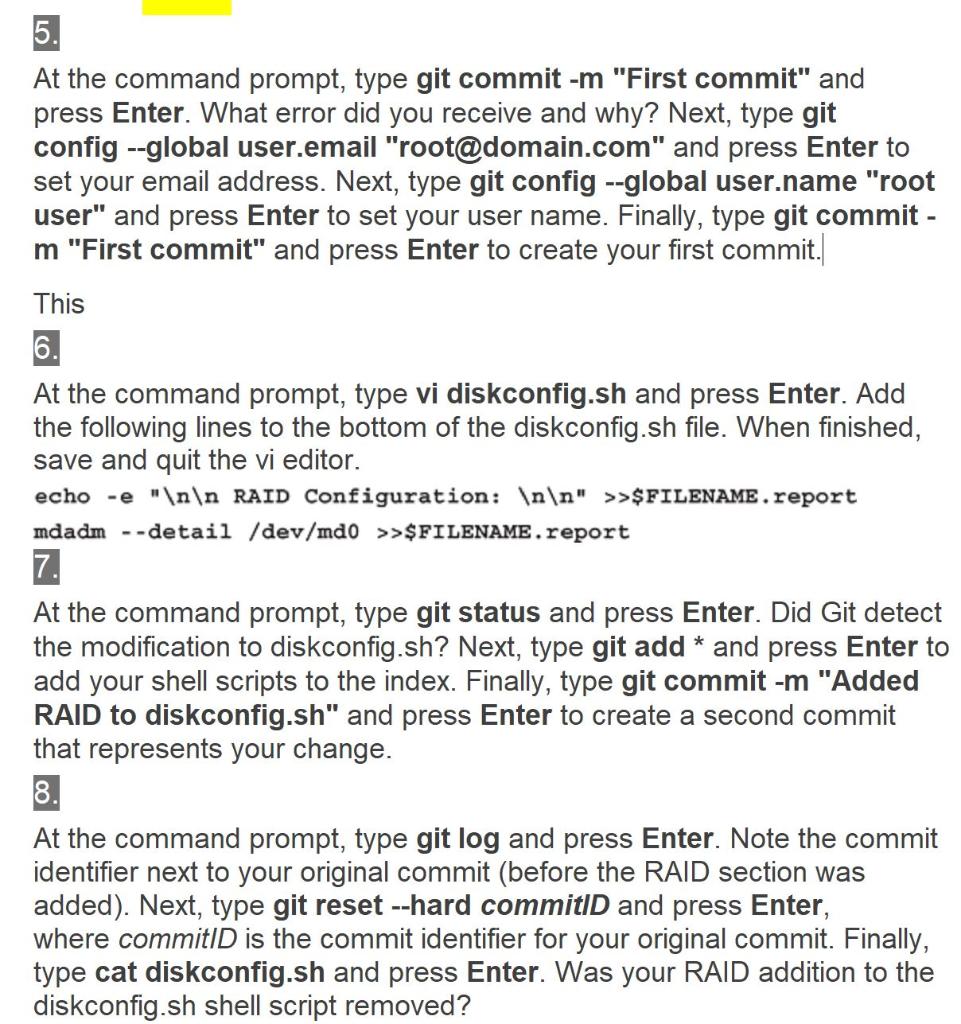
5. At the command prompt, type git commit -m "First commit" and press Enter. What error did you receive and why? Next, type git config --global user.email "root@domain.com" and press Enter to set your email address. Next, type git config --global user.name "root user" and press Enter to set your user name. Finally, type git commit - m "First commit" and press Enter to create your first commit. This 6. 6 At the command prompt, type vi diskconfig.sh and press Enter. Add the following lines to the bottom of the diskconfig.sh file. When finished, save and quit the vi editor. echo -e " RAID Configuration: " >>$FILENAME.report mdadm --detail /dev/mdo >>$FILENAME. report 7. At the command prompt, type git status and press Enter. Did Git detect the modification to diskconfig.sh? Next, type git add * and press Enter to add your shell scripts to the index. Finally, type git commit -m "Added RAID to diskconfig.sh" and press Enter to create a second commit that represents your change. 8. At the command prompt, type git log and press Enter. Note the commit identifier next to your original commit (before the RAID section was added). Next, type git reset --hard commitID and press Enter, where commitID is the commit identifier for your original commit. Finally, type cat diskconfig.sh and press Enter. Was your RAID addition to the diskconfig.sh shell script removed? 5. At the command prompt, type git commit -m "First commit" and press Enter. What error did you receive and why? Next, type git config --global user.email "root@domain.com" and press Enter to set your email address. Next, type git config --global user.name "root user" and press Enter to set your user name. Finally, type git commit - m "First commit" and press Enter to create your first commit. This 6. 6 At the command prompt, type vi diskconfig.sh and press Enter. Add the following lines to the bottom of the diskconfig.sh file. When finished, save and quit the vi editor. echo -e " RAID Configuration: " >>$FILENAME.report mdadm --detail /dev/mdo >>$FILENAME. report 7. At the command prompt, type git status and press Enter. Did Git detect the modification to diskconfig.sh? Next, type git add * and press Enter to add your shell scripts to the index. Finally, type git commit -m "Added RAID to diskconfig.sh" and press Enter to create a second commit that represents your change. 8. At the command prompt, type git log and press Enter. Note the commit identifier next to your original commit (before the RAID section was added). Next, type git reset --hard commitID and press Enter, where commitID is the commit identifier for your original commit. Finally, type cat diskconfig.sh and press Enter. Was your RAID addition to the diskconfig.sh shell script removed
Step by Step Solution
There are 3 Steps involved in it

Get step-by-step solutions from verified subject matter experts
 Study Help